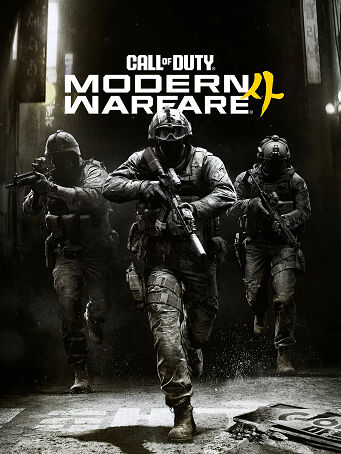
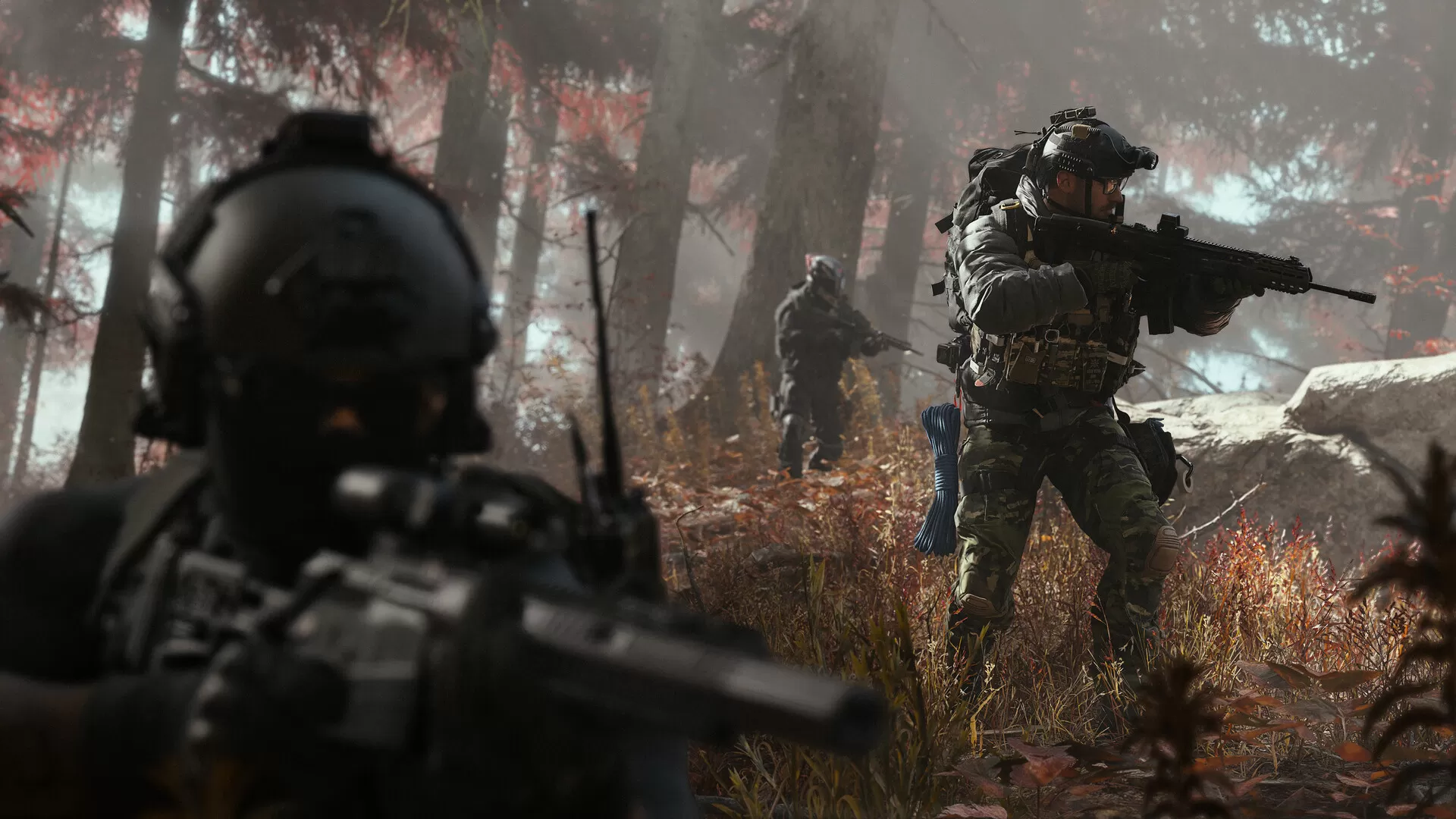
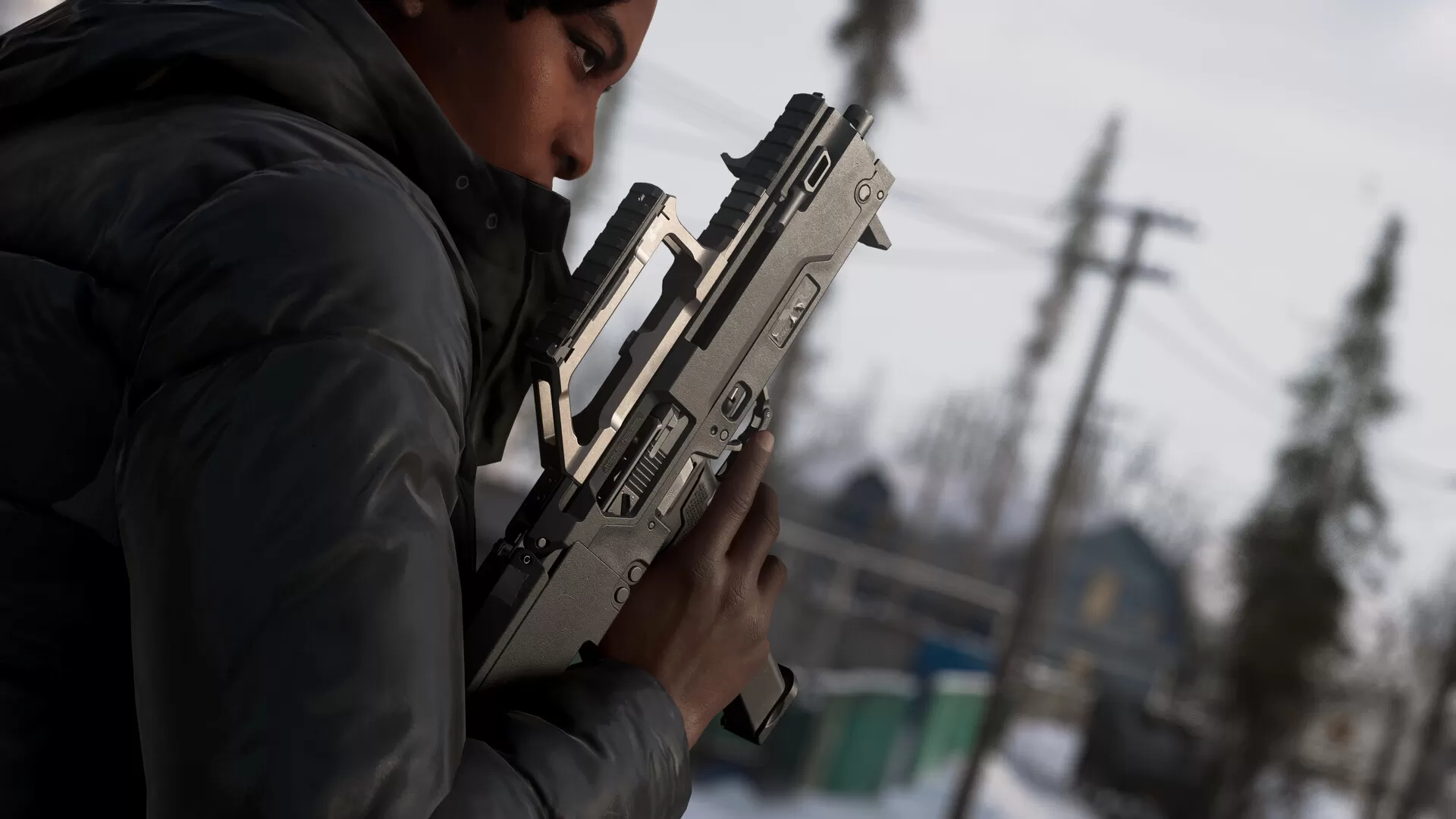
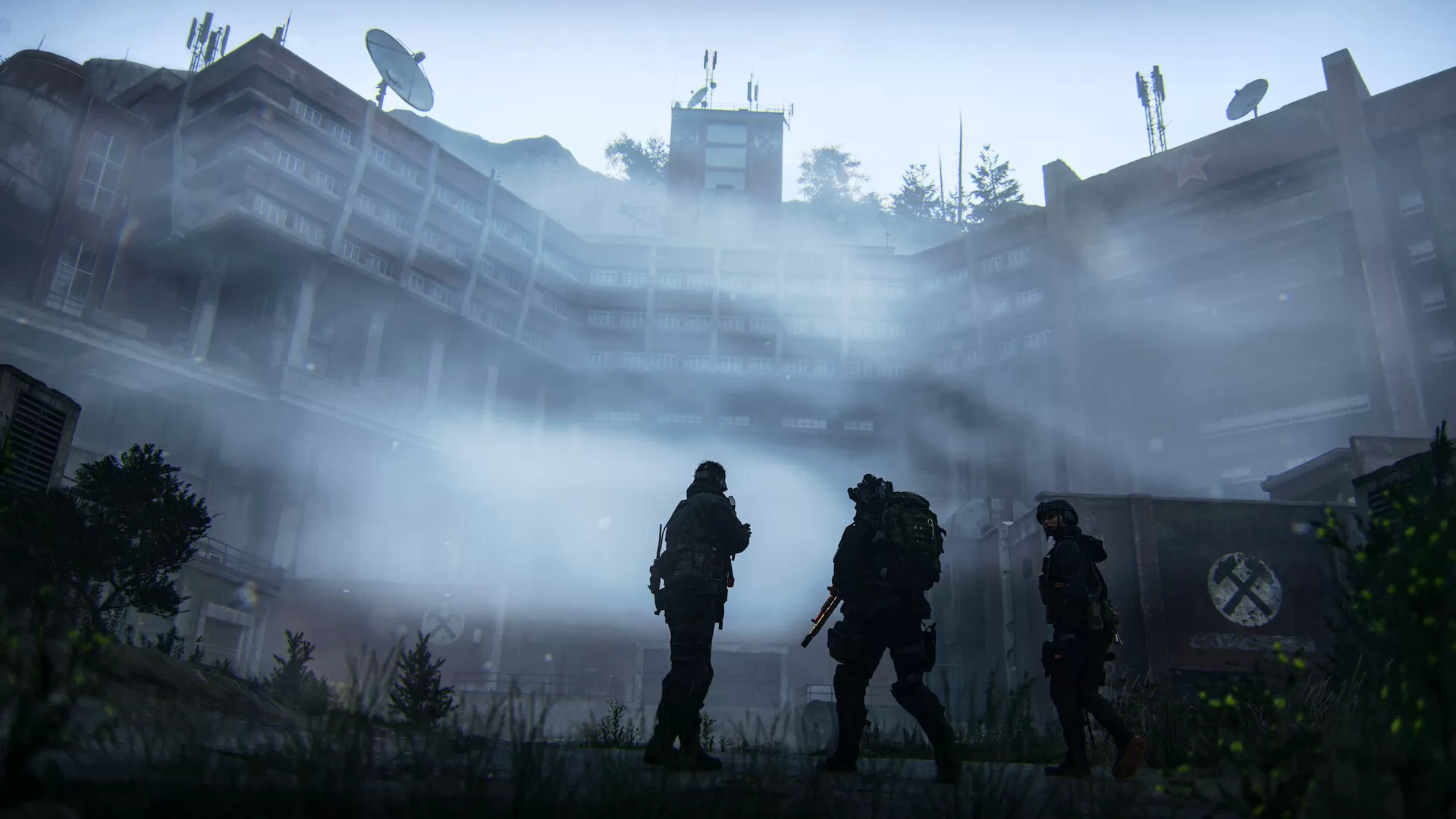
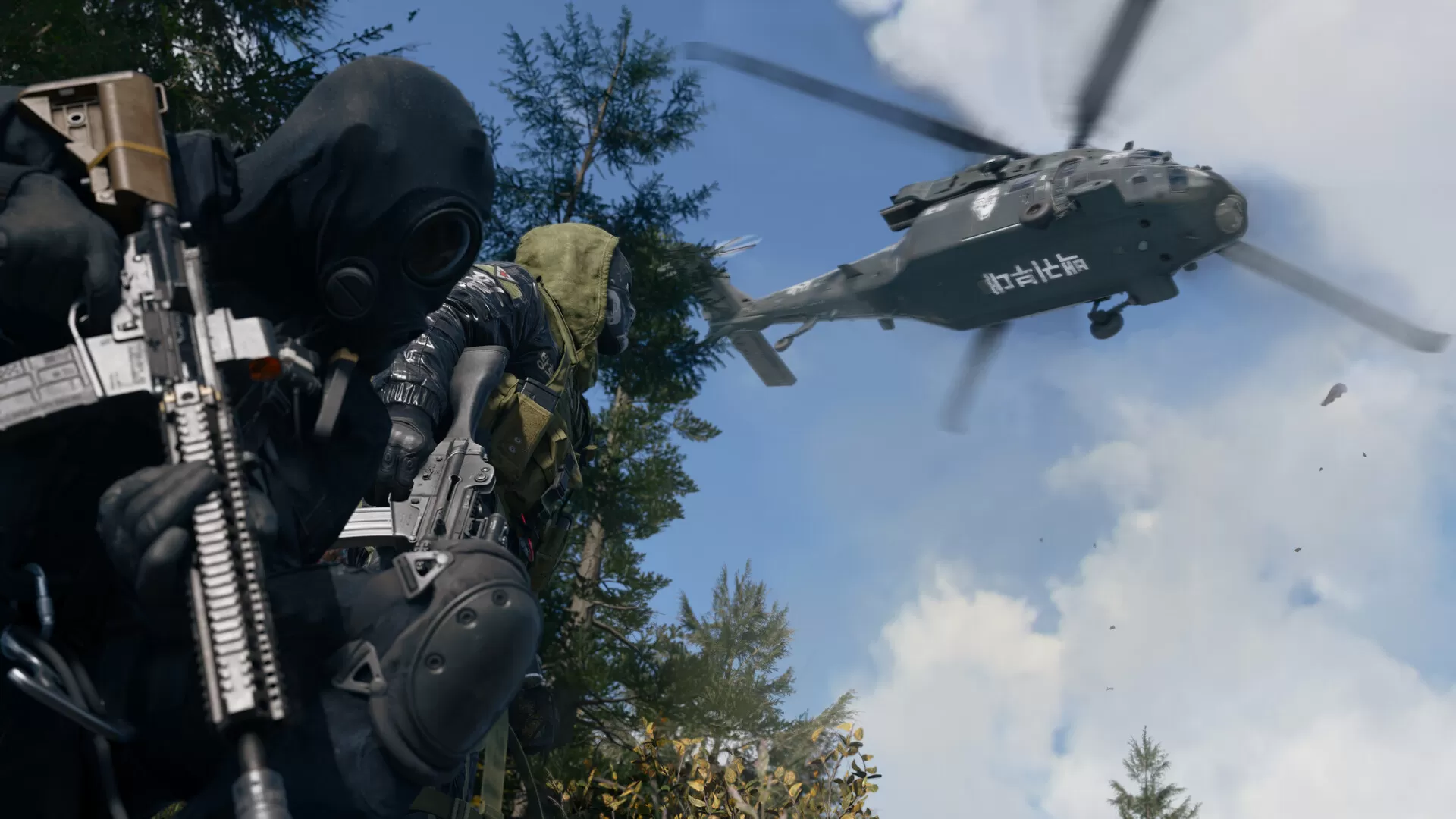
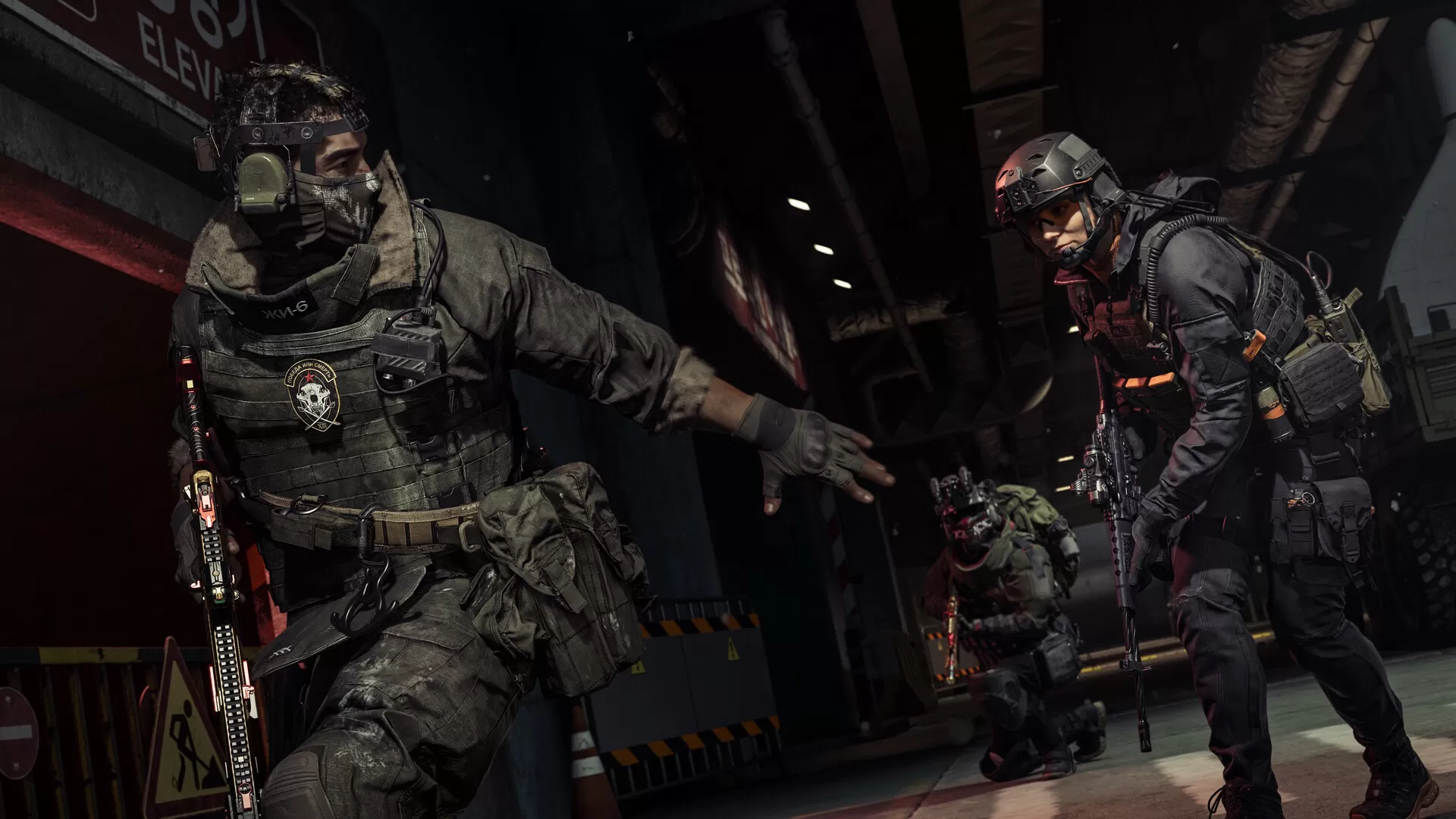
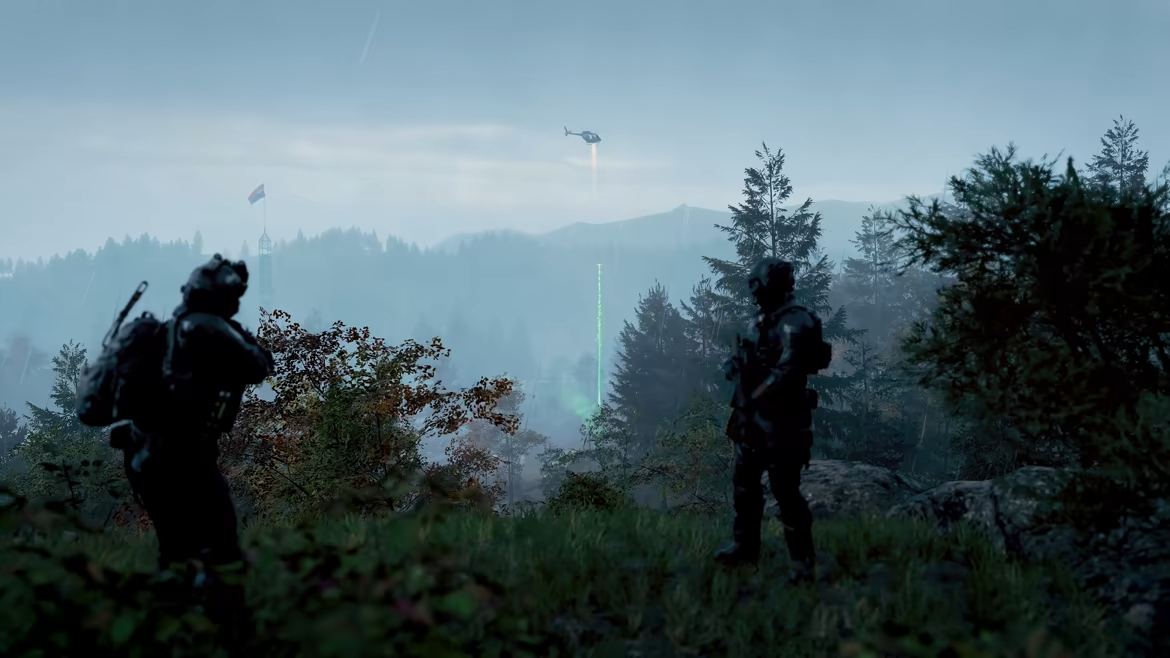
War erupts on the Korean Peninsula as North Korea launches a full-scale invasion that threatens to destabilize the world in Call of Duty®: Modern Warfare® 4.
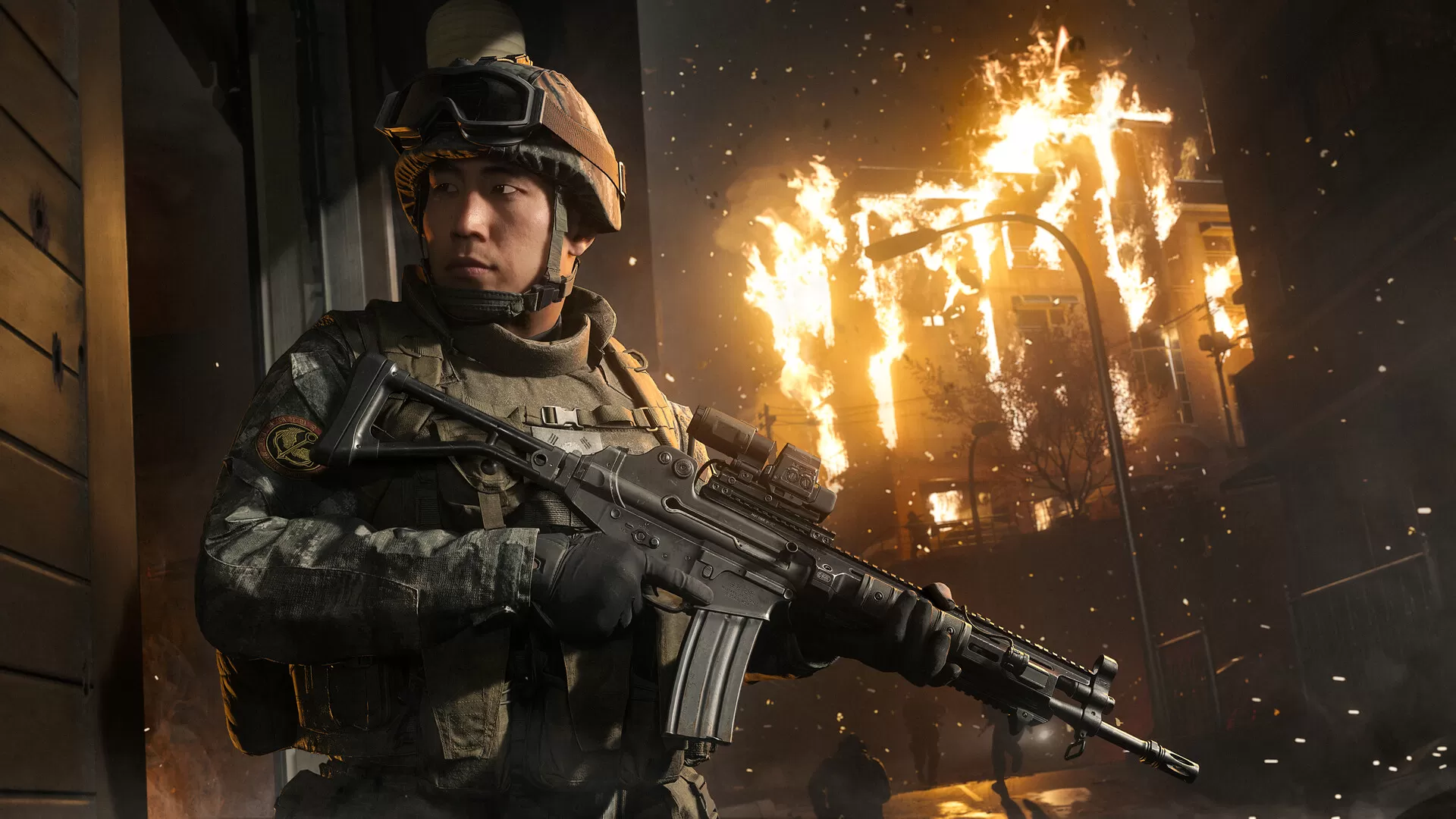
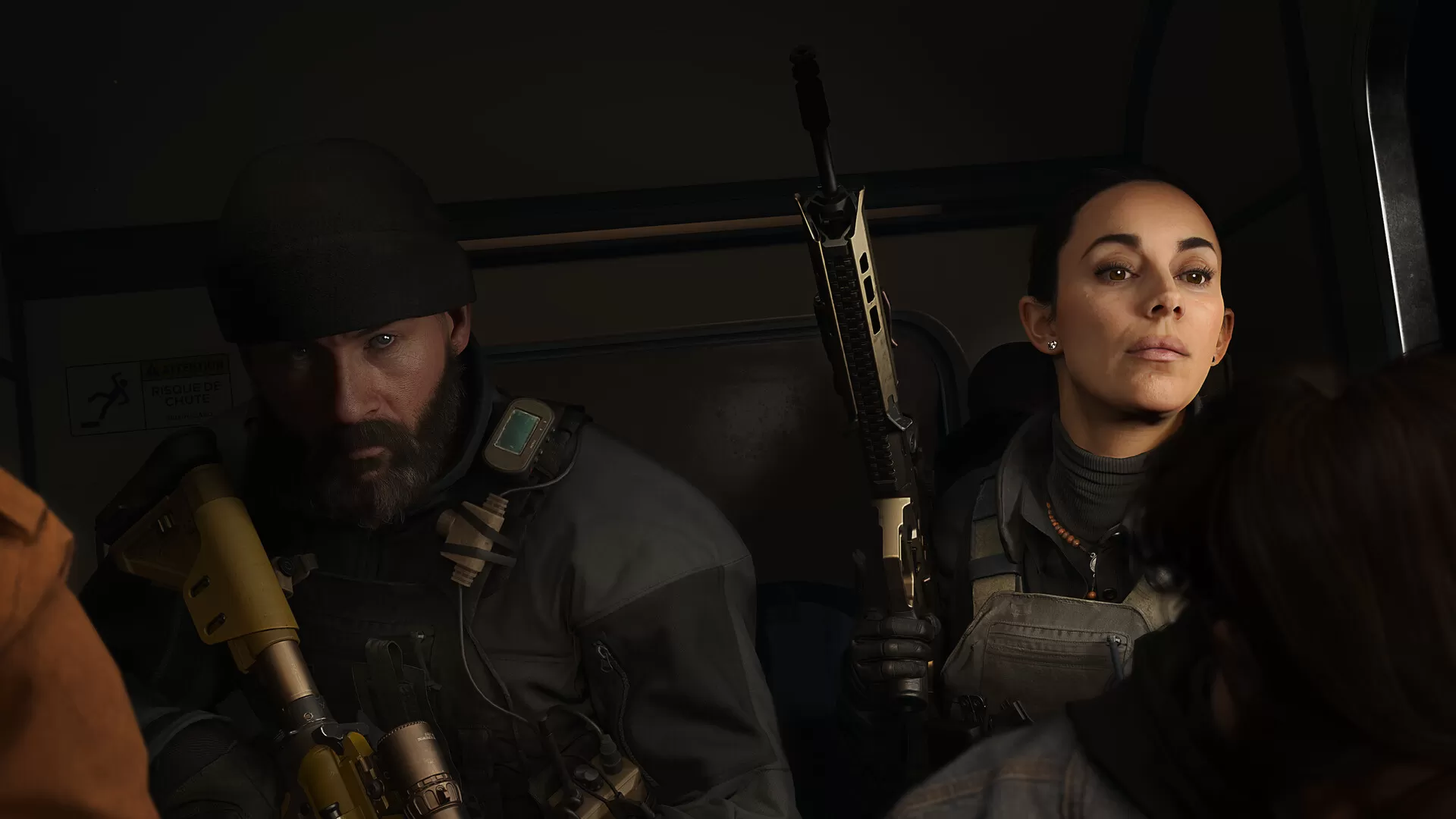
A young squad of South Korean soldiers fight to survive on the collapsing front lines, while half a world away a vengeful Captain Price wages a personal war from the shadows as he stays one step ahead of those hunting him. As Price’s off-book mission collides with the forces behind the invasion, the war spreads beyond anyone’s control.
Modern Warfare® 4 pushes the series into darker and more dangerous territory, where consequence and escalation bring long-running storylines to a powerful and emotional breaking point.
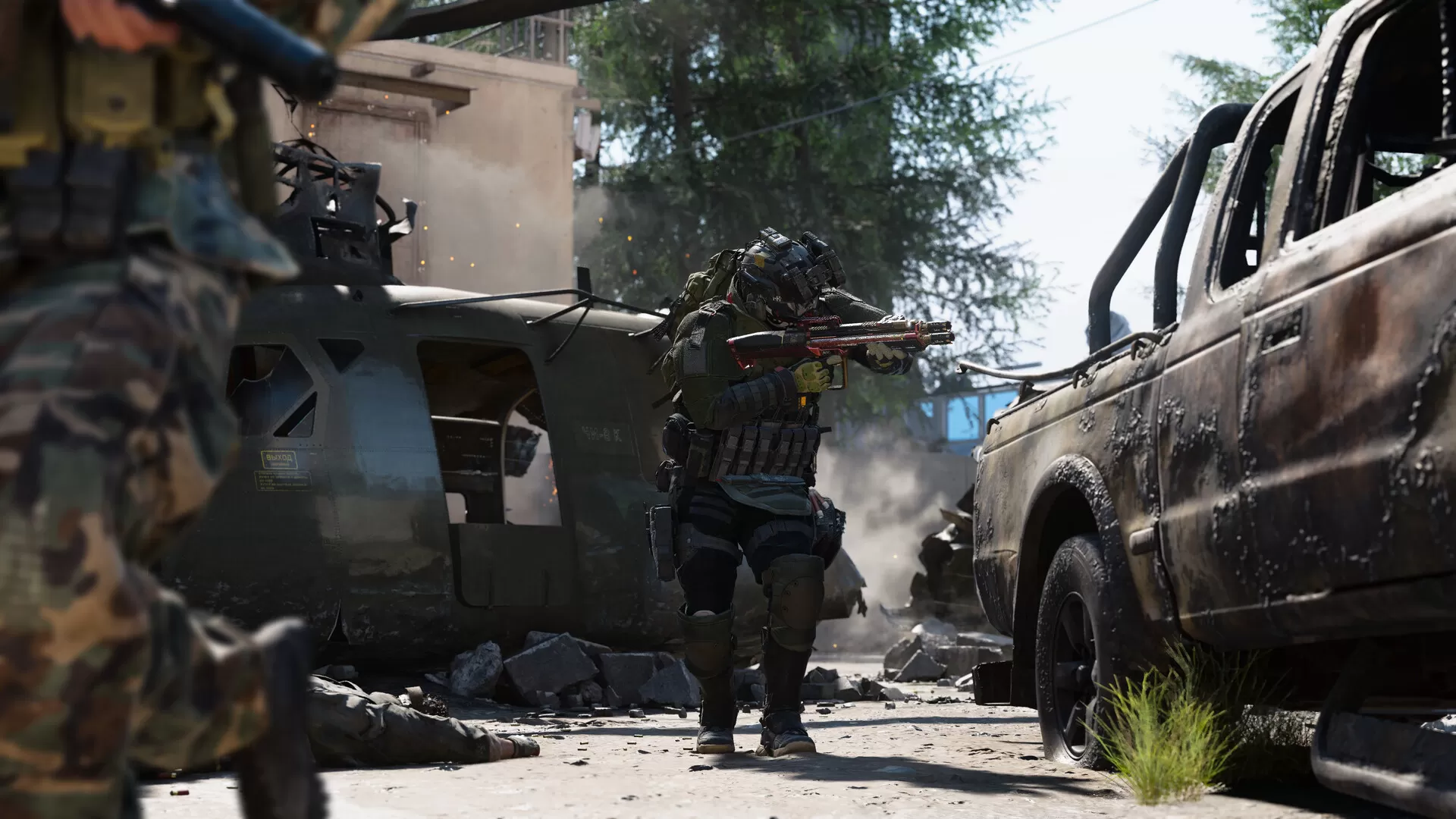
Campaign drops players into trench warfare in Korea, close-quarters combat in New York, high-octane chases through Paris, SAS night raids in Mumbai, and city-wide assaults to reclaim occupied territory.
Fight as Private Park, a young South Korean soldier facing live combat for the first time alongside his squad. Beyond the front lines, Operator-turned-outlaw Captain Price is operating outside the system he once served.

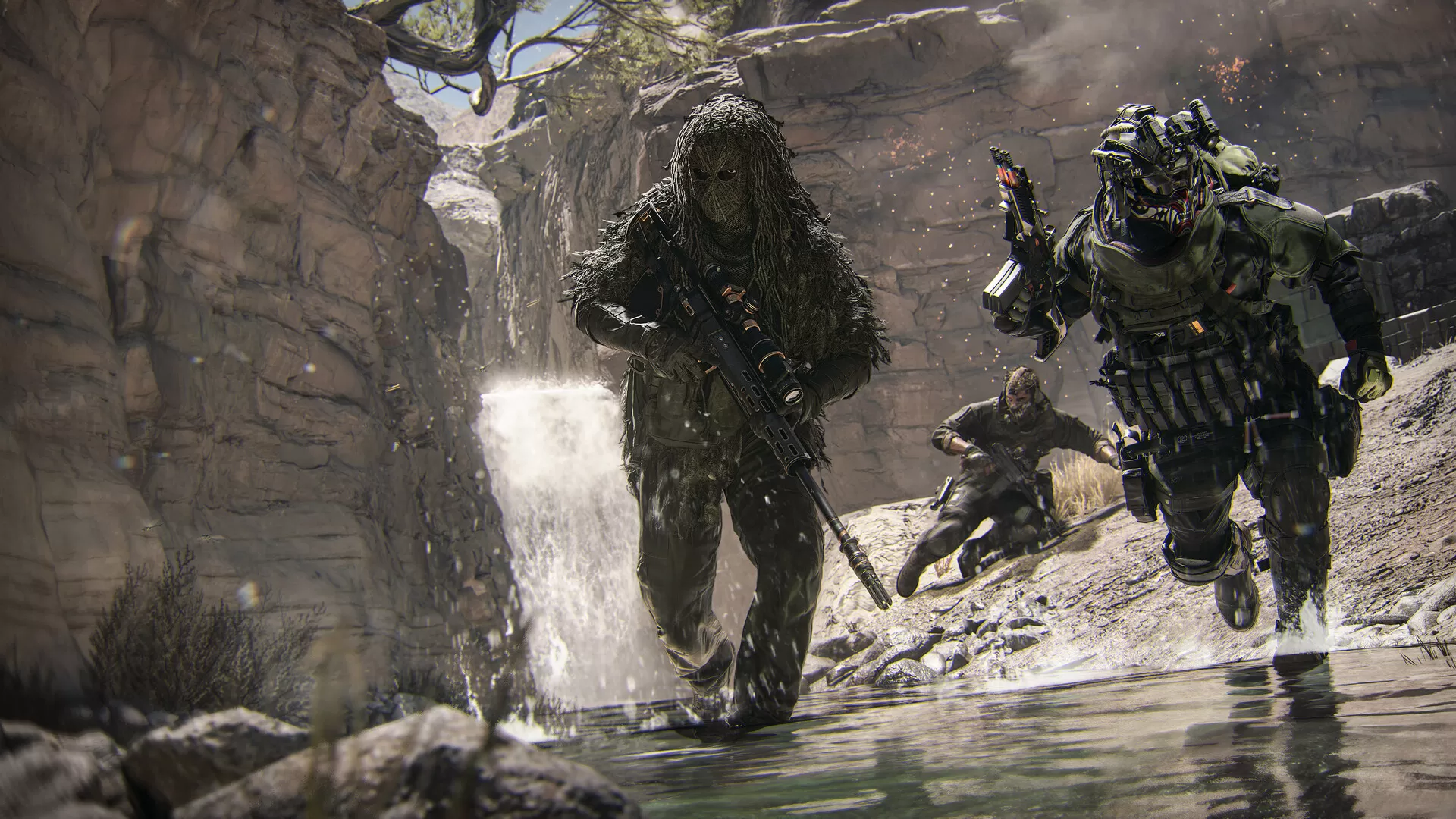
Multiplayer delivers grounded, precise combat where fluid movement, player choice, and greater control define every engagement.
Large-scale maps return, combining vehicle and infantry combat across locations shaped by the campaign’s global conflict. From tight, close-quarters combat to open battlefield engagements, Multiplayer is designed to keep every fight fast, tactical and competitive.

Loot, fight, negotiate, betray and extract with whatever you can carry. DMZ is the definitive Call of Duty® extraction experience, a living combat sandbox where every deployment is a new story. Deploy solo or with a squad into a volatile conflict zone as an off-the-books asset tasked with recovering advanced military technology left in the wake of war.
In DMZ, players operate as an off-the-books asset behind enemy lines, where every extraction run into contested territory forces hard choices about which objectives to pursue, what to secure, and when to get out.
Minimum Requirements
- Requires a 64-bit processor and operating system
- OS: Windows® 10 64 Bit (latest update)*
- Processor: AMD Ryzen™ 5 1400 or Intel® Core™ i5-6600
- Memory: 8 GB RAM
- Graphics: AMD Radeon™ RX 470, NVIDIA® GeForce® GTX 970 / 1060 or Intel® Arc™ A580
- Network: Broadband Internet connection
- Storage: 115 GB available space
- Sound Card: DirectX compatible
- Additional Notes: *Trial, Beta or Insider versions of compatible Windows® operating systems may not be supported. SSD with 115 GB available space at launch.
Recommended Requirements
- Requires a 64-bit processor and operating system
- OS: Windows® 11 64 Bit (latest update)*
- Processor: AMD Ryzen™ 5 3600 or Intel® Core™ i7-8700K
- Memory: 16 GB RAM
- Graphics: AMD Radeon™ RX 6600XT, NVIDIA® GeForce® RTX 3060 or Intel® Arc™ B580
- Network: Broadband Internet connection
- Storage: 115 GB available space
- Sound Card: DirectX compatible
- Additional Notes: *Trial, Beta or Insider versions of compatible Windows® operating systems may not be supported. SSD with 115 GB available space at launch.
Release Date
23 OCT 2026




 Steam
 EA app
 Ubisoft
 Microsoft Store
 Software