Sign in
Sign in using


 Steam
Steam  EA app
  Ubisoft
  Microsoft Store
  Software
 V Rising
1 day ago
— บอส
Shin Megami Tensei V: Vengeance
1 day ago
— eeY
DYNASTY WARRIORS: ORIGINS
1 day ago
— Rachta
Marvel’s Spider-Man Remastered
— KORN
Call of Duty: Modern Warfare II

Microsoft Store





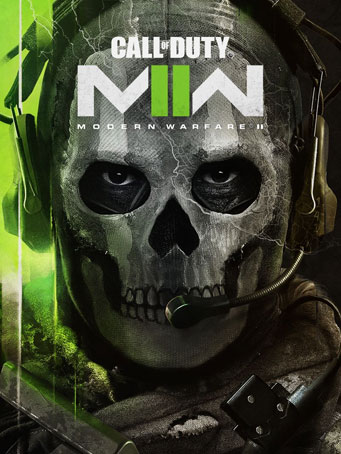
Call of Duty®: Modern Warfare® II drops players into an unprecedented global conflict that features the return of the iconic Operators of Task Force 141. From small-scale, high-stakes infiltration tactical ops to highly classified missions, players will deploy alongside friends in a truly immersive experience.
Modern Warfare® II includes a globe-trotting single-player campaign, immersive Multiplayer combat, and a narrative-driven, co-op Special Ops experience.
Minimum Requirements
Recommended Requirements
Release Date
23 OCT 2022There is no comment for Call of Duty: Modern Warfare II
In order to use the key follow the instruction below:
1. Go to https://www.xbox.com
2. Login to your account
3. Hover over your account link (the top right of the screen) a menu will appear, click on the "Redeem Code" button.
4. On the next page, click "Redeem"
5. Enter your code
6. Click "Confirm"
7. Click "Confirm" again to assign the key to your account.
In order to download and install your game on Windows 10 follow the instructions below:
1. Using your Microsoft account, sign in to the PC where you want to install your games.
2. On the Start screen, select the Store icon.
3. In the Store, select Games from the menu.
4. Browse and select the game you want to install.