Sign in
Sign in using


 Steam
Steam  EA app
  Ubisoft
  Microsoft Store
  Software
 Mount & Blade II: Bannerlord
6 hours ago
— ภาณุพงศ์
Final Fantasy XIV: Dawntrail NA
10 hours ago
— Totsaporn
Guilty Gear -Strive-
1 day ago
— ธนากร
Minecraft Java & Bedrock Edition
1 day ago
— Nz
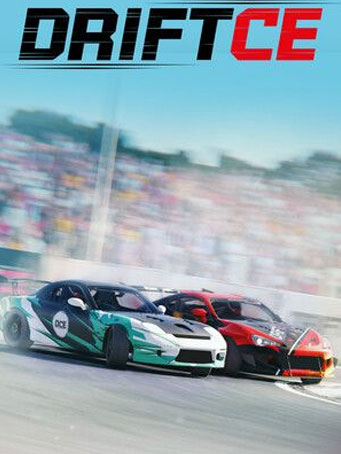
DRIFT CE

Steam
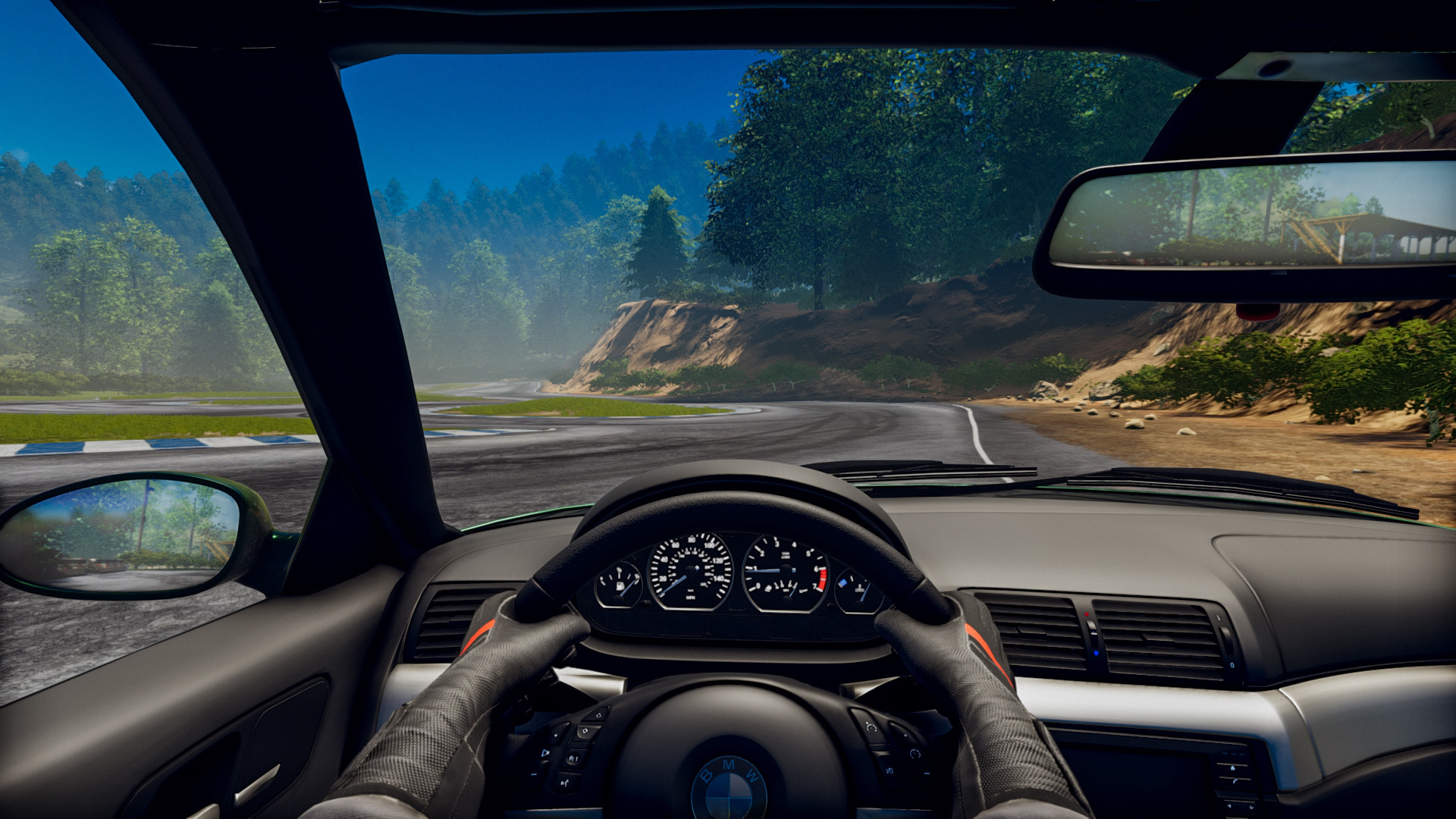
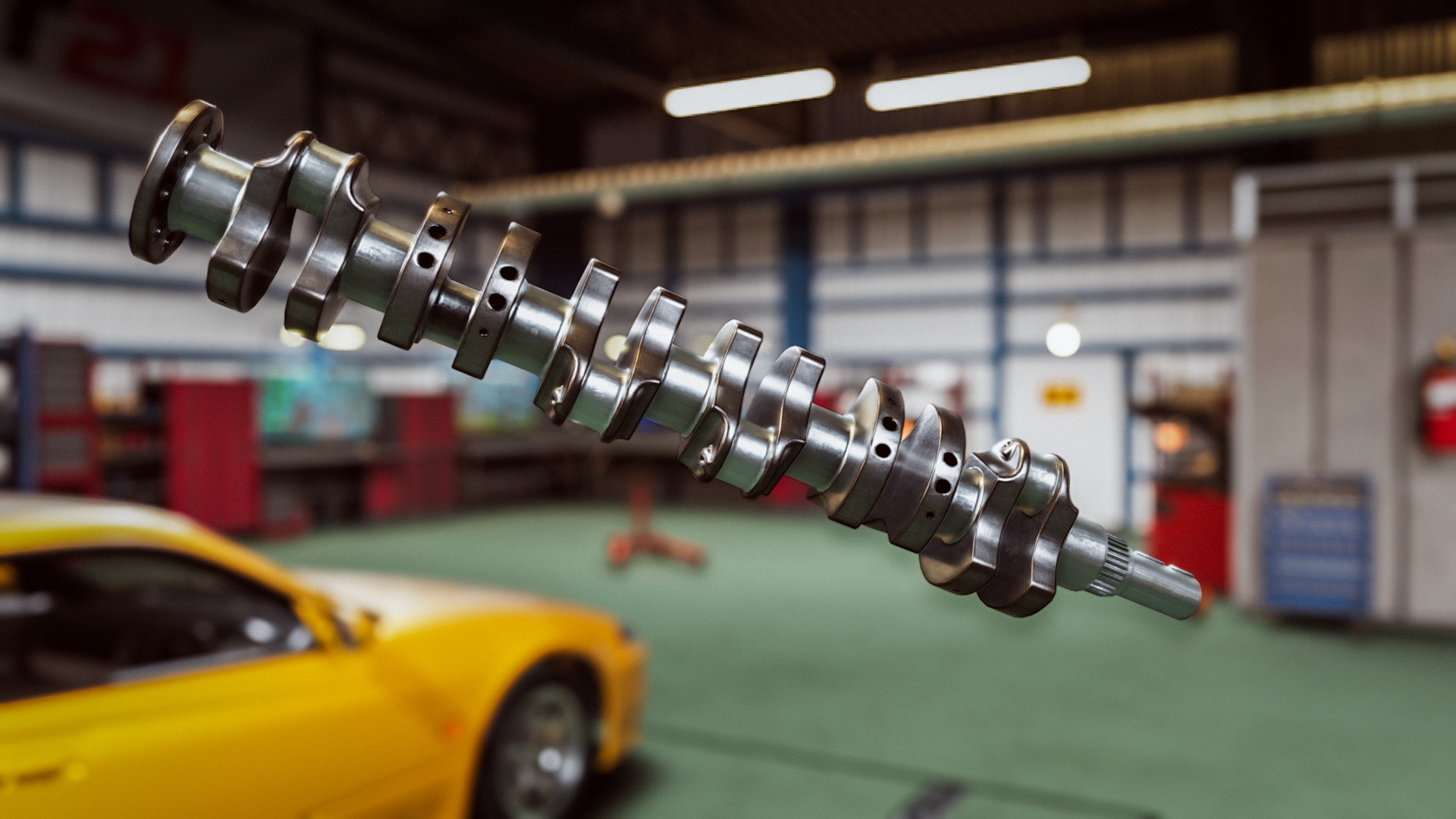
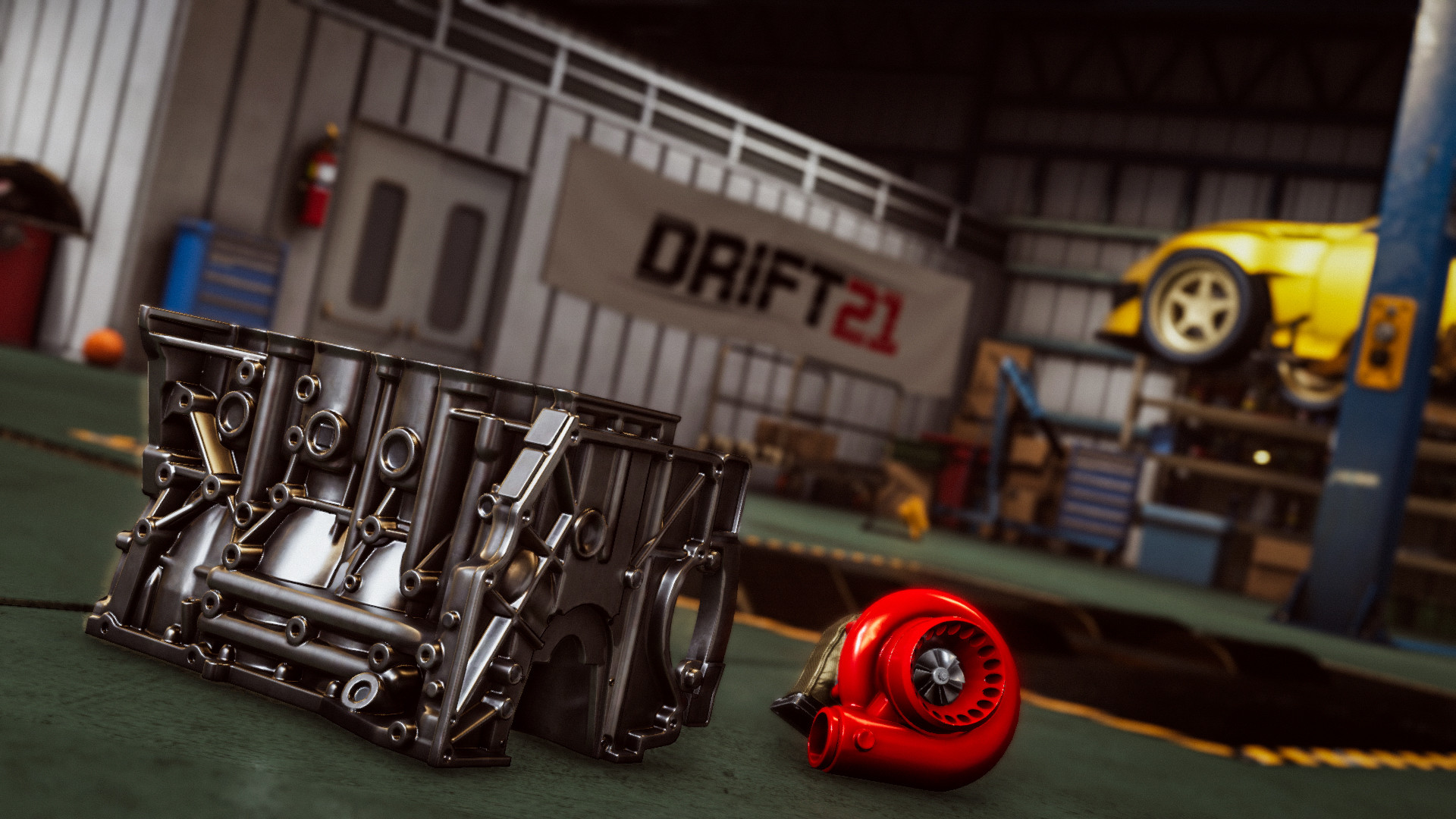
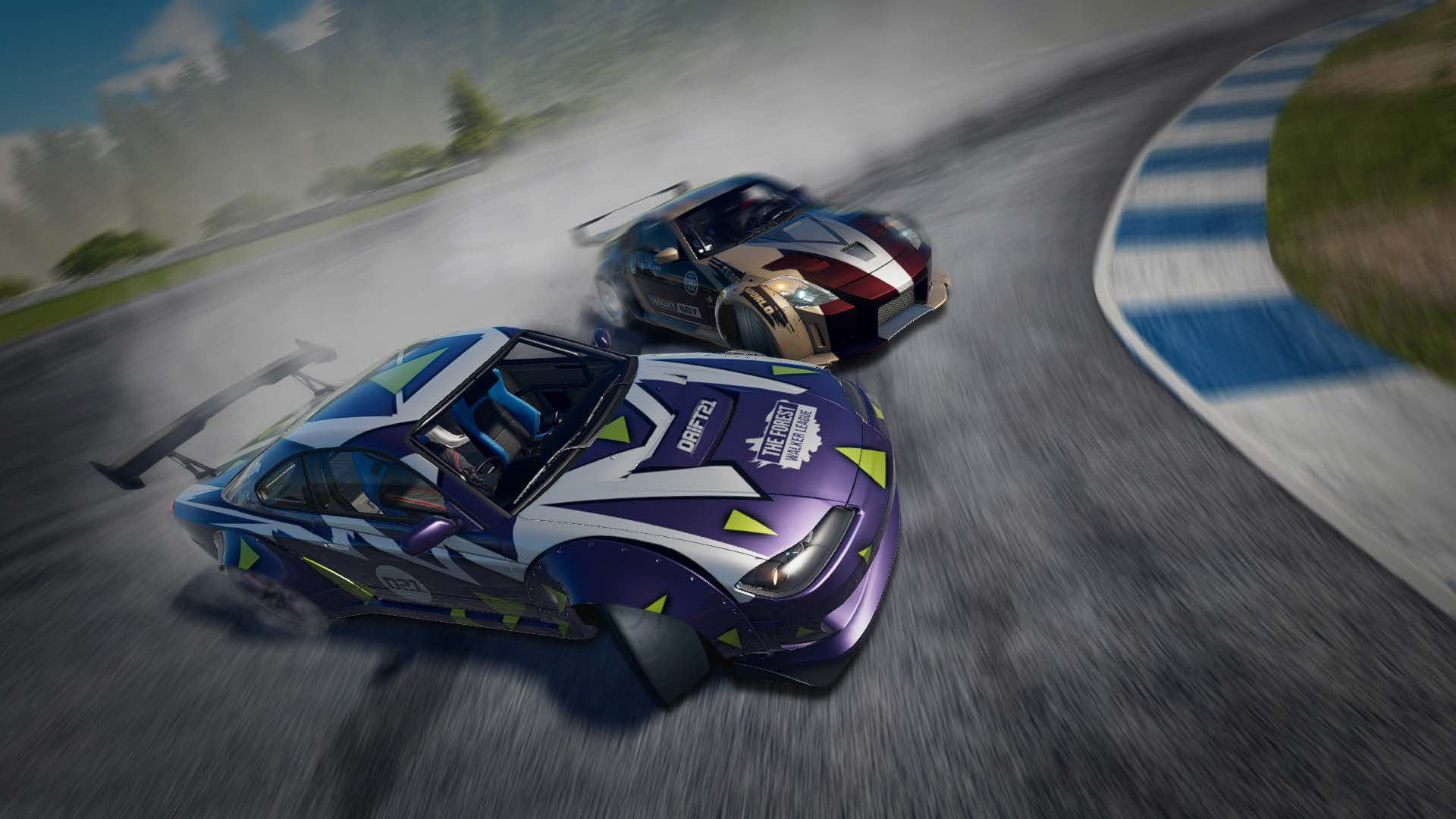
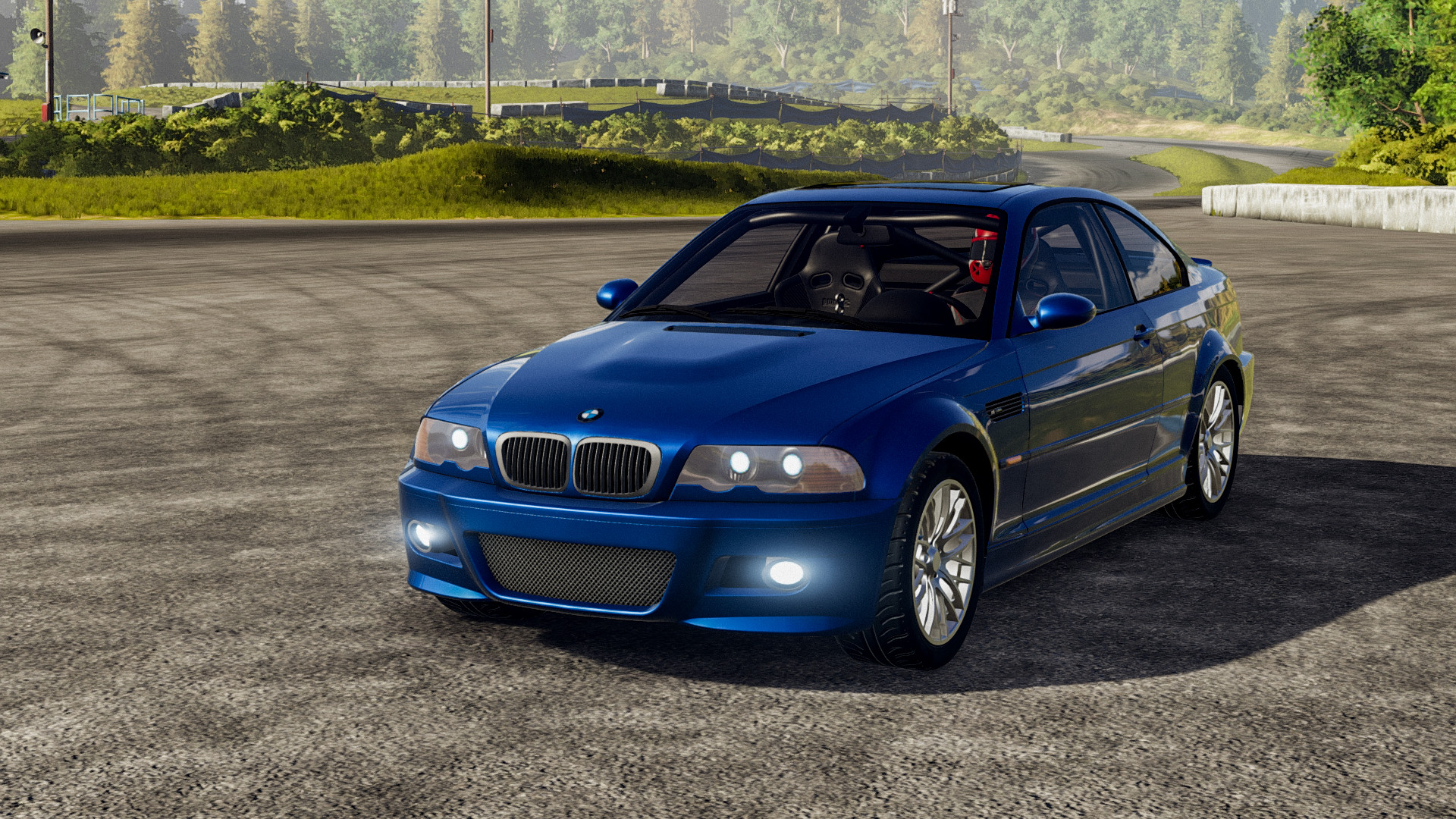
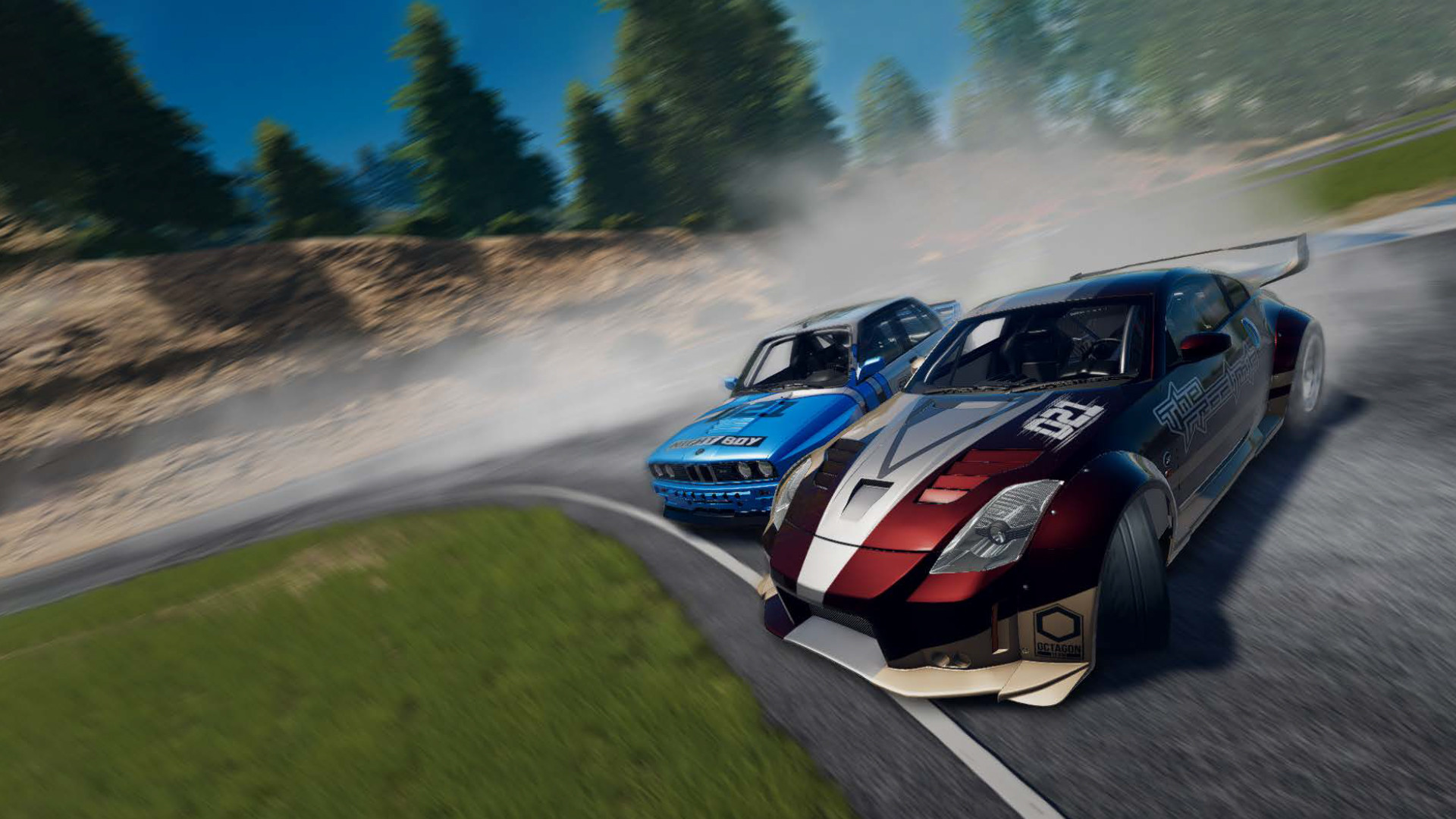
Tune your dream drift car, change parts, boost performance and show your skills by competing with other players in multiple breathtaking challenges!
Get on the track to test all the best and most iconic cars in the drifting world!
Engines, suspensions, wheels: more than 1,800 replaceable components are available in your garage. Change specific parts to make the performance of your vehicle tailored to your driving style.
With visual tuning—by changing body kits, paint colors, and decals—you'll create a drift car that's truly one of a kind!
Improve your drifting technique on the legendary Japanese circuits, perfectly recreated thanks to LaserScan technology!
Take part in demanding challenges that will test your drifting skills. Play solo or compete with other racers in multiplayer mode to establish who is the best drifter!
Licensed Cars
• Toyota AE86
• Mazda MX5
• Nissan Silvia (S15)
• Subaru BRZ
• Mazda RX8
• BMW E46 M3
• Ford Mustang
• BMW E30 M3
• Nissan 350Z
• Mazda RX7
• BMW E92 M3
• Nissan 180SX (S13)
• BMW E36 M3
Engines
• R4
• R6
• V8
• Boxer
• 3 Rotor
• 4 Rotor
Tracks
• EBISU Driftland
• EBISU School
• EBISU Minami
• EBISU North
• EBISU Touge
• EBISU West
• EBISU East
• Koszalin
• Stadium ver.1
• Stadium ver.2
• Multistorey Parking
• Training Track 1
• Training Track 2
Single Player Modes
• Career
• Quick Race
• Sandbox
• Free Ride
• Solo Run
• Time Attack
• Gymkhana
Multiplayer Modes
• Free Ride
• Free For All (Event)
• Sprint (Event)
• Laps (Event)
• Tandems (Event)
Other Functionalities
• Garage Mode (with over 1,800 selectable parts)
• Garage Challenges
• Tuning Mode in the Dyno Module
• Paintbooth
Minimum Requirements
Recommended Requirements
Release Date
10 JUN 20211. Click on this link and continue to finish installing Steam https://cdn.cloudflare.steamstatic.com/client/installer/SteamSetup.exe
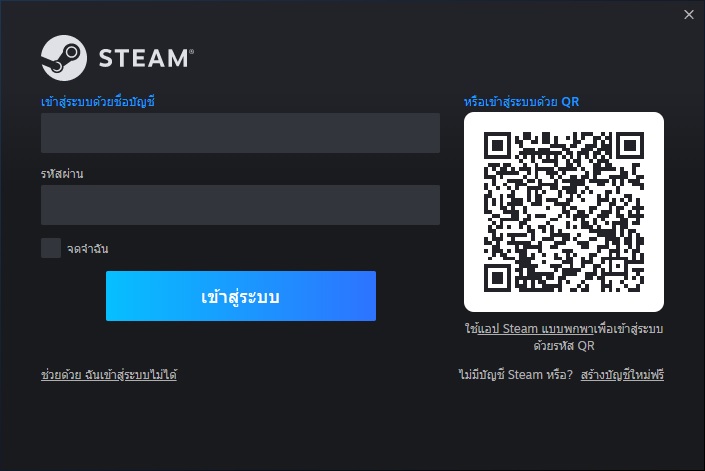
2. Run Steam and login or create an account
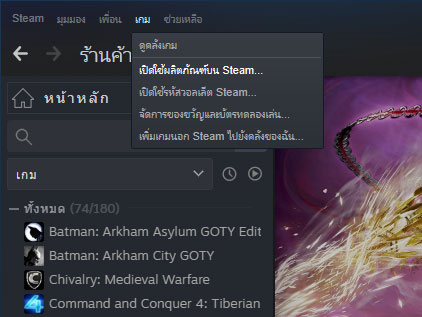
3. On the top left corner of the screen click on "Games" and select "Activate a product on Steam..."
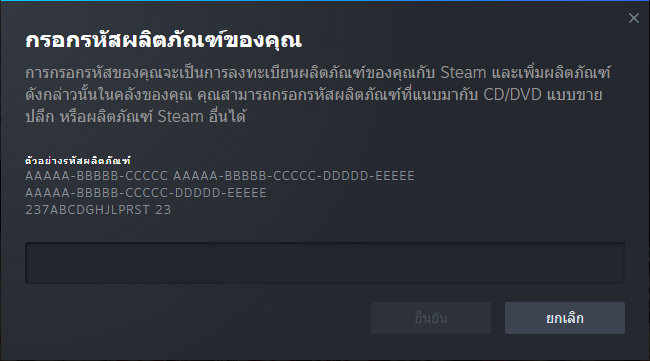
4. Click "Next" until you see the input form. Fill in your code then click "Next"
5. Your game activation is completed. Your game is ready to download. Once it's finished you'll be able to play the game immediately. Have fun!
There is no comment for DRIFT CE
1. Click on this link and continue to finish installing Steam https://cdn.cloudflare.steamstatic.com/client/installer/SteamSetup.exe
2. Run Steam and login or create an account
3. On the top left corner of the screen click on "Games" and select "Activate a product on Steam..."
4. Click "Next" until you see the input form. Fill in your code then click "Next"
5. Your game activation is completed. Your game is ready to download. Once it's finished you'll be able to play the game immediately. Have fun!