F1 25

F1 25

F1 25

EA app

EA app

1-5 minutes delivery time
Receive the key directly
Genre
฿ 1599

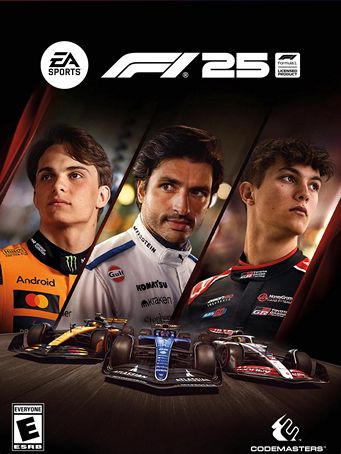
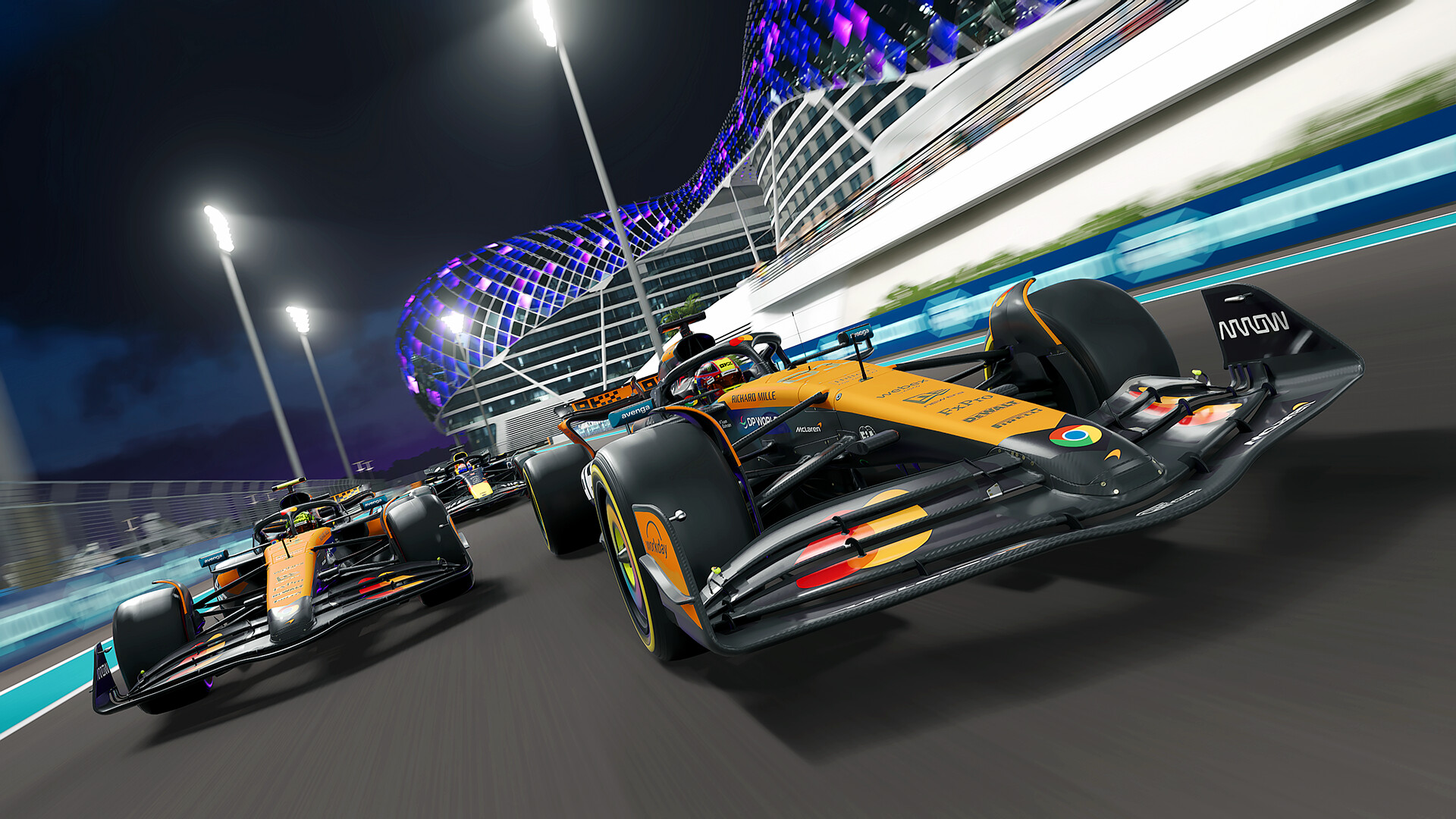
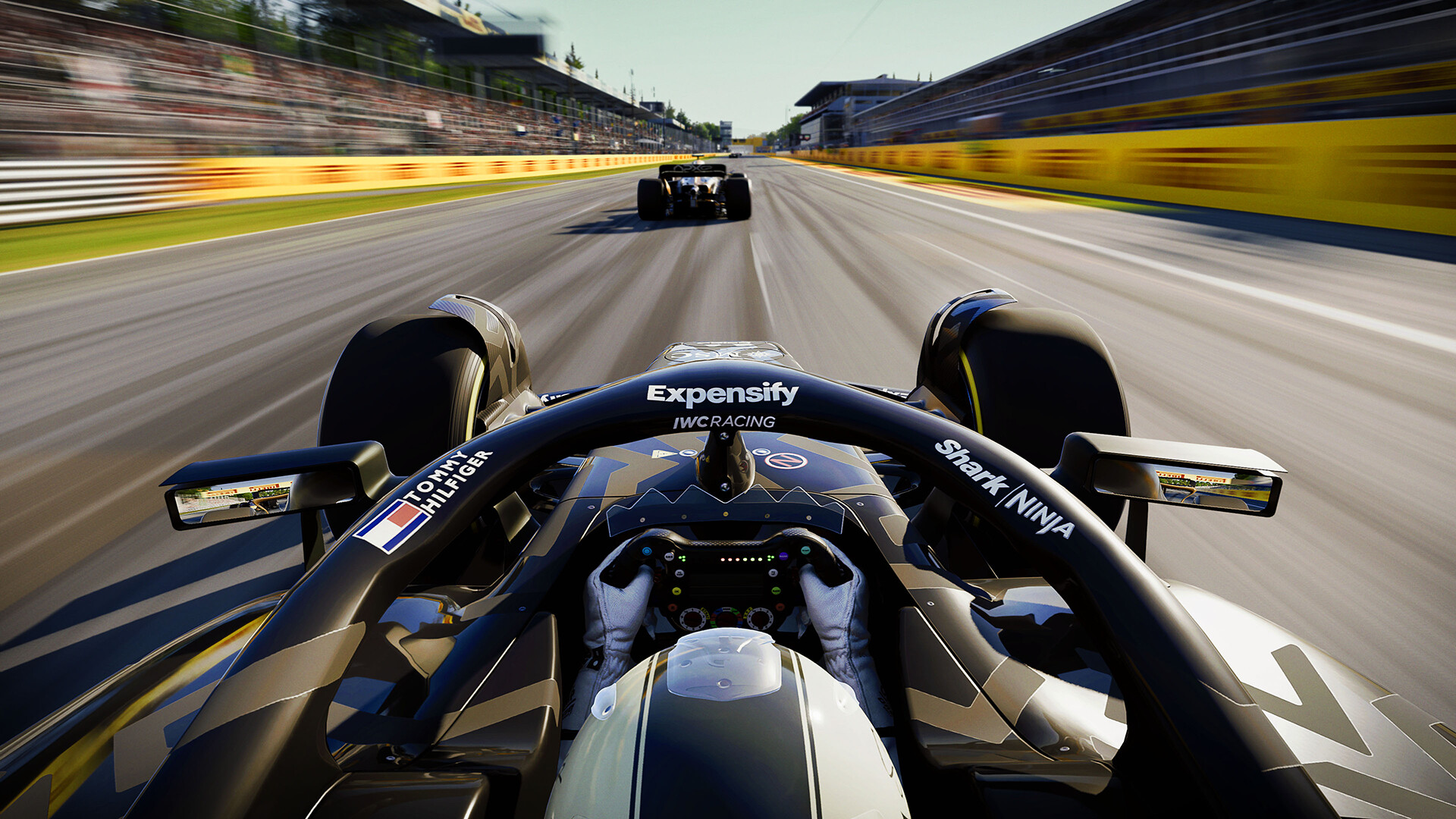
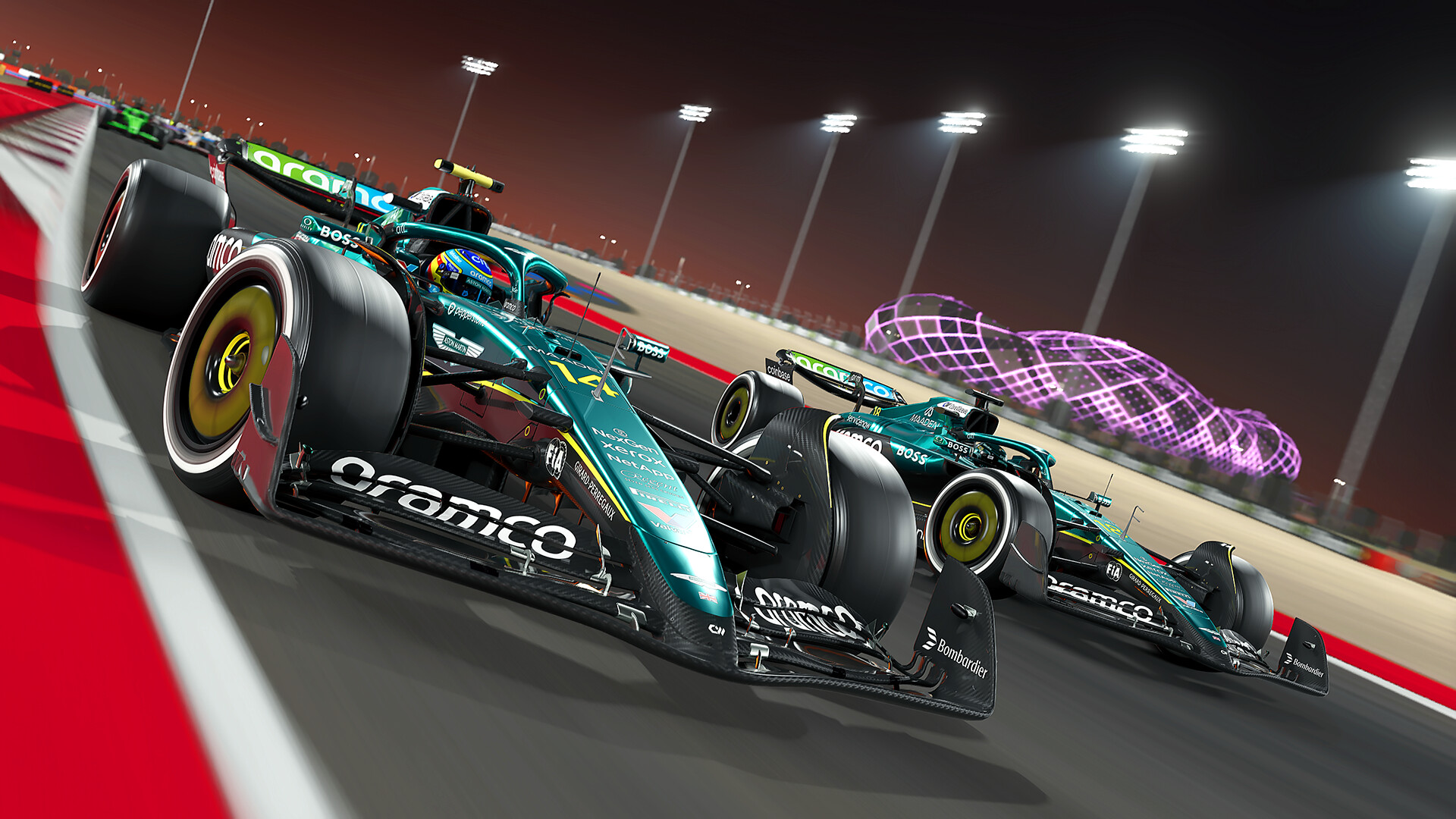
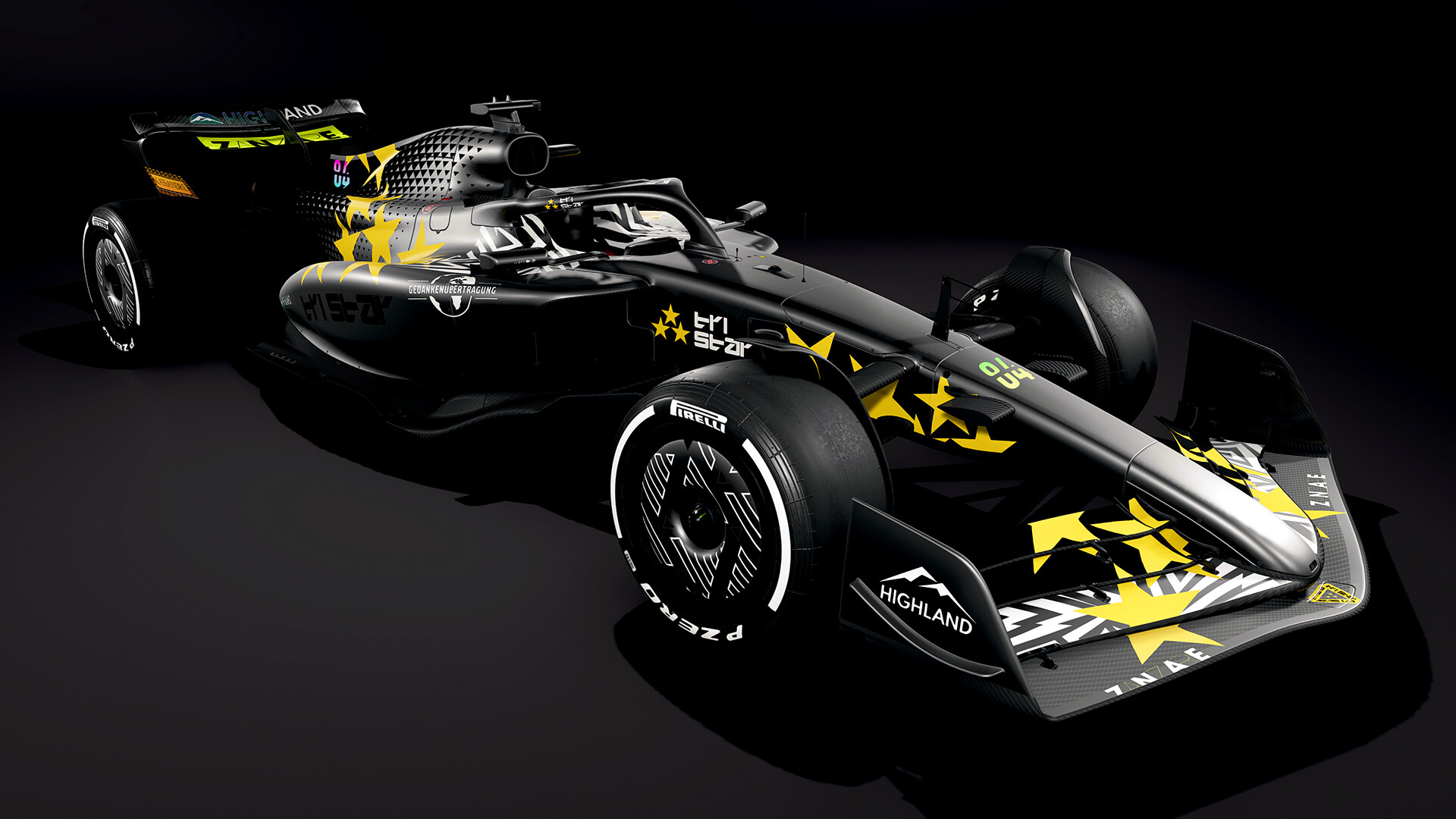
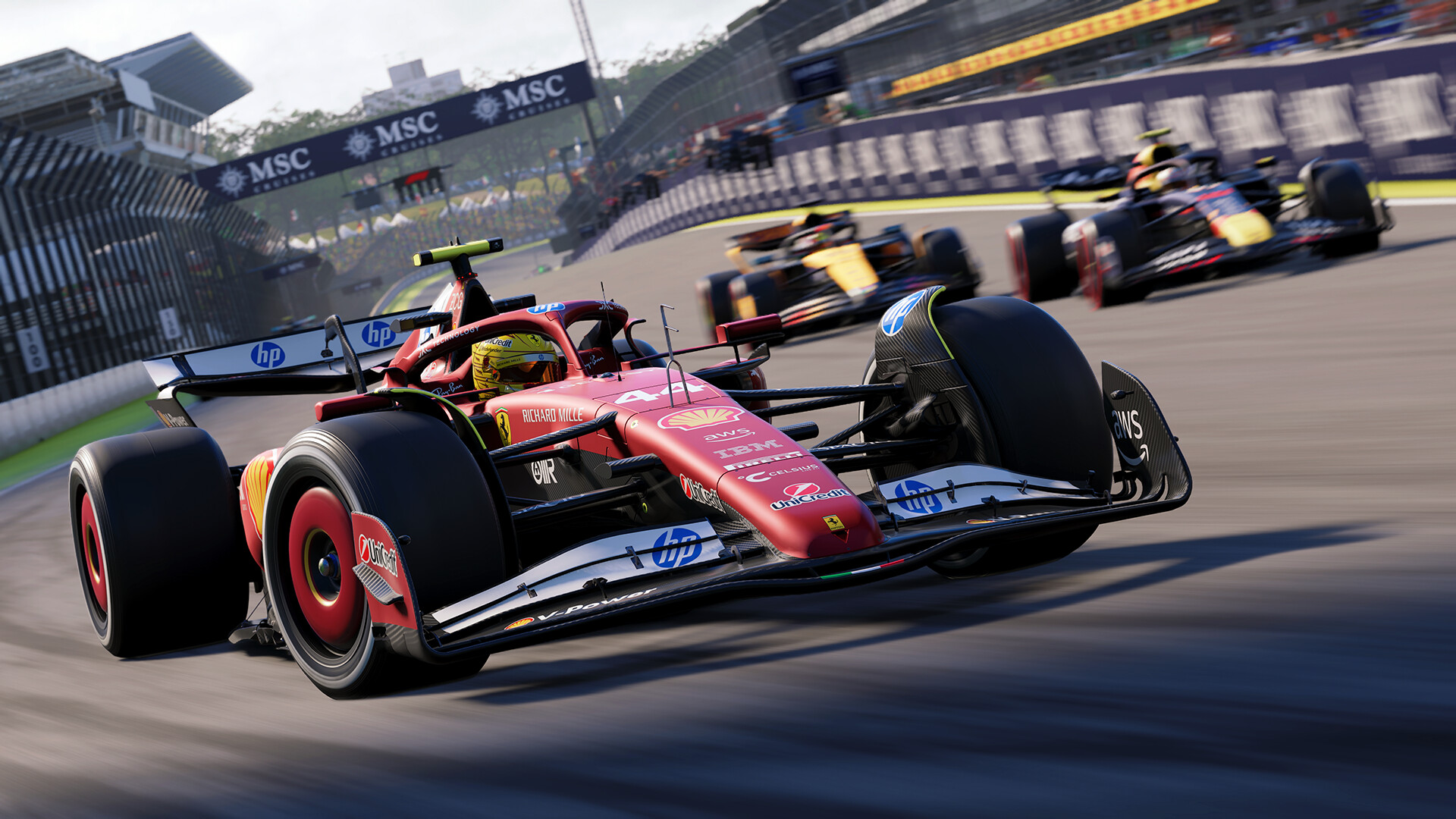
This Story is Yours. Leave your mark on the world of racing in F1® 25, the official video game of the 2025 FIA Formula One World Championship™. Create your story and run your F1® dynasty in the revamped My Team mode. Choose your path through the thrilling third chapter of Braking Point, with different objectives for each driver at key moments in the story.

  • Be The Owner In My Team “2.0” - Get ready to create your own F1 stories in fan-favorite My Team mode, with its largest update since its introduction.
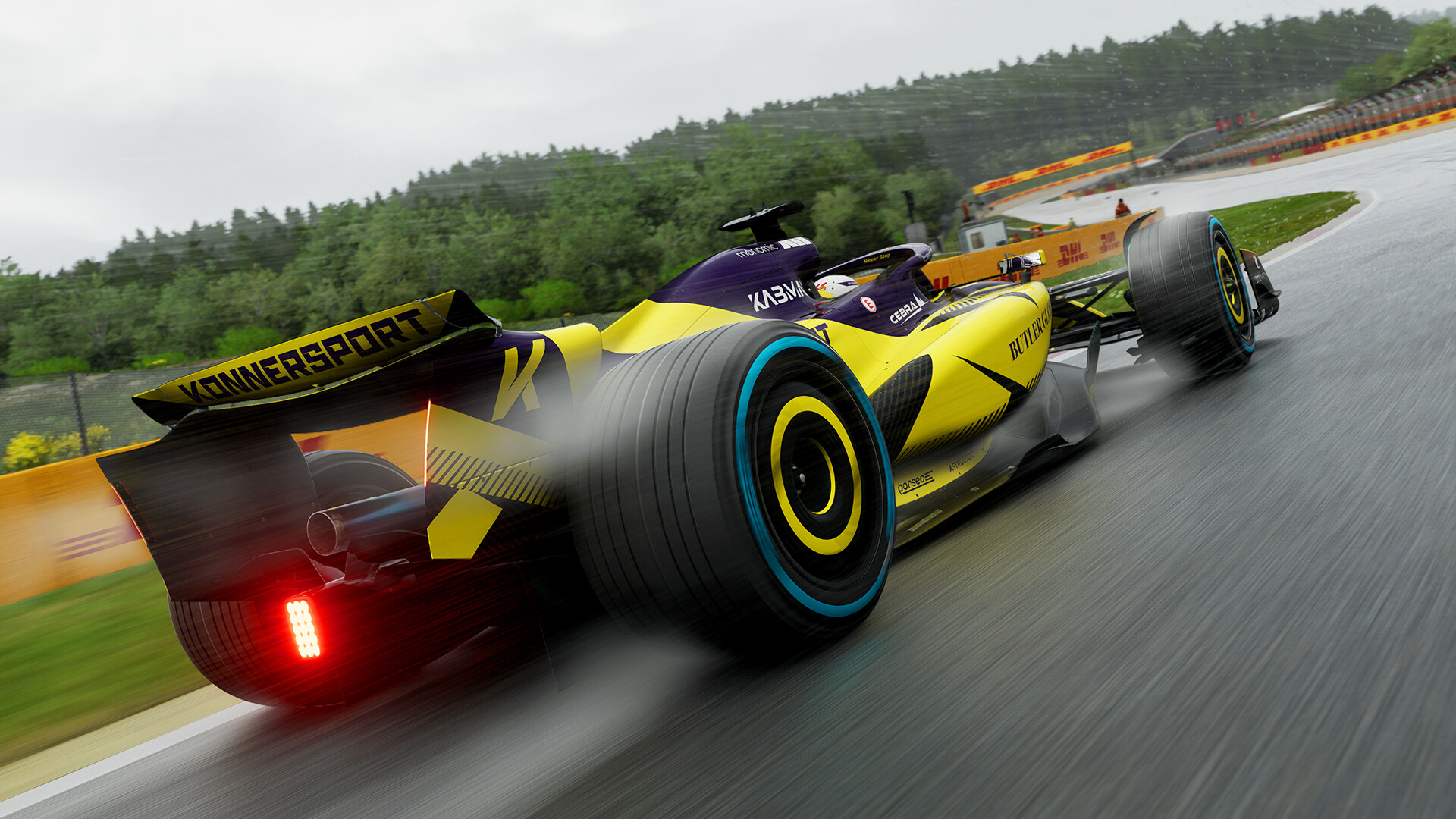
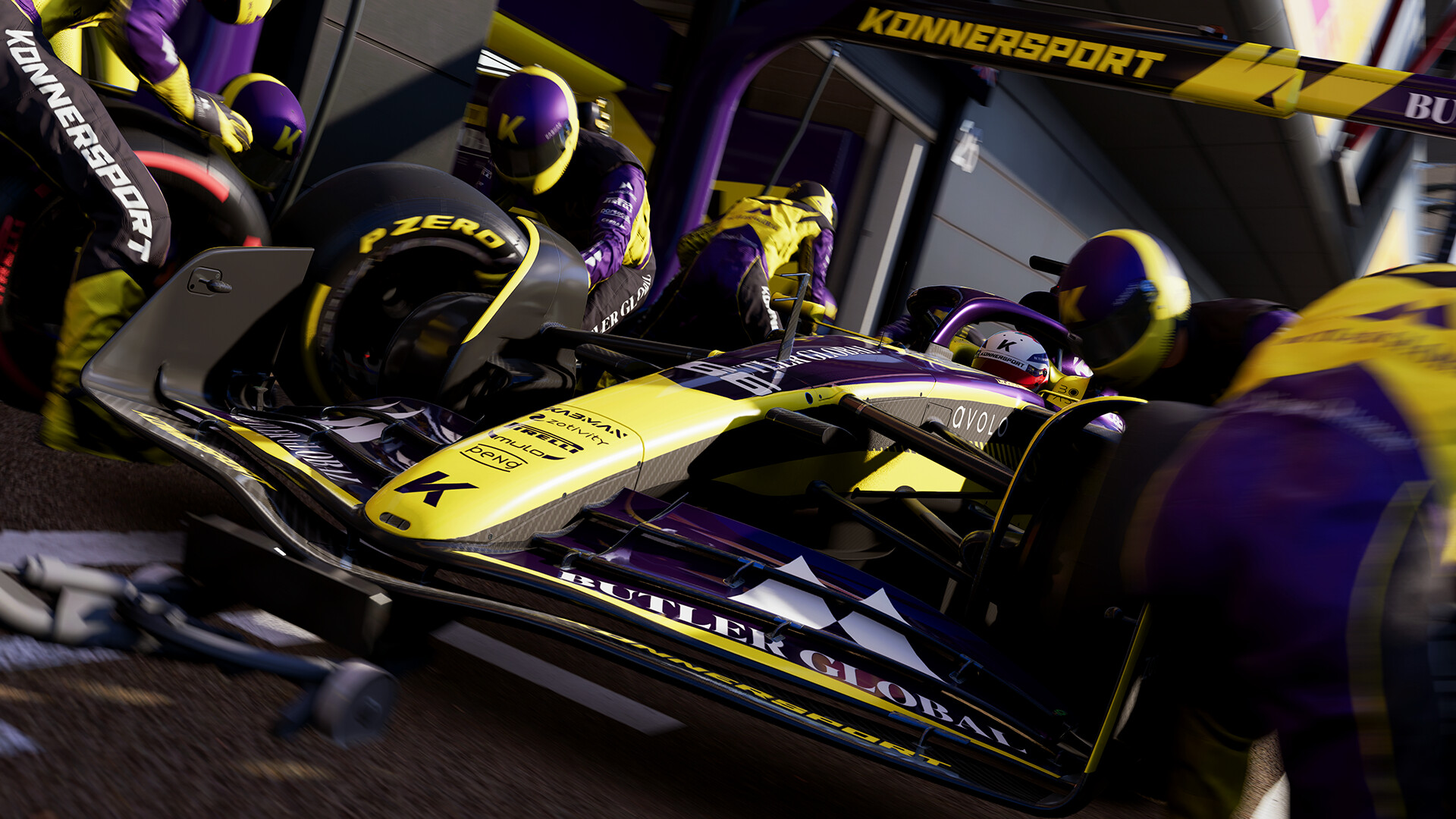
  • Experience the Next Thrilling Chapter of Braking Point - The legacy of the Konnersport team is at stake as a dramatic event throws the team into chaos. Can the team fight back and finally put itself in contention for the World Championship? This thrilling chapter introduces new features that let you experience the story your way, including alternative scenarios where you choose which driver to play in key races. Your choices lead to different on-track objectives, and even a different take on the story’s exciting conclusion.
  • Take Konnersport’s Legacy Beyond the Braking Point Story - For the first time, you can extend your Konnersport experience through other game modes. Once you’ve finished Braking Point, take the team into Driver Career or My Team. In both modes, Konnersport becomes the eleventh team on the grid; in Driver Career, with you playing as one of its drivers, or in My Team, take over as Team Principal to continue the team’s journey.

Minimum Requirements

  • Requires a 64-bit processor and operating system
  • OS: Windows 10 64-bit Version 21H1 or newer
  • Processor: Intel Core i5-6400 | Core i5-9600k (VR) or AMD Ryzen 3 1200 | Ryzen 5 2600X (VR)
  • Memory: 8 GB RAM
  • Graphics: NVIDIA GTX 1060 (6GB) | GTX 1660Ti (VR) | RTX 2060 (RT) // AMD RX 570 (8GB) | RX 590 (VR) | 6700XT (RT) // Intel Arc A380 (VR/RT)
  • DirectX: Version 12
  • Network: Broadband Internet connection
  • Storage: 100 GB available space
  • Sound Card: DirectX Compatible
  • VR Support: Meta Quest 3 + Link // Meta Quest 2 + Link // Oculus Rift S // HTC Cosmos // HTC Vive Pro // Valve Index // HP Reverb G2
  • Additional Notes: CPU: AVX2, 4 cores @ 2.2Ghz or greater // GPU: Shader Model 6.6 or newer // Network: 1Mbps up with < 60ms ping

Recommended Requirements

  • Requires a 64-bit processor and operating system
  • OS: Windows 10 64-bit Version 21H1 or newer
  • Processor: Intel Core i5-9600k or AMD Ryzen 5 2600X
  • Memory: 16 GB RAM
  • Graphics: NVIDIA RTX 2070 (+VR) | RTX 3070 (RT) // AMD RX 6600XT | RX 6700XT (VR) | RX 6800 (RT) // Intel Arc A580 (VR/RT)
  • DirectX: Version 12
  • Network: Broadband Internet connection
  • Storage: 100 GB available space
  • Sound Card: DirectX Compatible
  • VR Support: Meta Quest 3 + Link // Meta Quest 2 + Link // Oculus Rift S // HTC Cosmos // HTC Vive Pro // Valve Index // HP Reverb G2
  • Additional Notes: CPU: AVX2, 4 cores @ 2.2Ghz or greater // GPU: Shader Model 6.6 or newer // Network: 3Mbps up with < 30ms ping

Release Date

30 MAY 2025

There is no comment for F1 25

Review F1 25 (0 Reviews)
?
Review this game!

1. Go to this link and continue to finish installing EA app https://origin-a.akamaihd.net/EA-Desktop-Client-Download/installer-releases/EAappInstaller.exe

2. Run EA app and login or create an account
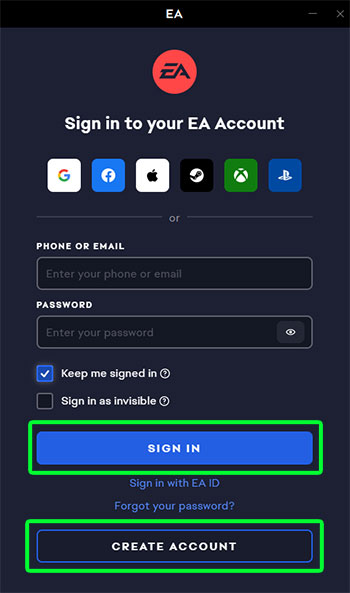
วิธีเปิดใช้งานเกม Origin

3. Click "My Collection" at the left corner then select "Redeem Code"
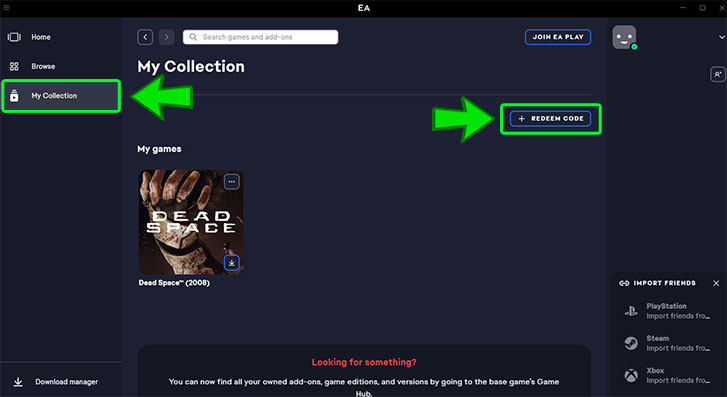
วิธีเปิดใช้งานเกม Origin

4. Fill in your code then click "Next"
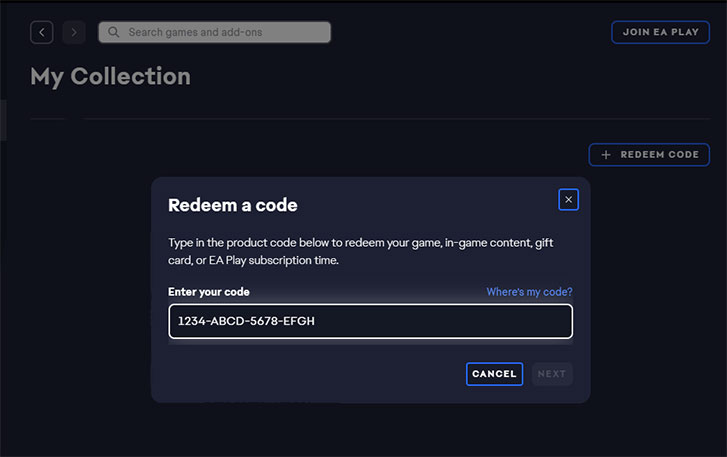
วิธีเปิดใช้งานเกม Origin

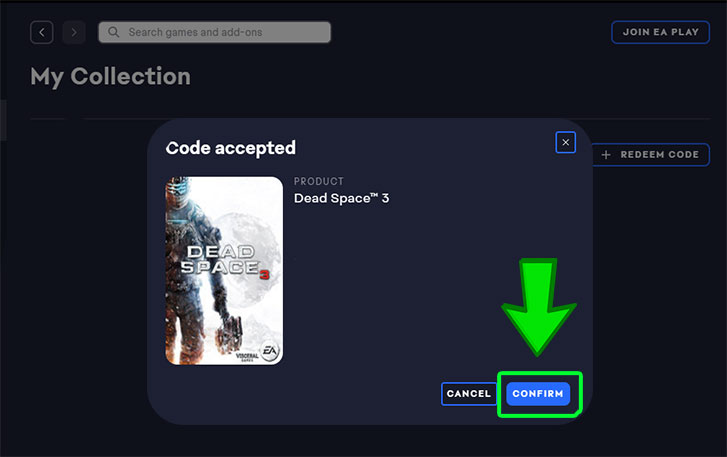
5. Click "Confirm"

วิธีเปิดใช้งานเกม Origin

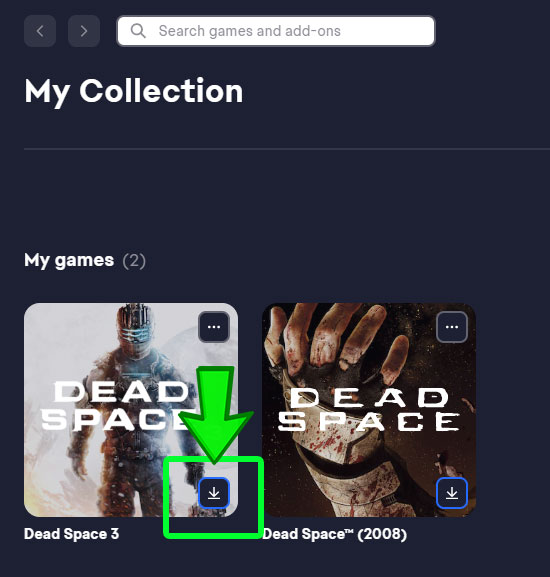
6. Your game activation is completed. You'll find your game in "My Collection". Clicking the download icon will allow you to download and install your game. Have fun!
วิธีเปิดใช้งานเกม Origin

ต้องการสอบถามข้อมูลใช่ไหม? ส่งข้อความถึงเราได้เลย!