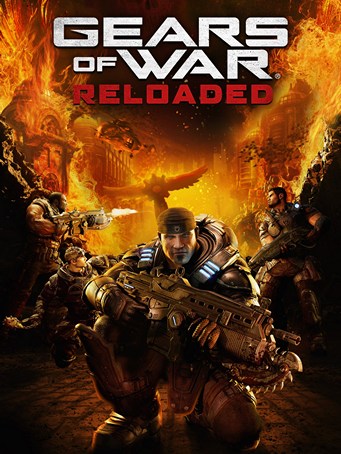
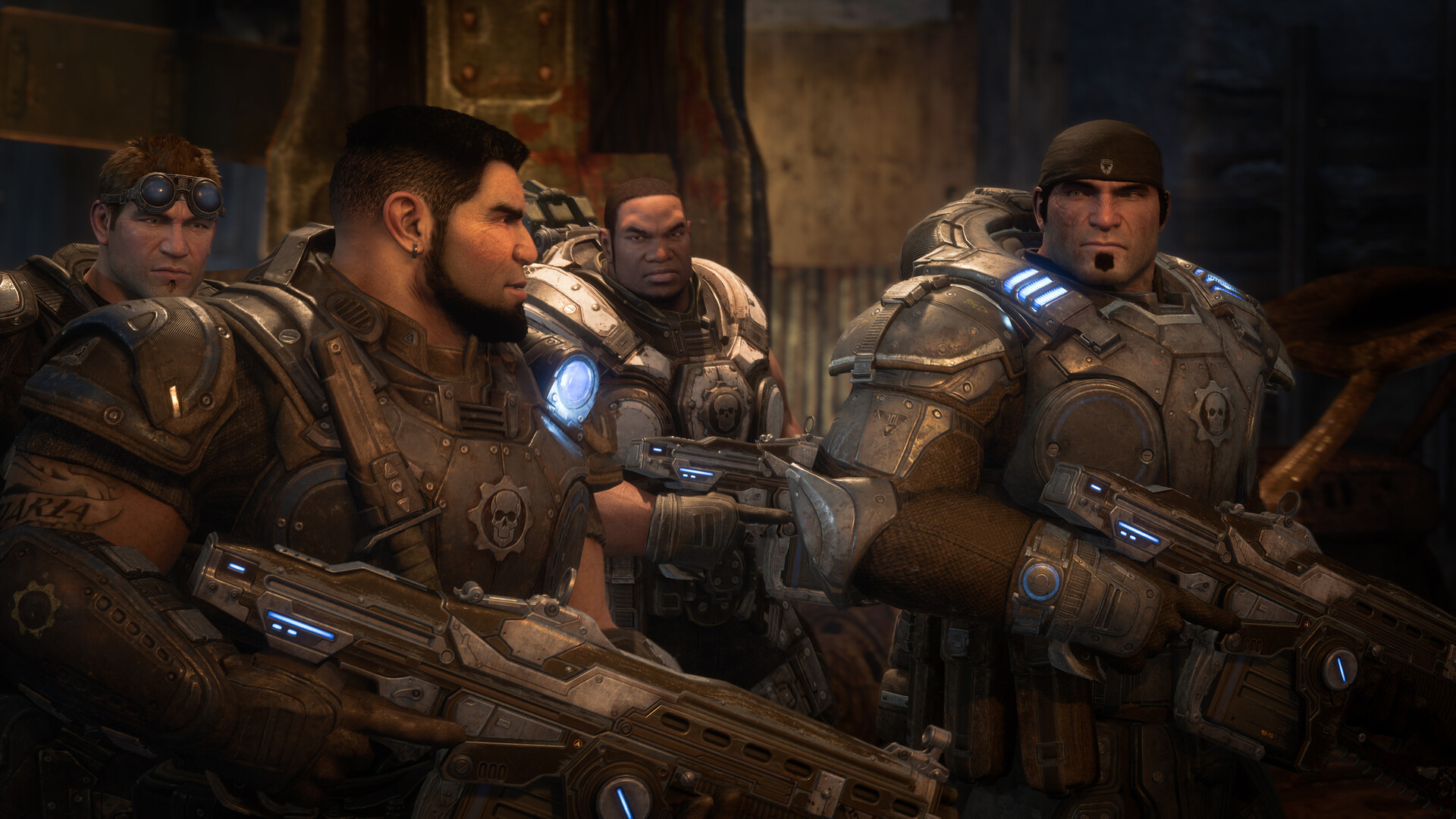
WHAT IS GEARS OF WAR: RELOADED?
Crush the Locust threat in the iconic original third-person cover shooter that started it all.
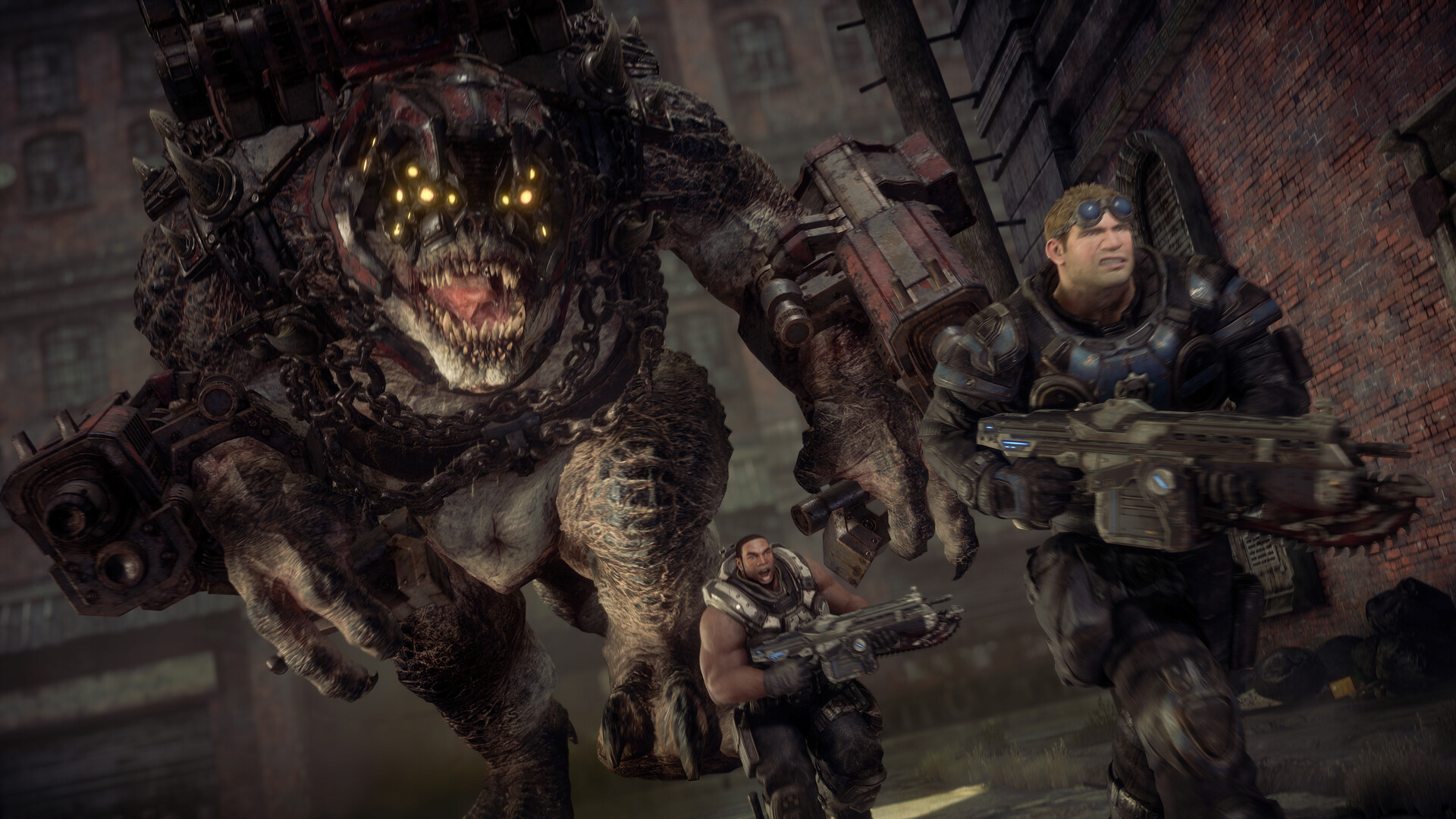
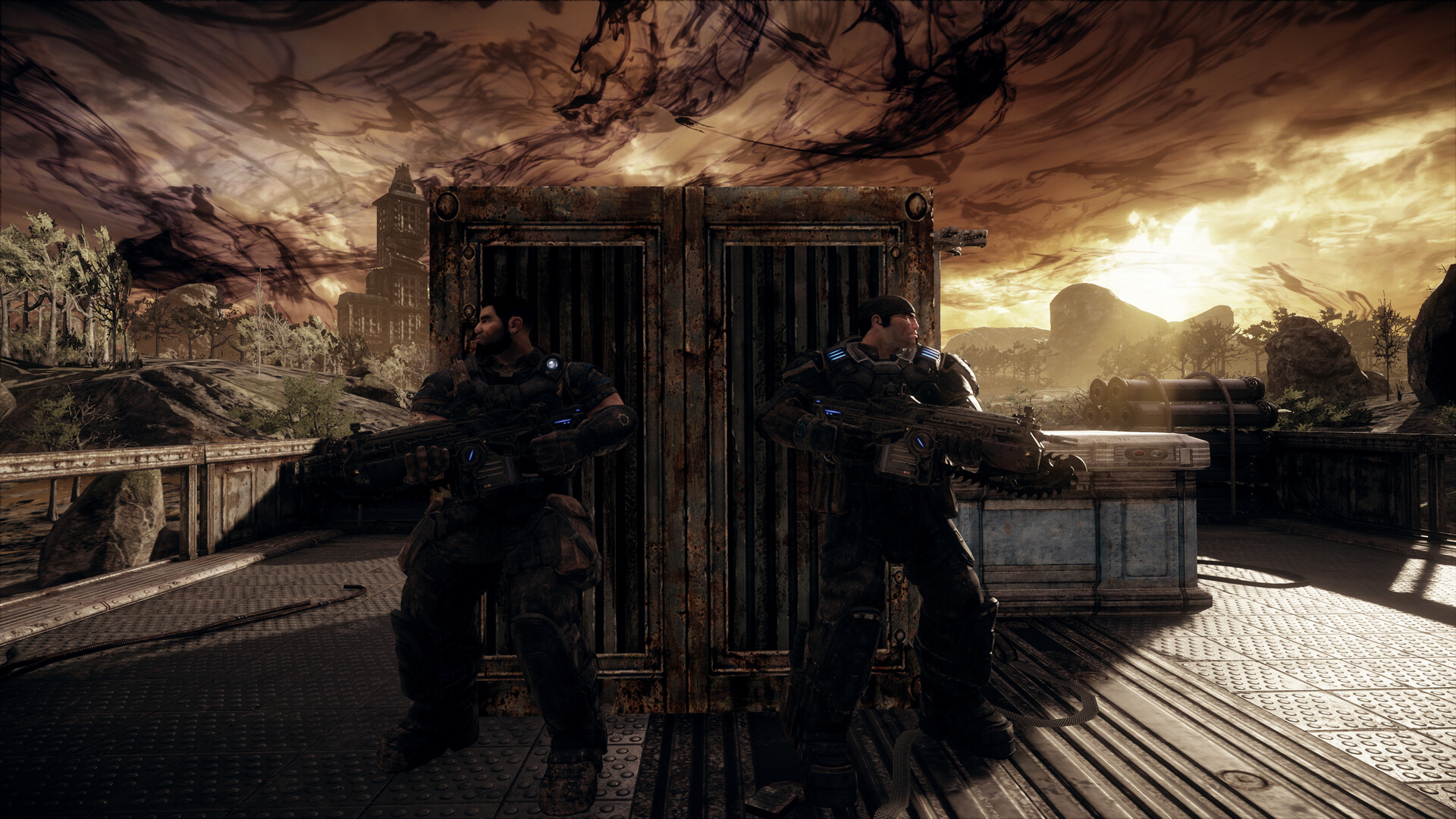
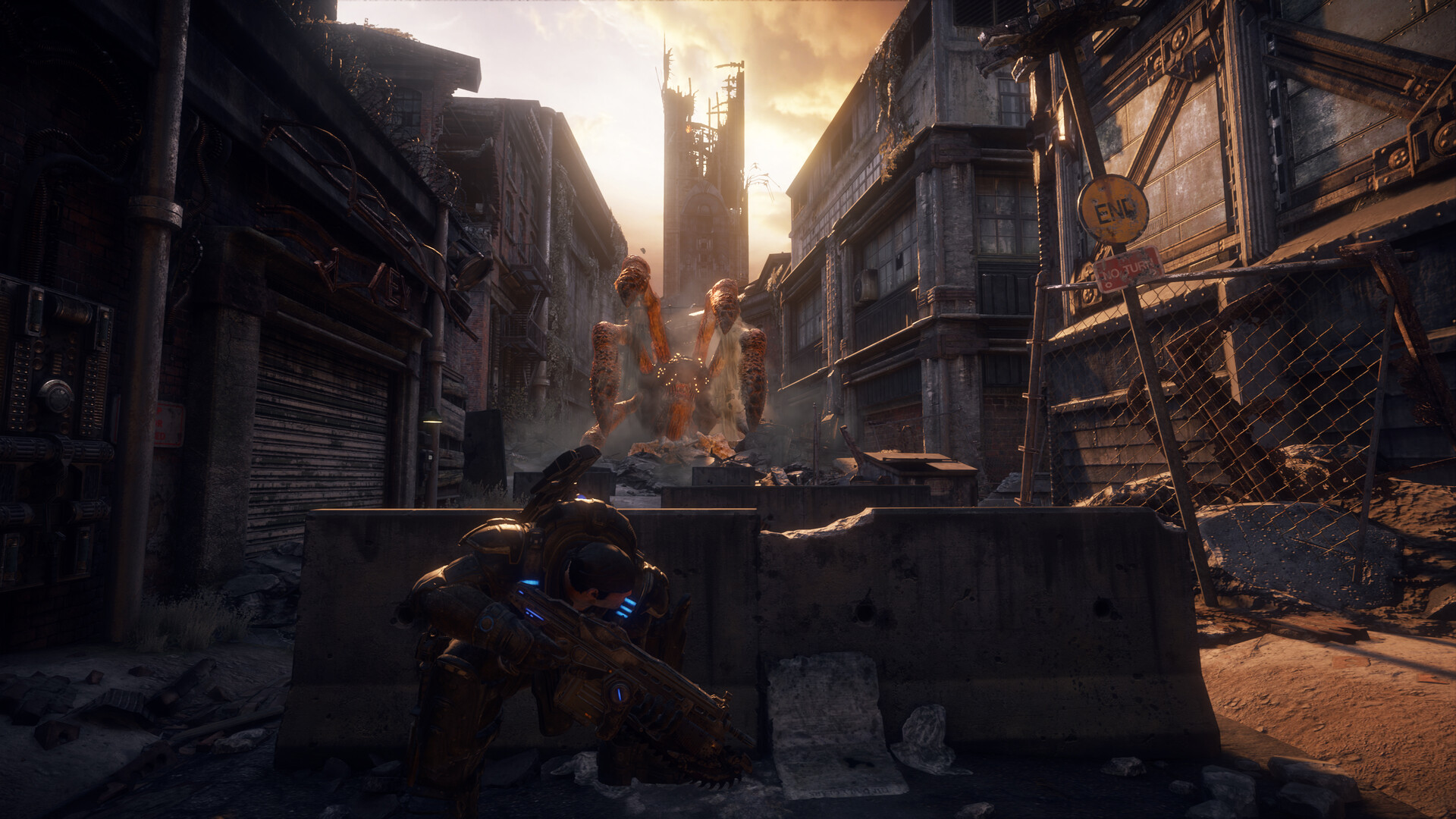
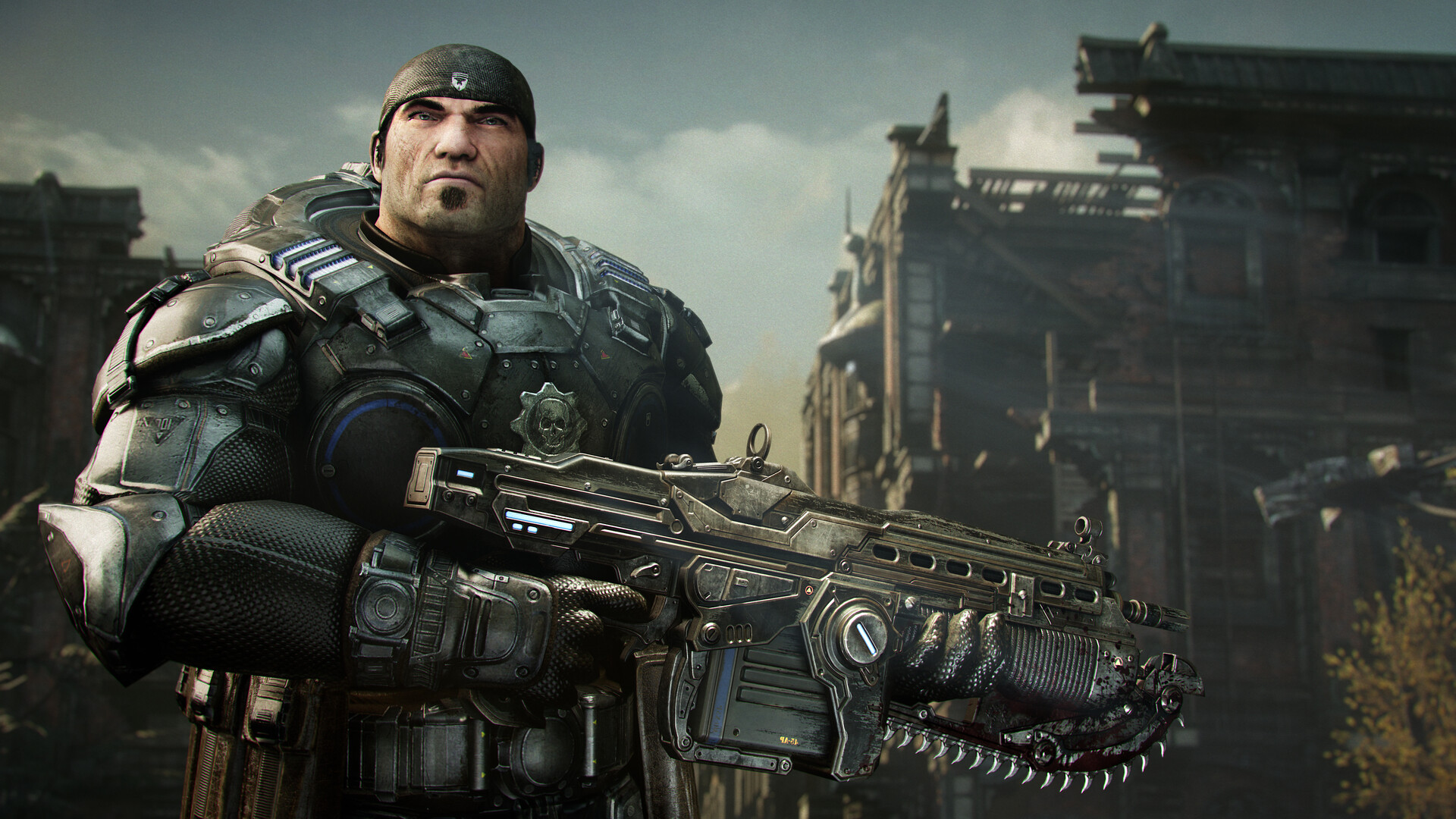
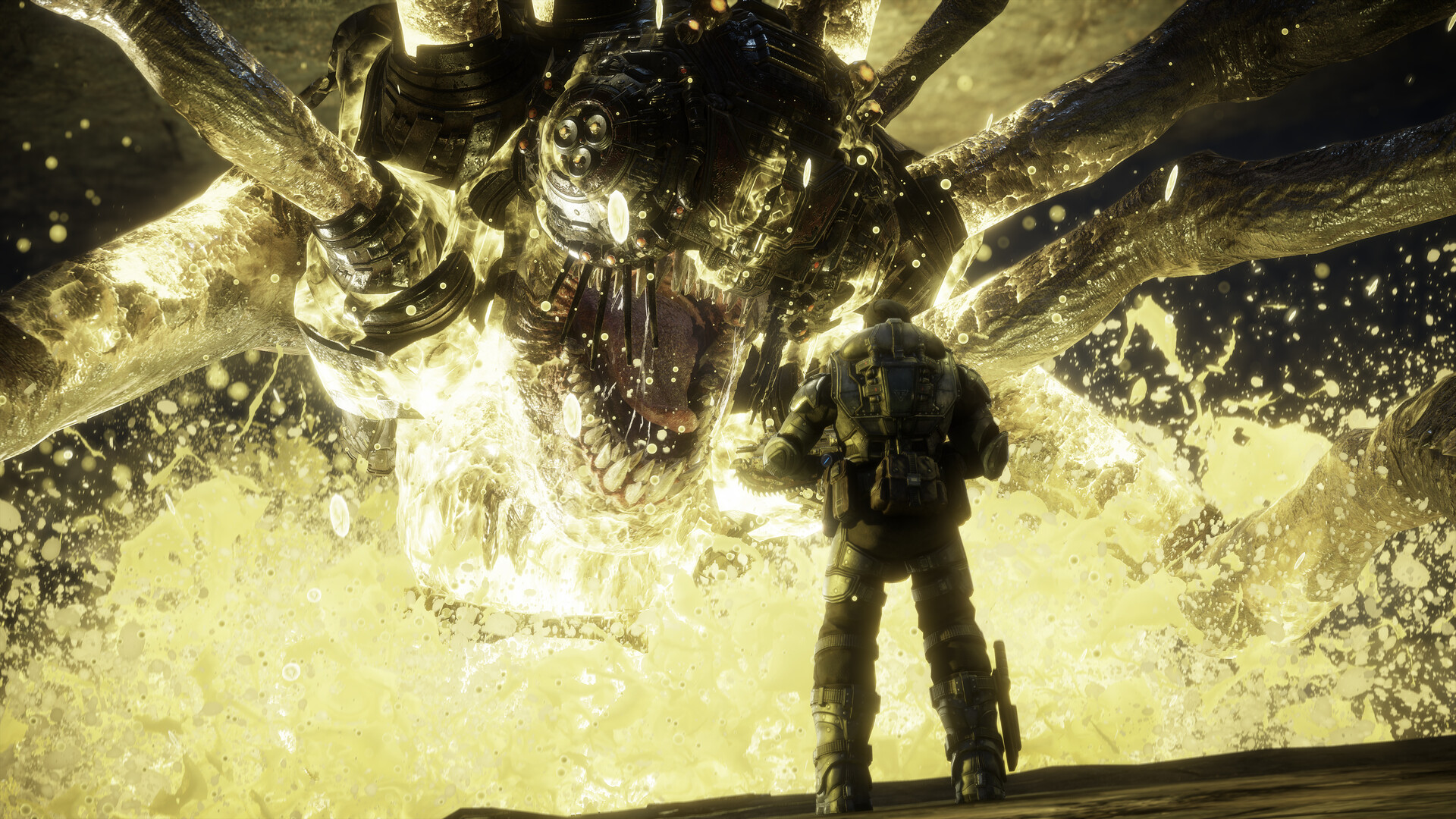
14 years after an invasion of ruthless subterranean monsters, the planet lies in ruin. An inmate named Marcus Fenix – once left to die – is freed by his best-friend and former squadmate, Dominic Santiago. Outnumbered and outgunned, Marcus and Dom must work together with the other members of Delta squad to defeat the Locust threat and save humanity from utter extinction.
Experience the legendary story solo or with a friend in online co-op. Fight on in Versus to experience a variety of pulse-pounding PvP multiplayer modes.
THE DEFINITIVE RELEASE
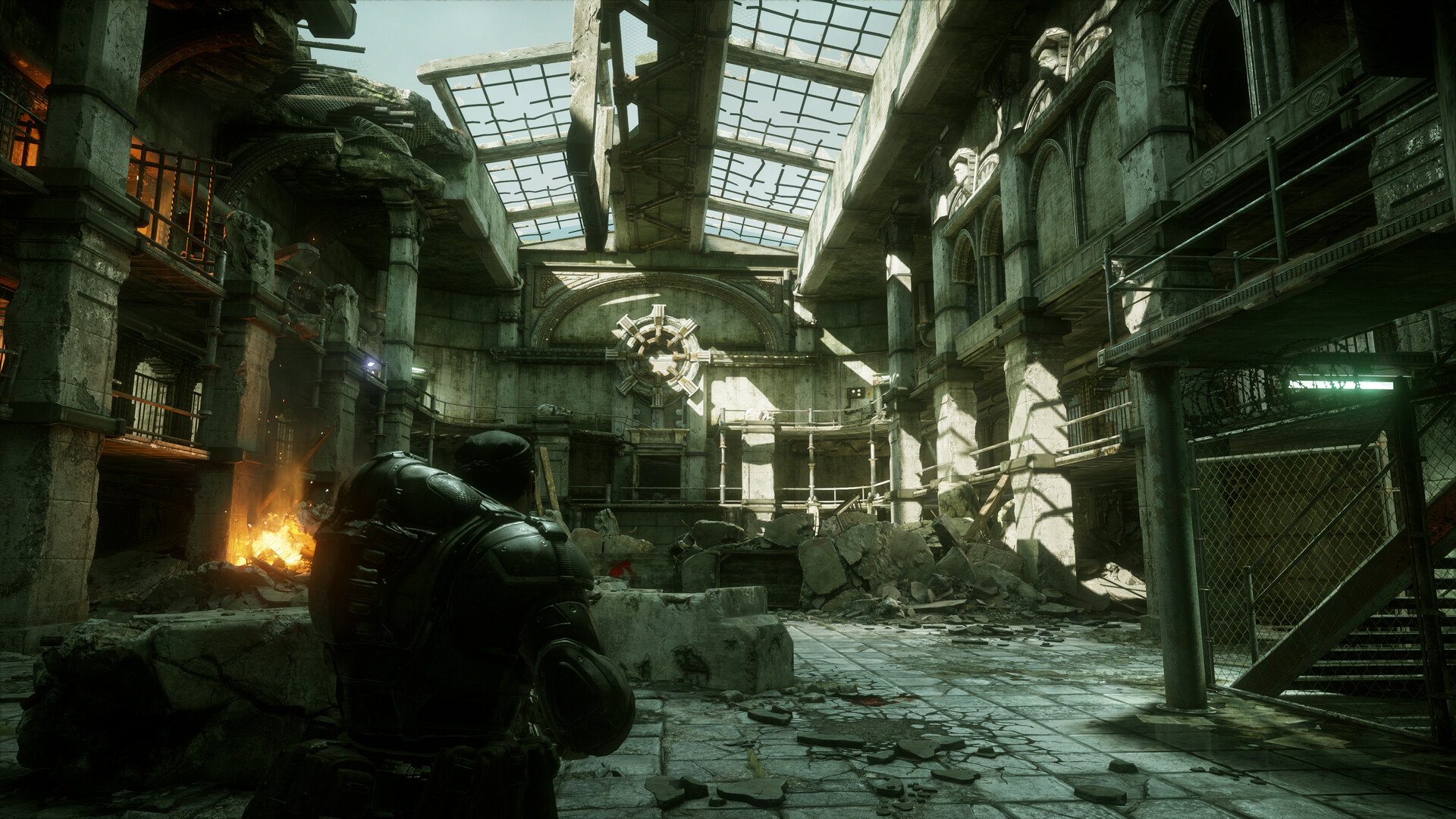
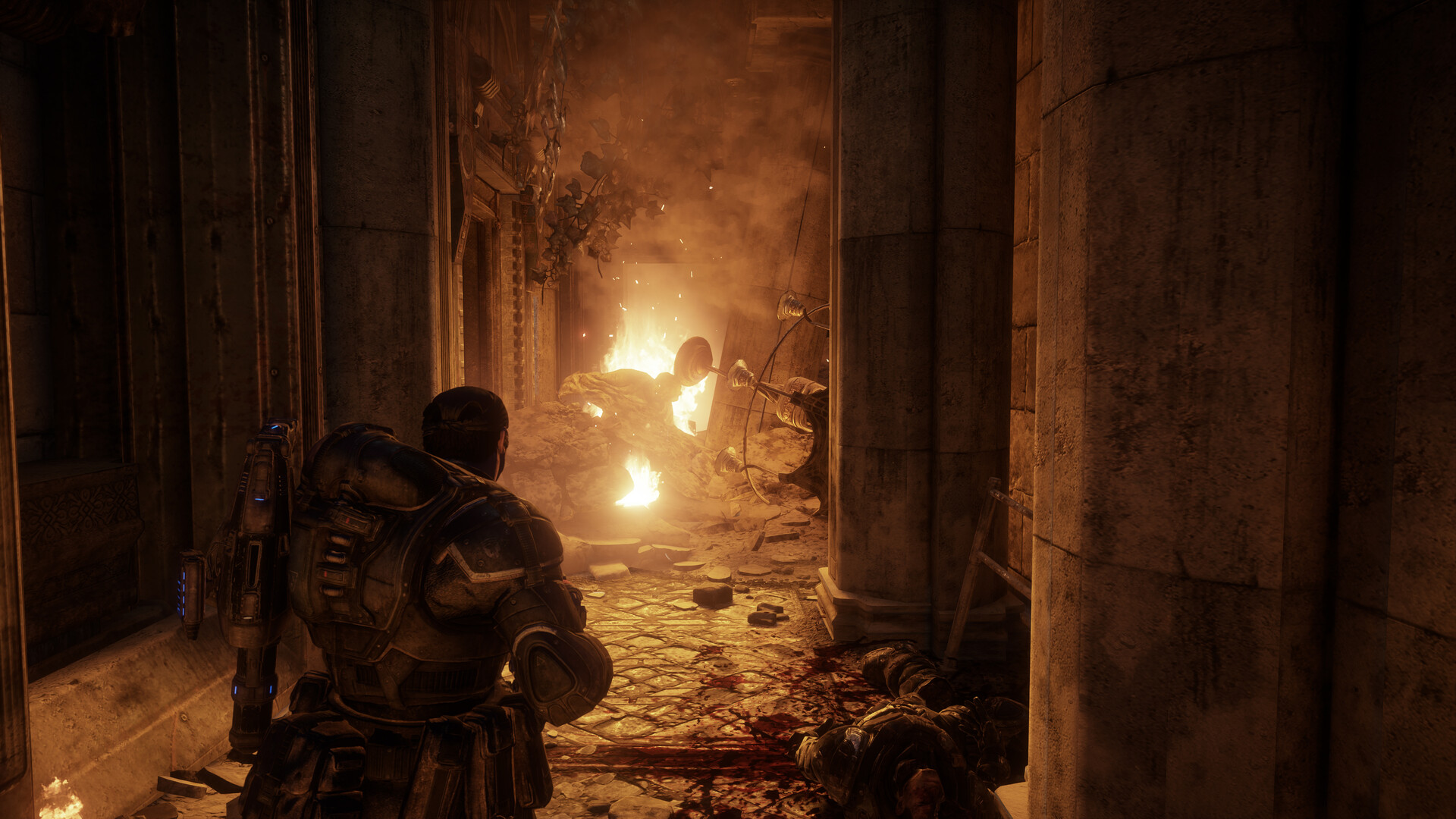
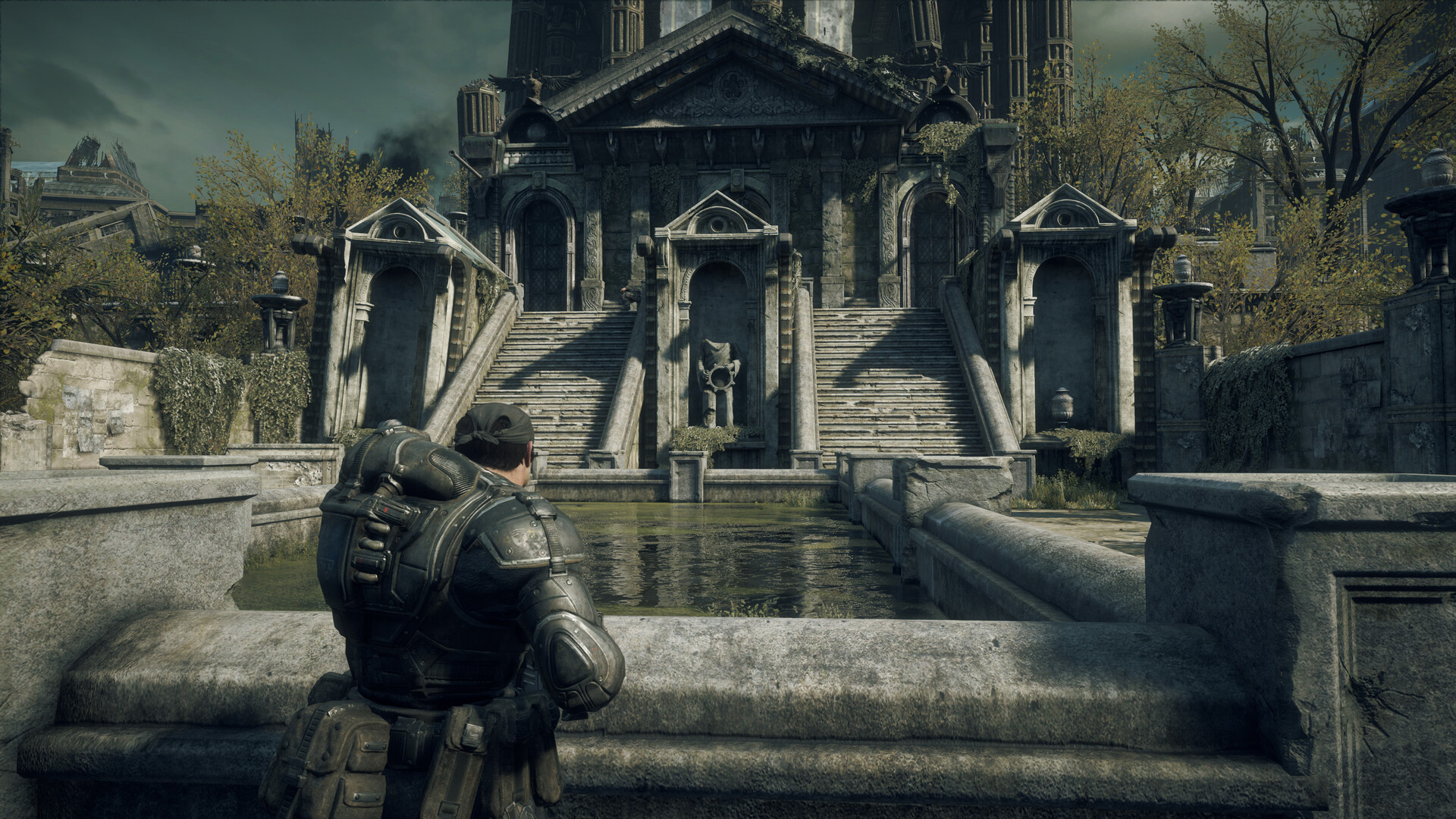
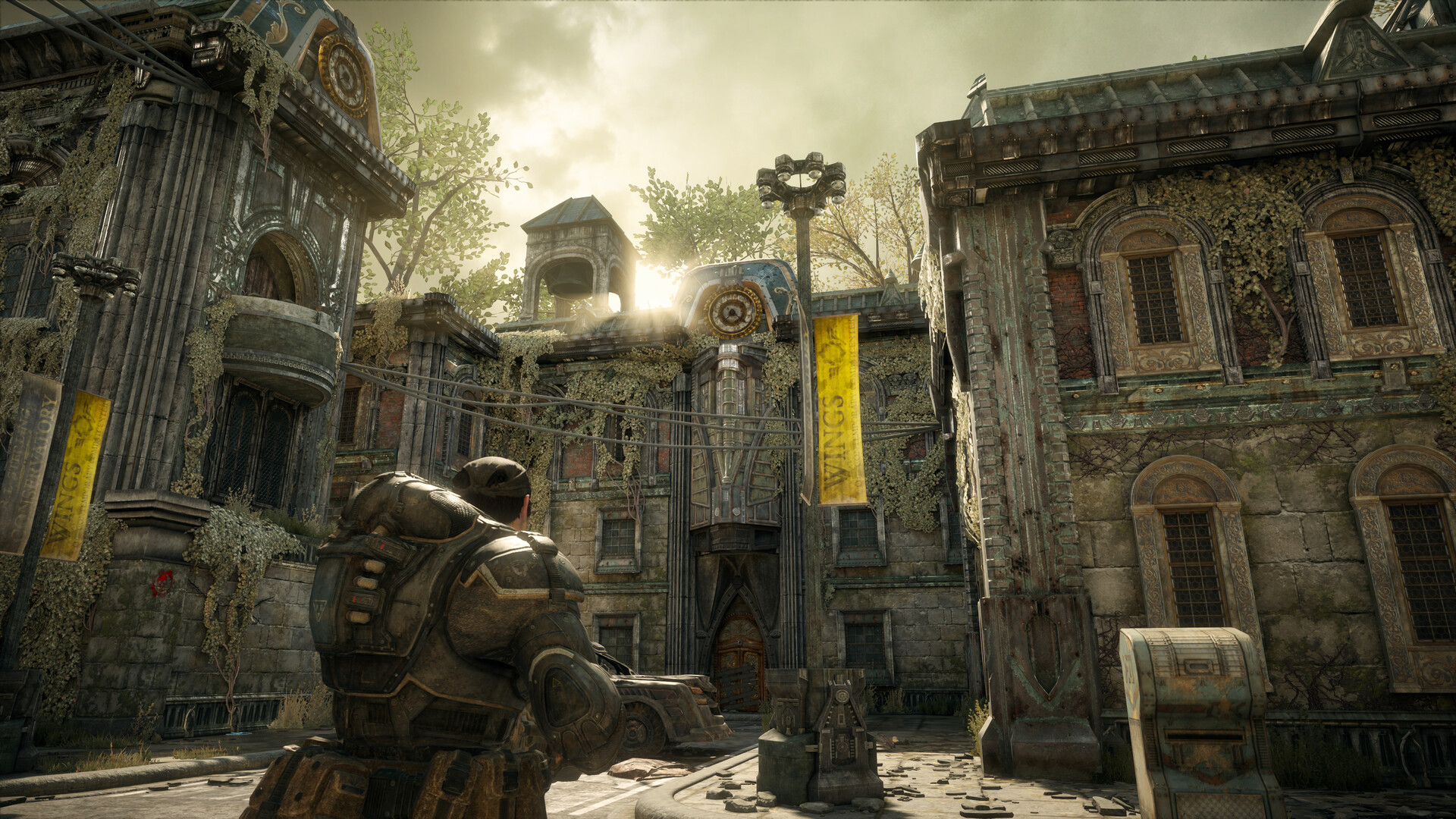
The Original, Remastered: Powered by Unreal Engine, Gears of War: Reloaded is a remaster of the blockbuster first Gears of War, now fully optimized for the latest generation of gaming platforms.
All Included: Gears of War: Reloaded delivers all post-launch content for the original title, including a bonus campaign act, multiplayer maps, plus characters and cosmetics, at no additional cost.
Refined Controls: Newcomers can choose a modern, streamlined control layout, while veterans can relive the classic feel they love.
BUILT FOR BROTHERHOOD
Campaign Co-Op: Crush the Locust threat together through campaign online co-op. Fight on with your squad in Versus multiplayer running at up to 120fps with unmatched clarity and visual fidelity.*
Cross Play: Gears of War: Reloaded supports cross-play across all platforms, allowing you and your friends to squad-up, regardless of where you play.*
Cross Progression: Jump from one platform to another and your campaign saves as well as multiplayer progression will come with you. Signing in with your Microsoft Account required is for cross progression.*
OPTIMIZED FOR PC & HANDHELDS
Beautiful on any screen: The iconic original now looks and plays better than ever with 4K assets plus remastered textures, lighting, shadows and reflections, ultrawide support, HDR and Dolby Vision, 7.1 surround sound, variable refresh rate as well as up to 144 FPS in multiplayer.*
Optimized for PC & Handhelds: In addition to stunning remastered visuals, Gears of War: Reloaded also delivers PC-first features such as ultrawide support, a benchmark mode, variable refresh rate, mouse and keyboard support, FSR3.1 and DLSS3.5 Super Resolution support as well as controller remapping.
Minimum Requirements
- Requires a 64-bit processor and operating system
- OS: Windows 10 22H2
- Processor: AMD Ryzen 5 2600 / Intel i7‐6850K / i5‐10400
- Memory: 12 GB RAM
- Graphics: AMD Radeon RX 6600 / NVIDIA GeForce RTX 2060 / Intel A580
- DirectX: Version 12
- Storage: 135 GB available space
- Additional Notes: SSD required
Recommended Requirements
- Requires a 64-bit processor and operating system
- OS: Windows 10 – 22H2 Windows 11 - 24H2
- Processor: AMD Ryzen 5 (Six-Cores) or Intel i5 Coffee Lake
- Memory: 8 GB RAM
- Graphics: AMD Radeon RX 5600 or NVIDIA GeForce GTX 1070 / GTX 1660 Ti / RTX 2070 or Intel A580
- DirectX: Version 12
- Network: Broadband Internet connection
- Storage: 70 GB available space
- Sound Card: Windows compatible audio device
Release Date
26 AUG 2025


 Steam
Steam  EA app
  Ubisoft
  Microsoft Store
  Software