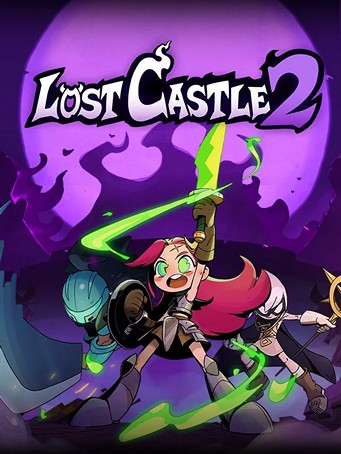
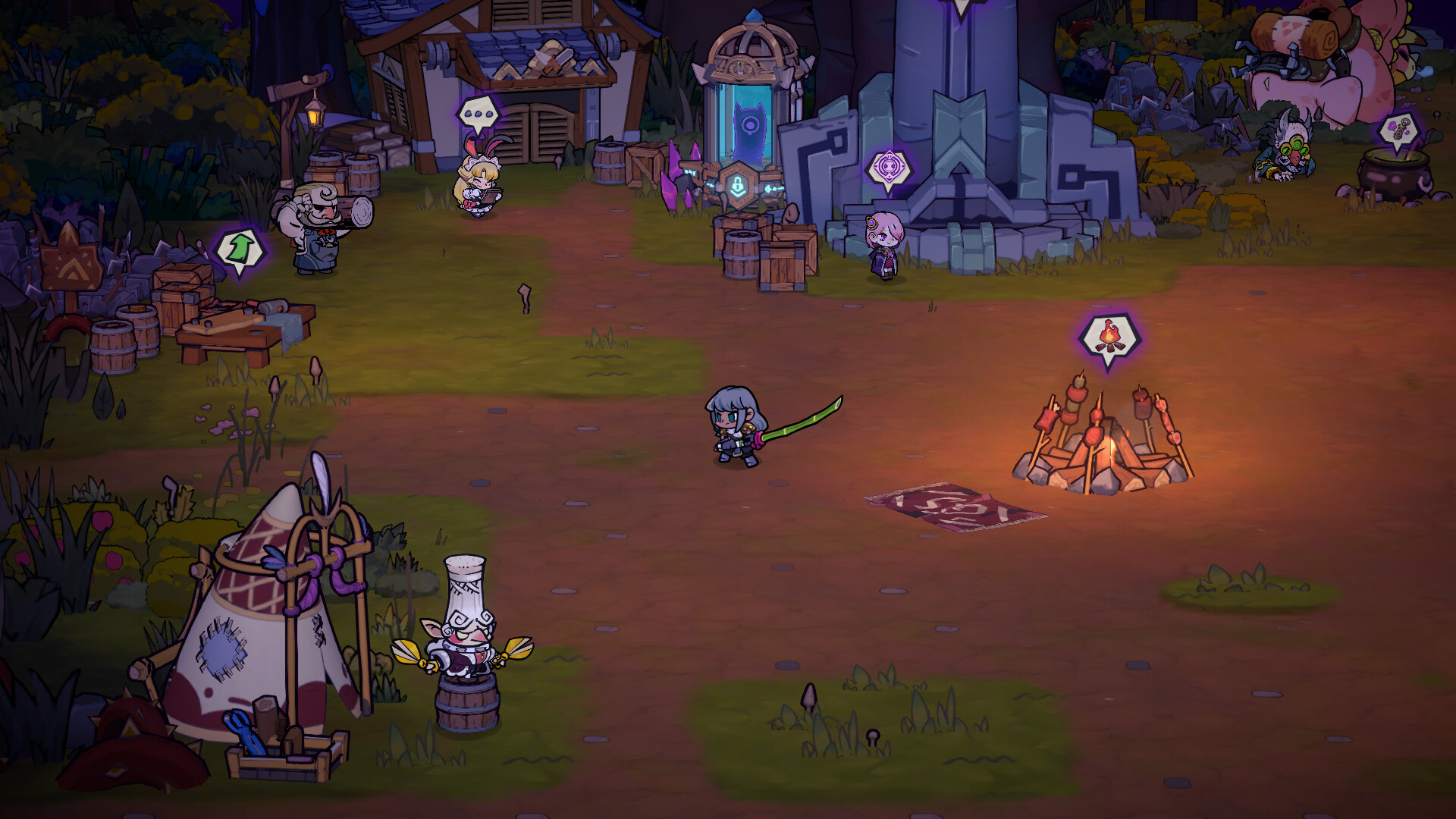
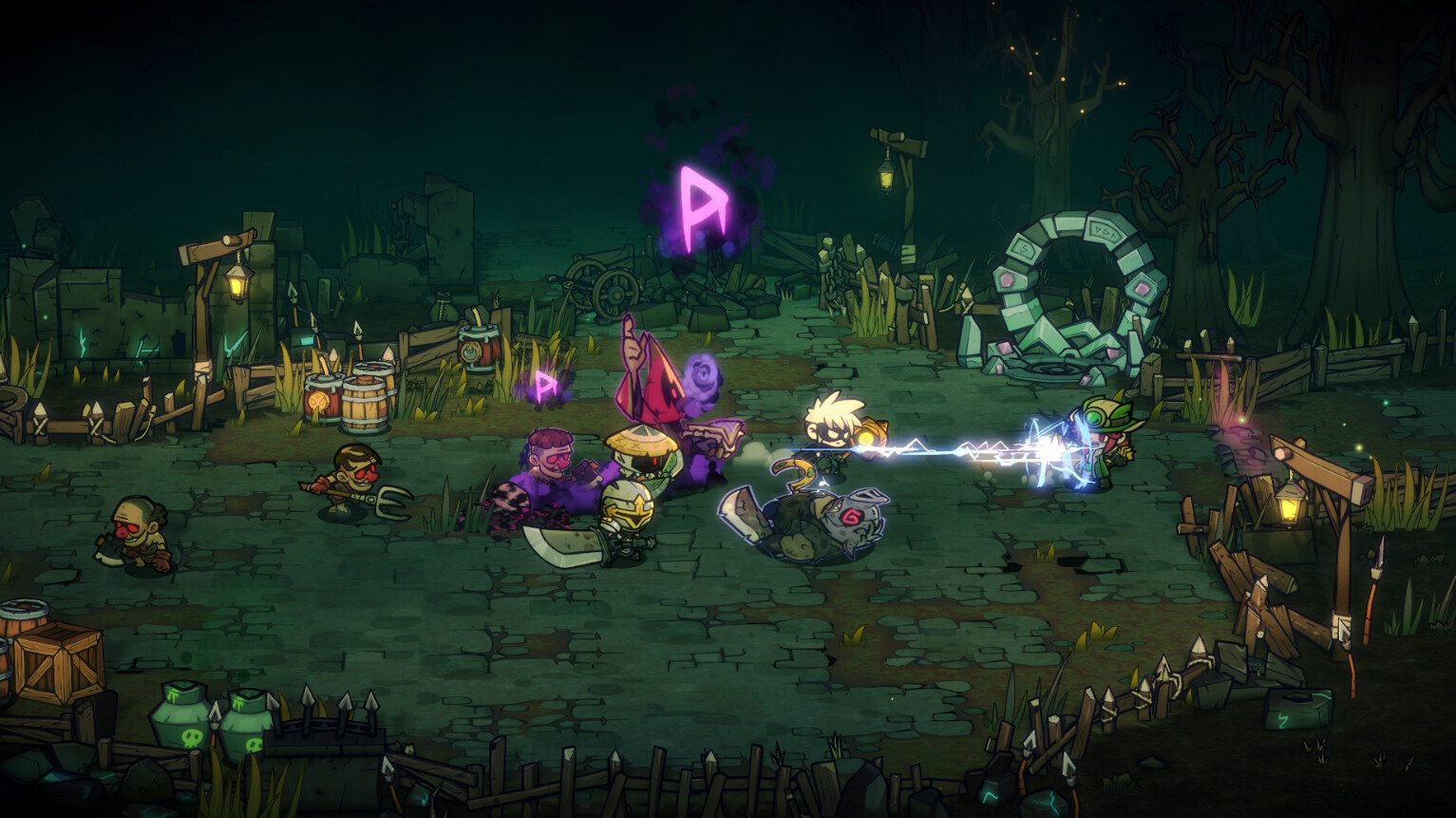
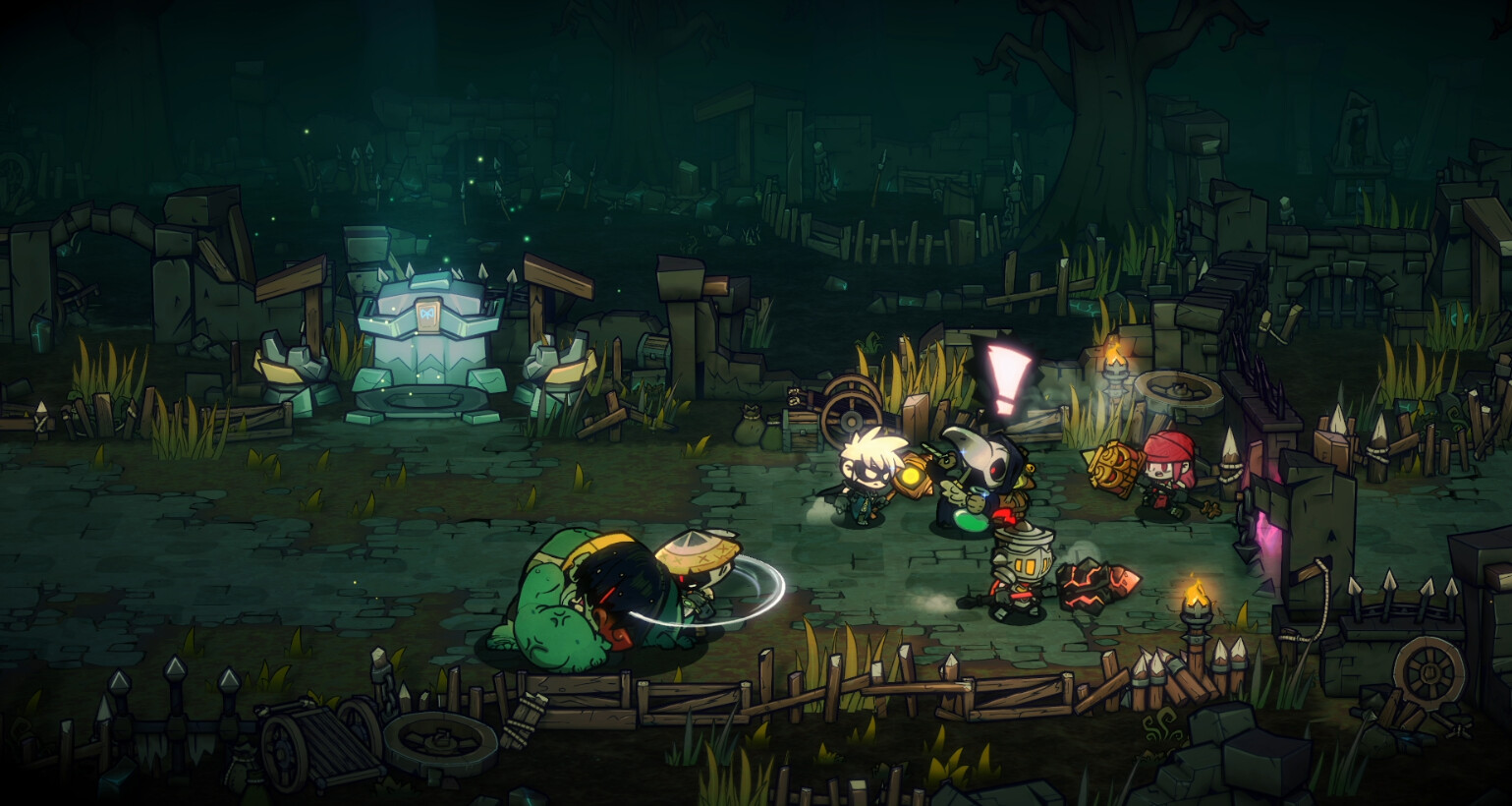
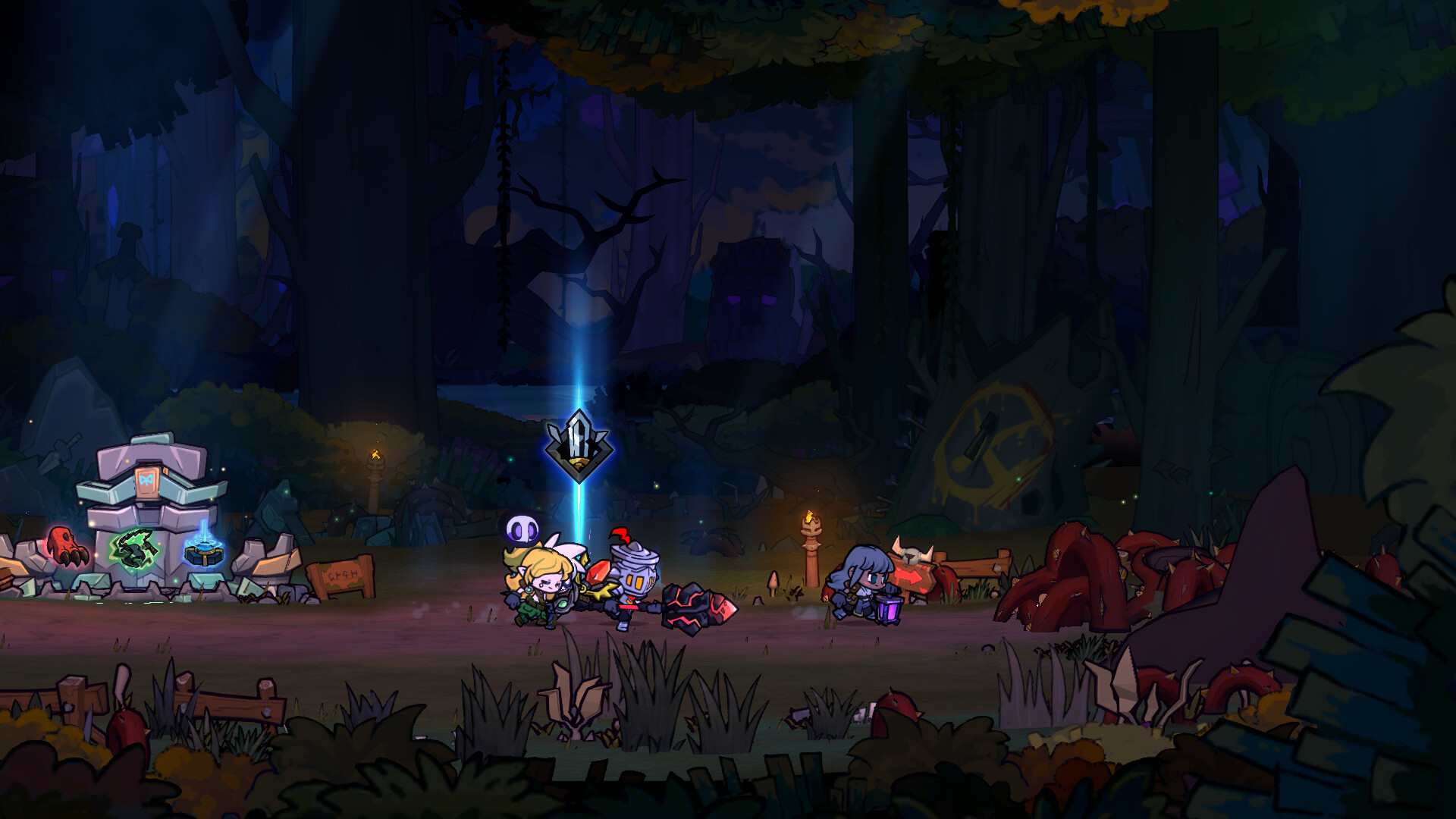
"Lost Castle 2" is a 2D Beat'em up Rogue-Lite game.
Abundant Quantity of Weapons and Equipment
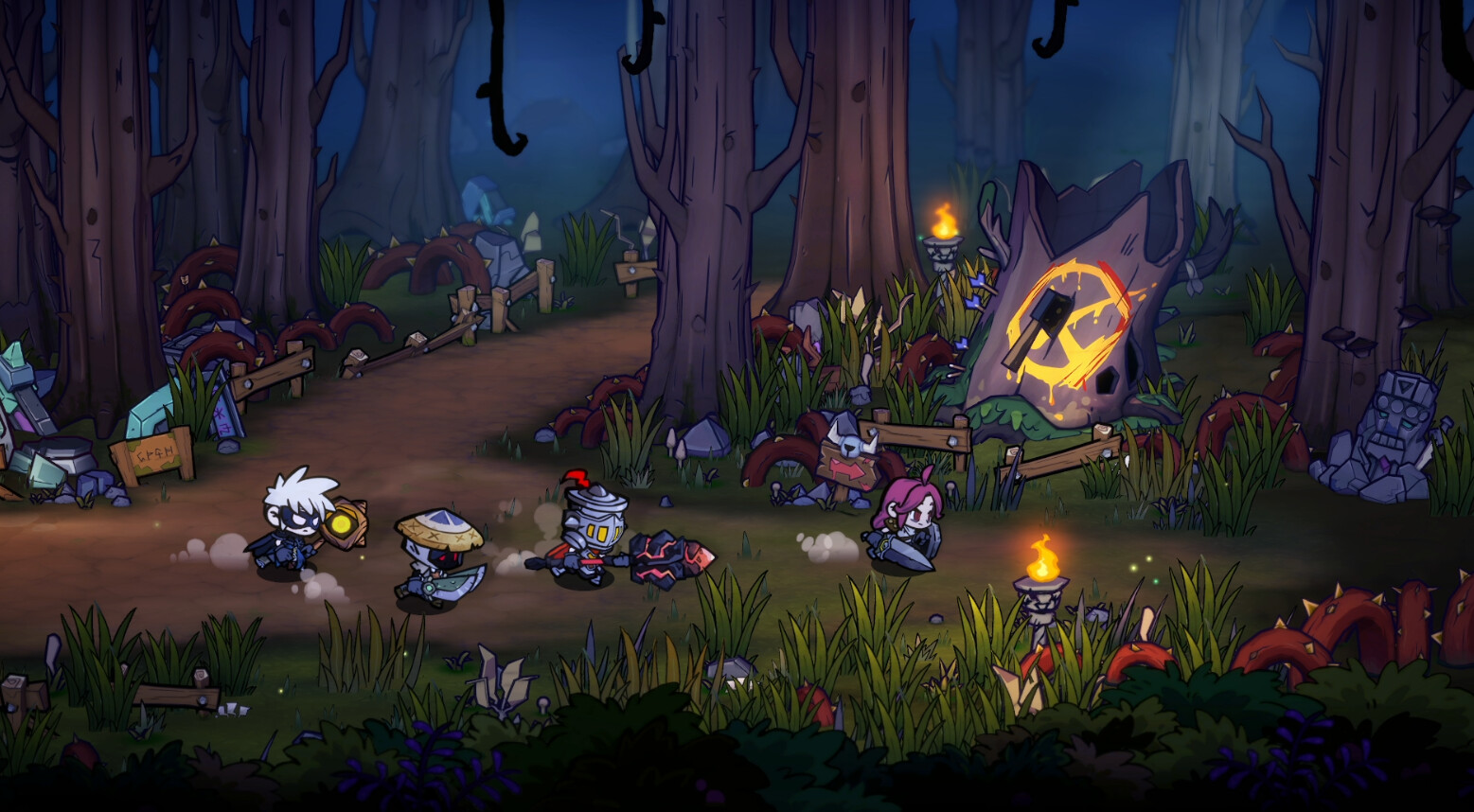
Featuring over 200 different weapons and armors, it introduces a diverse range of action mechanics and unique weapon skills!
Treasures with Random Passive Effects
More than 130 treasures with distinct effects. The more treasures you collect, the stronger you become, infusing each game session with changes and fresh excitement!
Thrilling Levels and Mighty Boss Challenges
A variety of level scenes: Black Forest, Abandoned Village, Crystal Mountain, Black Castle Bridge, Black Castle, and more.
Over 10+ uniquely powerful bosses await your challenge!
The Dark Castle stands deep within the border mountains, a mysterious fortress. Reports from treasure hunters who have discovered the Dark Castle describe it as surrounded by exceptionally unique environments. Strange mutations have affected nearby creatures, and even mysterious Ethreals and Soul Crystals have been found. Everything indicates that the Dark Castle holds hidden secrets within...
A new adventure beckons for treasure hunters. Join the Treasure Hunters Guild, journey to the enigmatic Dark Castle, and embark on a fresh treasure-seeking expedition!
Minimum Requirements
- OS: Windows 10/11
- Processor: Dual Core 2 GHz
- Memory: 4 GB RAM
- Graphics: Intel HD 530 (AMD or NVIDIA equivalent)
- DirectX: Version 11
- Network: Broadband Internet connection
- Storage: 4 GB available space
Recommended Requirements
- OS: Windows 10/11
- Processor: Intel I5
- Memory: 16 GB RAM
- Graphics: NVIDIA 1050
- DirectX: Version 11
- Network: Broadband Internet connection
- Storage: 4 GB available space
Release Date
11 JUN 2026


 Steam
Steam  EA app
  Ubisoft
  Microsoft Store
  Software