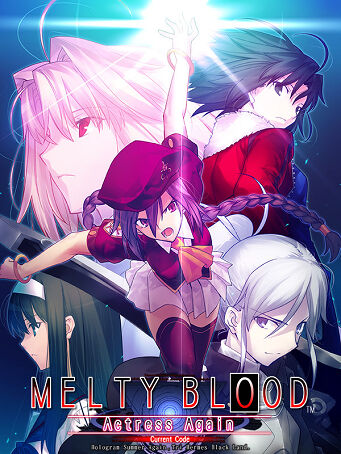
Melty Blood Actress Again Current Code

Melty Blood Actress Again Current Code

Melty Blood Actress Again Current Code

Steam

Steam

1-5 minutes delivery time
Receive the key directly
Genre
-57%
฿ 459
฿ 199

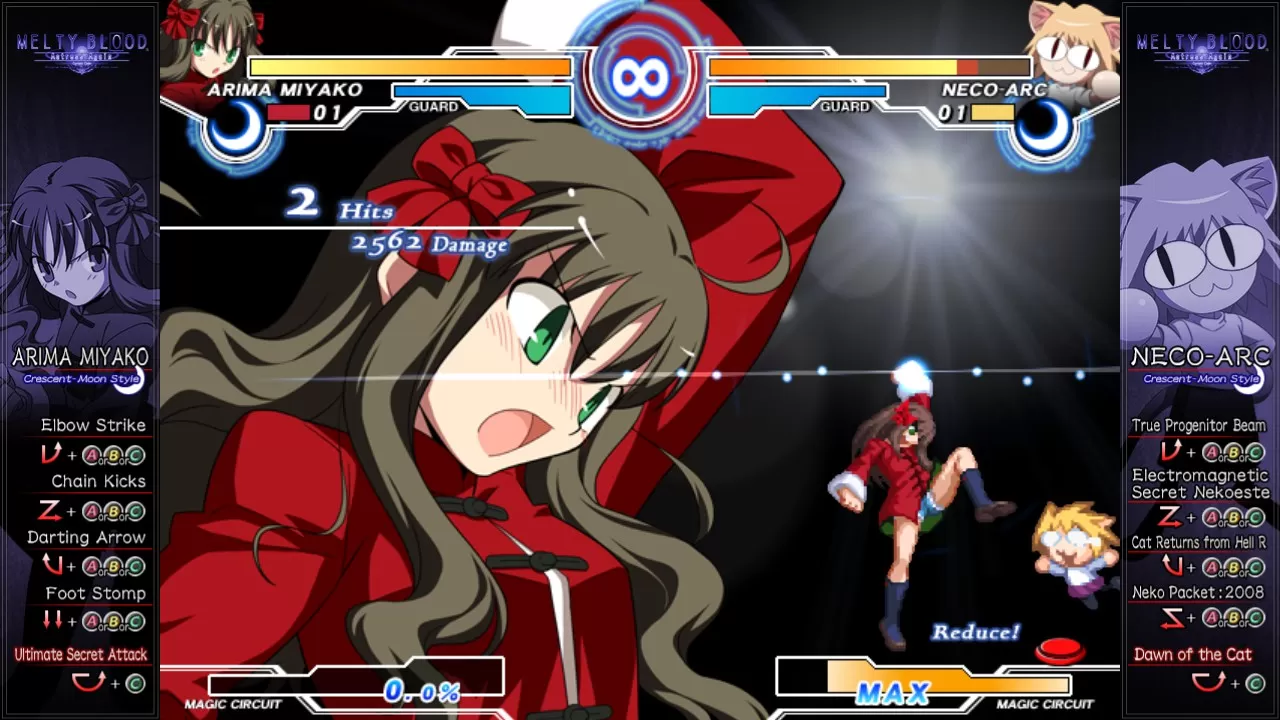
Maximum Combat Freedom

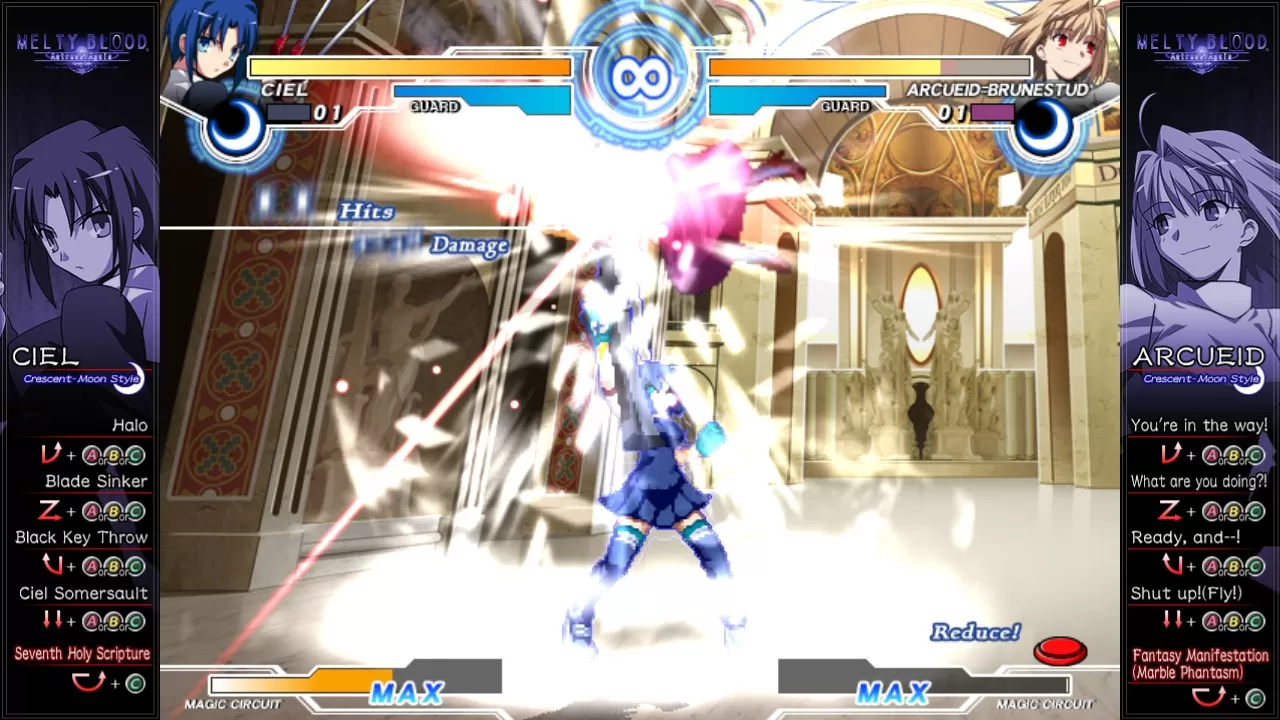
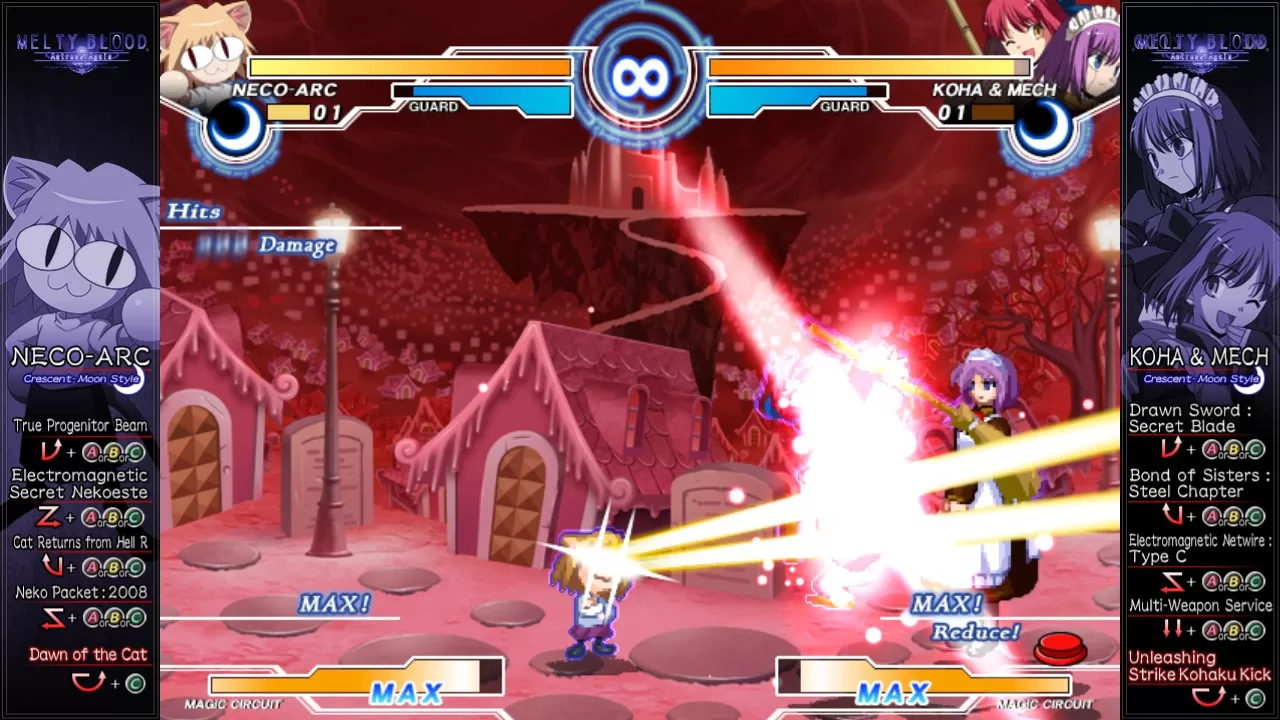
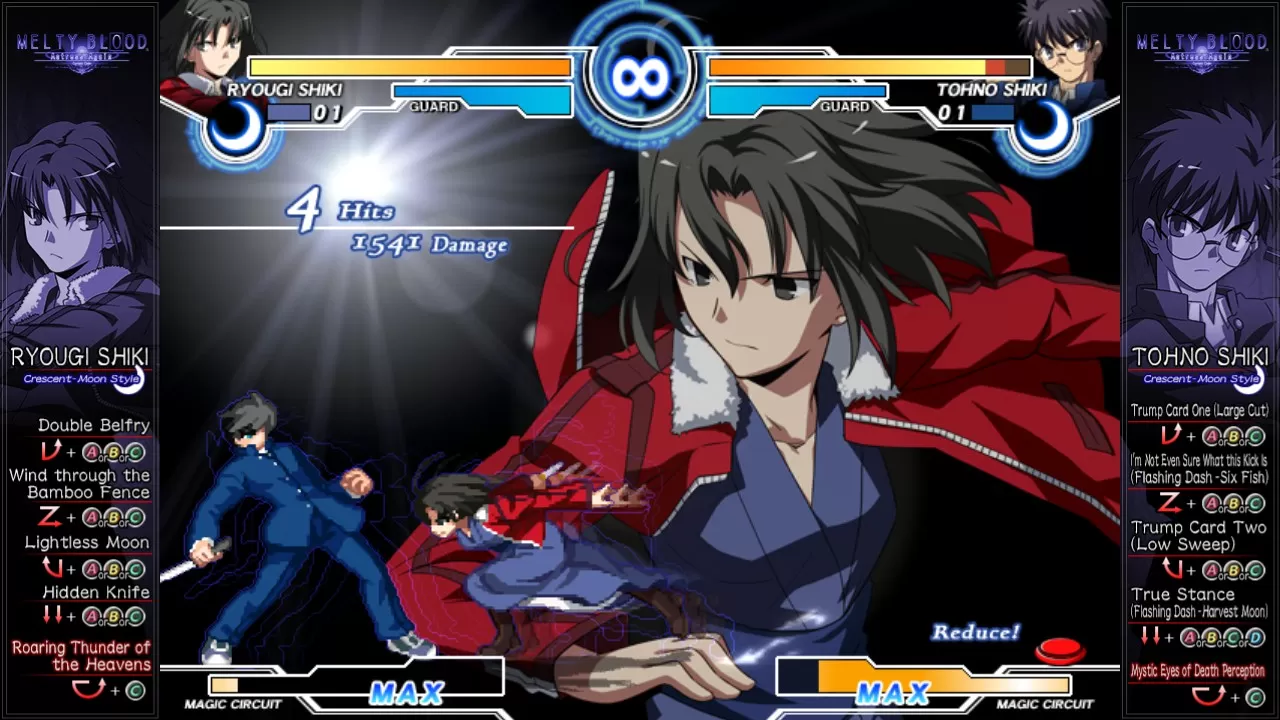
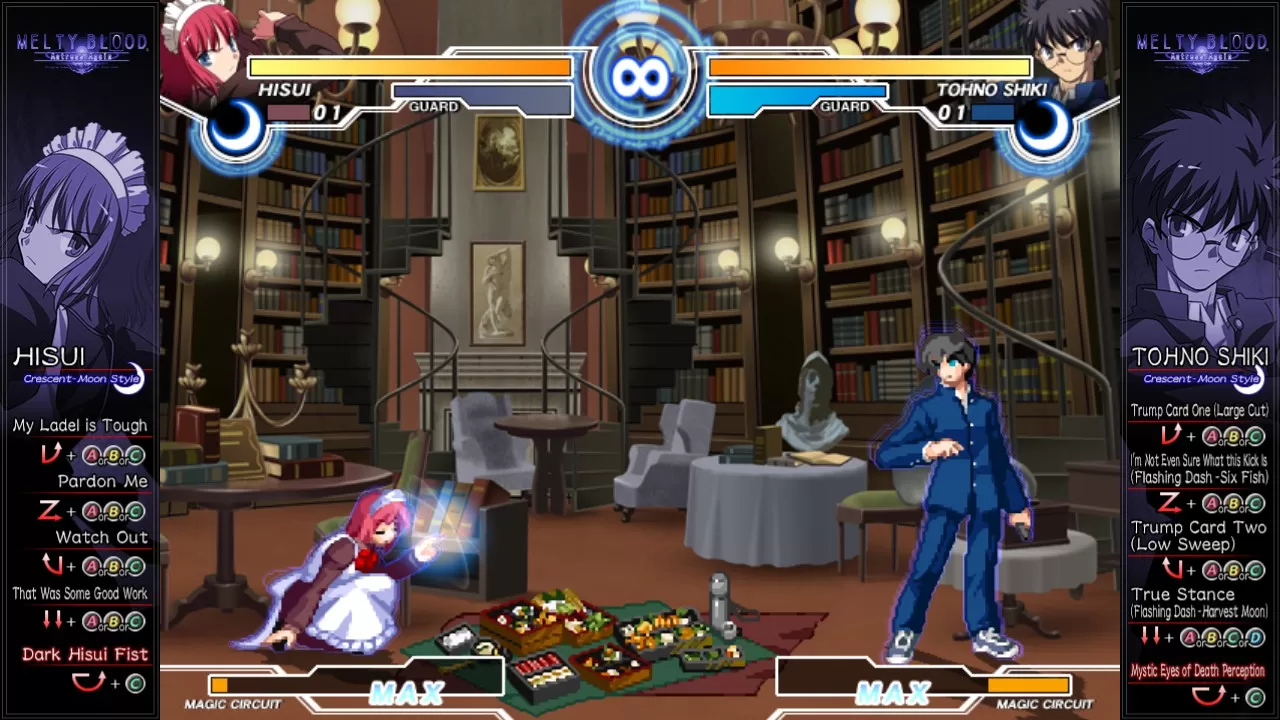
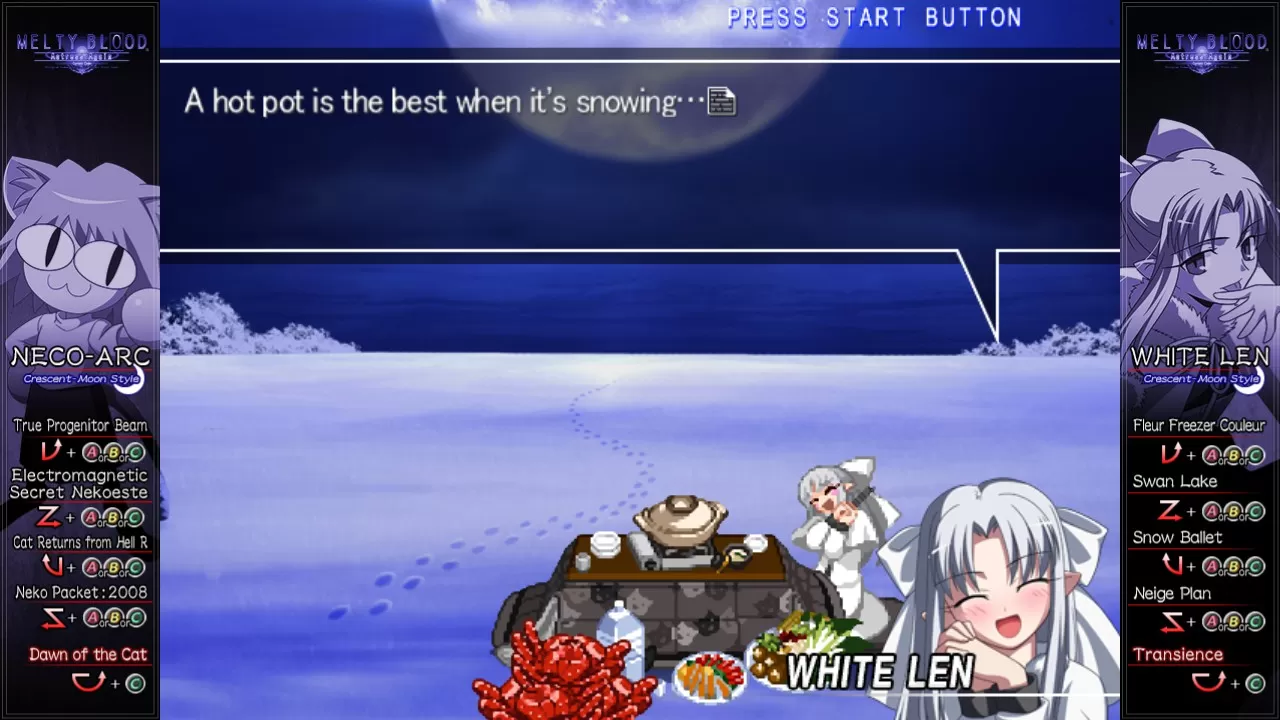
All playable characters comes with 3 separate styles for players to choose from - "Crescent Moon Style", "Full Moon Style" and "Half Moon Style". Each style exhibits a different behaviour for the selected character, experiment away to discover your own combat style!

Largest Character Variety in the Series

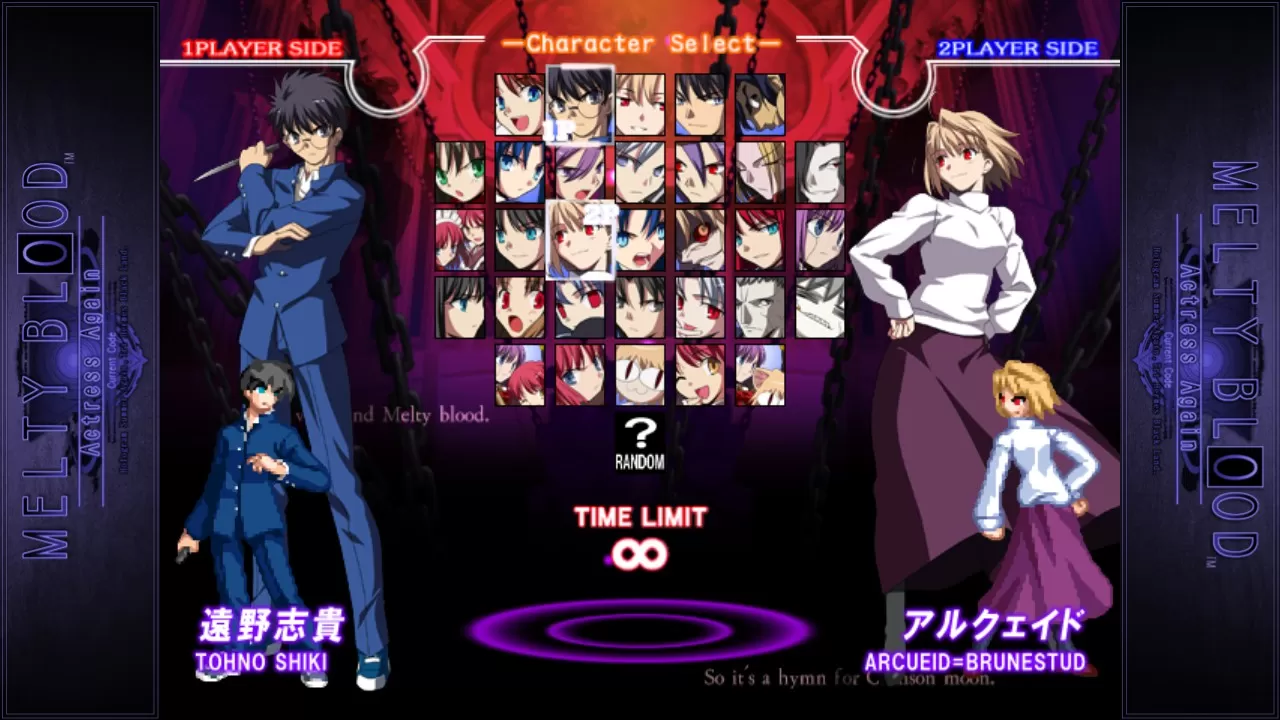
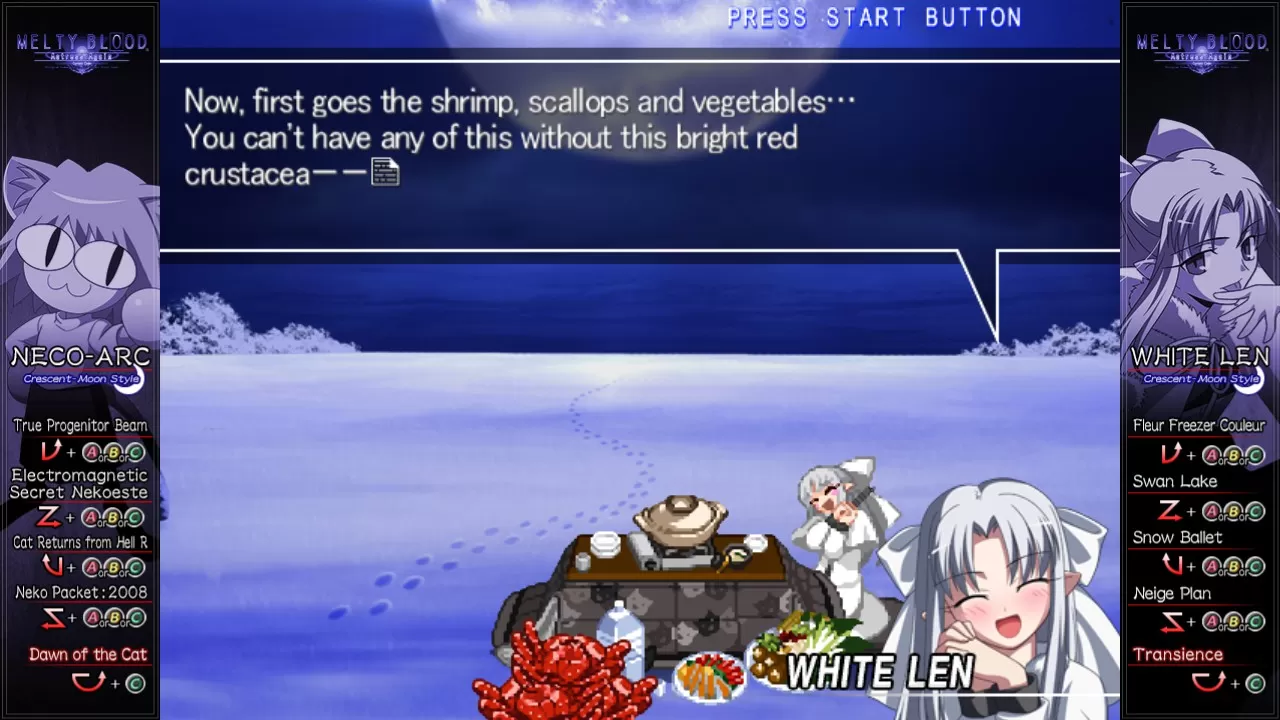
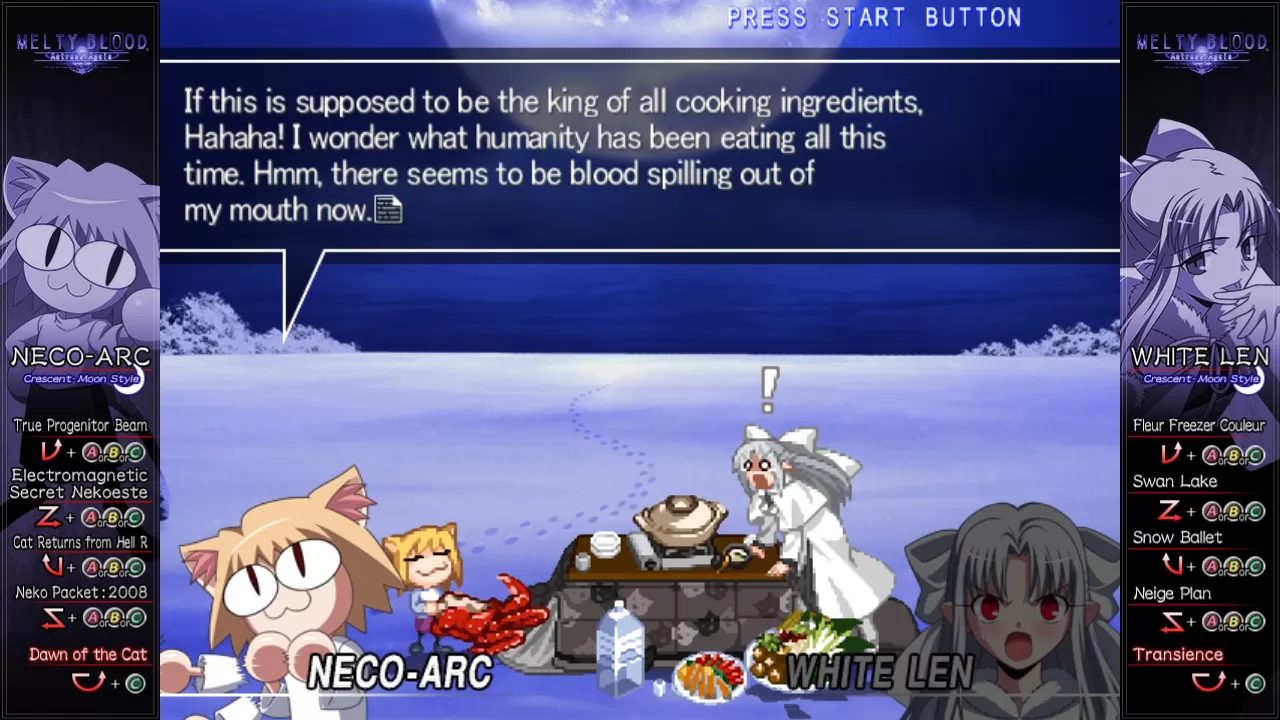
Today a friend, tomorrow a foe… Some tag-teamed, some got converted to the vampiric side, some just wanted to have a spot in the promised movie debut. Try your hands at the largest cast number among the series on all the 31 characters (multiplied by 3 styles each!) to find the dream fighter that suits you best!

Deep Lore

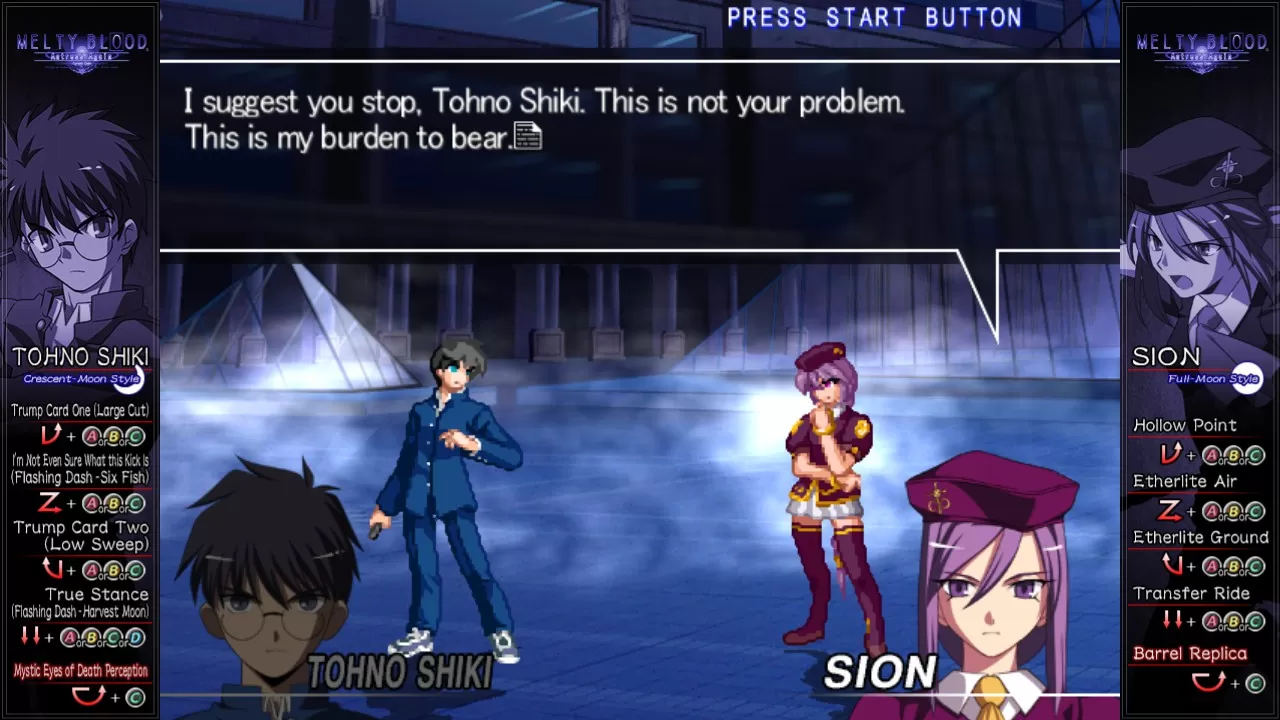
A year has passed after the TATARI incident left Misaki Town scarred. However, the nightmare revisits again for the third time. Every character has a story to tell in the "ARCADE".
Also, users may enjoy pure battle action in "VERSUS", whether is it 1P vs 2P, 1P vs CPU, or just watch CPU vs CPU.
Players may also wish to try out the characters and their individual styles in the "TRAINING" to get a hang of their abilities before heading to the heat of the battle.

Online Battle Feature

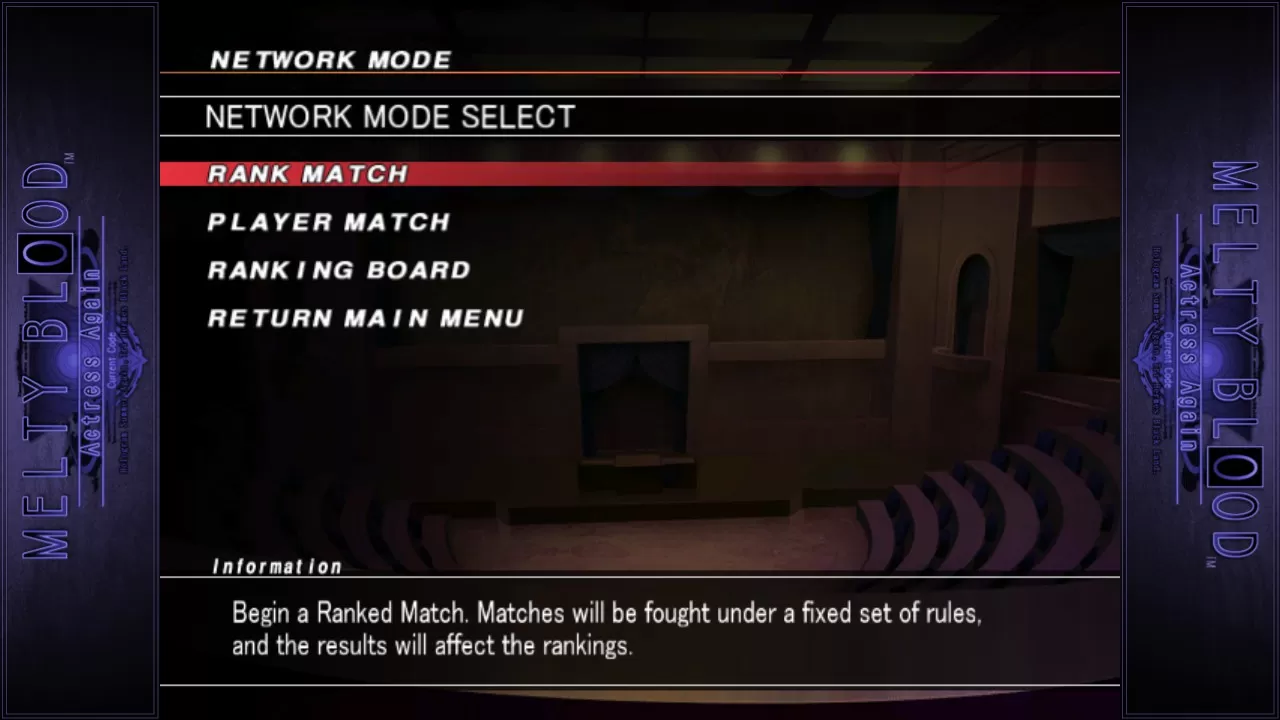
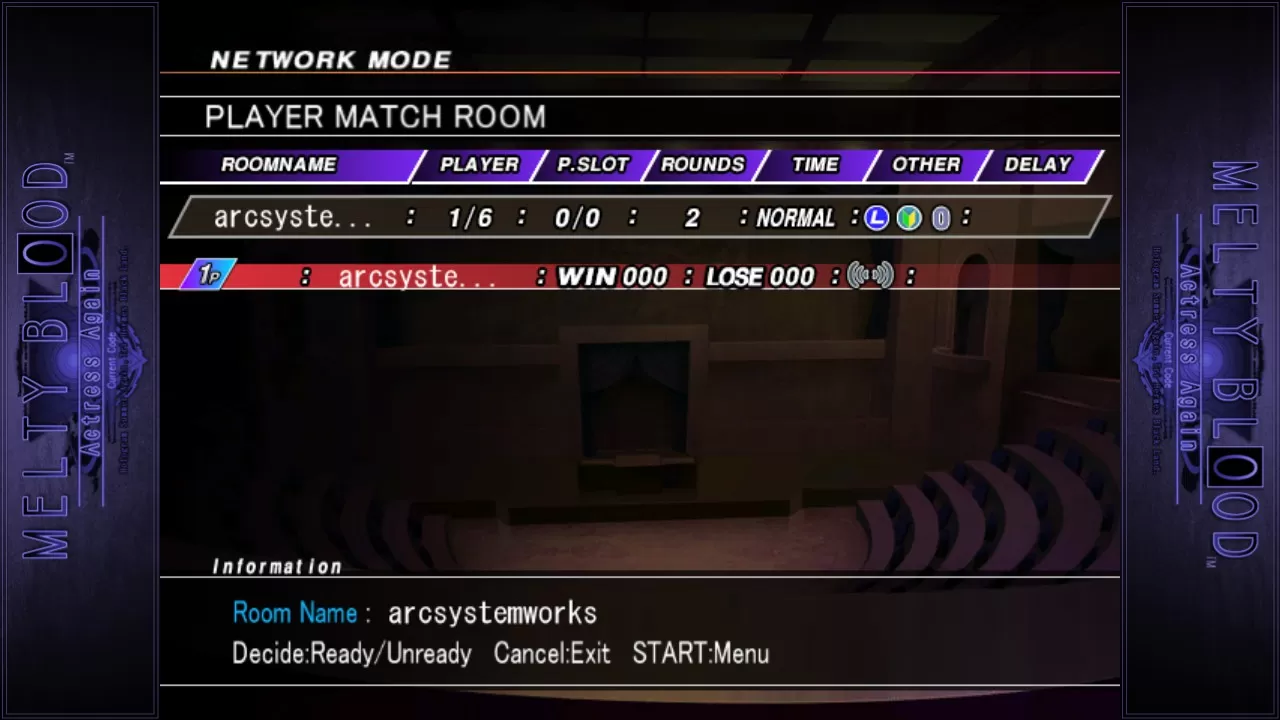
Players may head over to the "NETWORK MODE" and play against other players over the internet with "RANK MATCH" and "PLAYER MATCH".
Pit your skill against others in a serious matchup via "RANK MATCH" and watch your rankings grow with each win!

Minimum Requirements

  • OS: Windows 7 / 8 / 8.1
  • Processor: Intel Celeron 440, 2.0GHz and above
  • Memory: 2 GB RAM
  • Graphics: GeForce 7900 / Radeon X1600 and above
  • DirectX: Version 9.0c
  • Network: Broadband Internet connection
  • Storage: 3 GB available space
  • Sound Card: Direct Sound

Release Date

20 APR 2016

There is no comment for Melty Blood Actress Again Current Code

Review Melty Blood Actress Again Current Code (0 Reviews)
0
Review this game!

1. Click on this link and continue to finish installing Steam https://cdn.cloudflare.steamstatic.com/client/installer/SteamSetup.exe

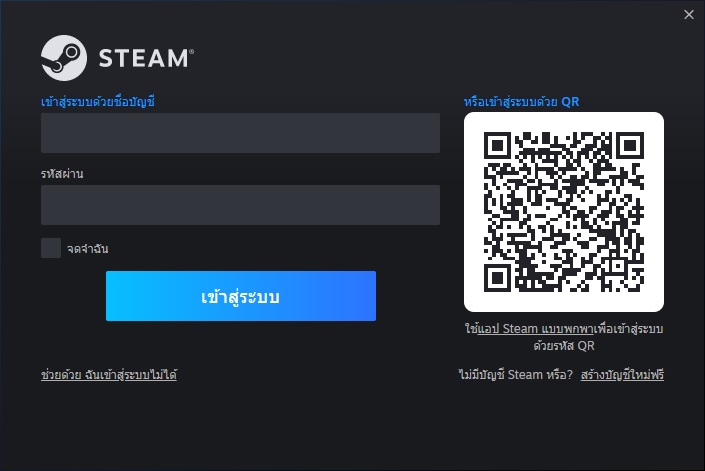
2. Run Steam and login or create an account

วิธีเปิดใช้งานเกม Steam

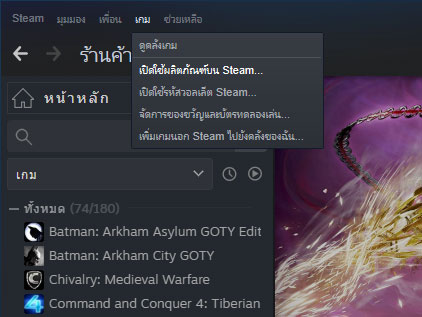
3. On the top left corner of the screen click on "Games" and select "Activate a product on Steam..."

วิธีเปิดใช้งานเกม Steam

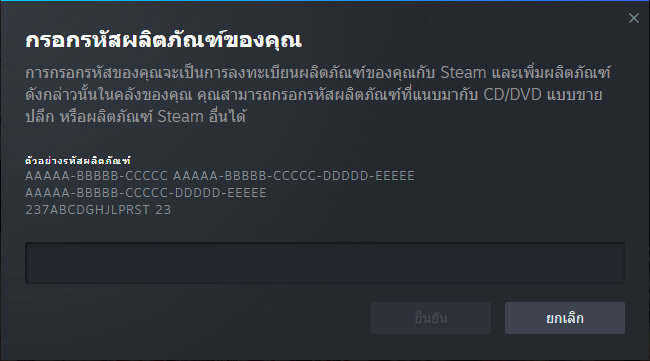
4. Click "Next" until you see the input form. Fill in your code then click "Next"

วิธีเปิดใช้งานเกม Steam

5. Your game activation is completed. Your game is ready to download. Once it's finished you'll be able to play the game immediately. Have fun!

ต้องการสอบถามข้อมูลใช่ไหม? ส่งข้อความถึงเราได้เลย!