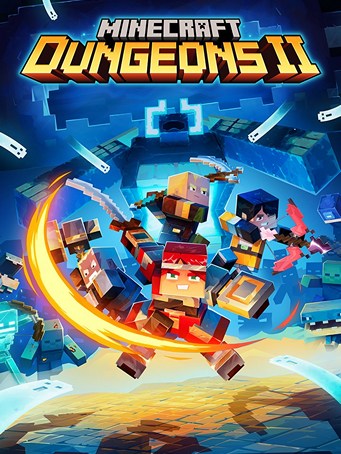
Minecraft Dungeons II

Minecraft Dungeons II

Minecraft Dungeons II

Microsoft Store

Microsoft Store

EDITION
Genre
฿ 899

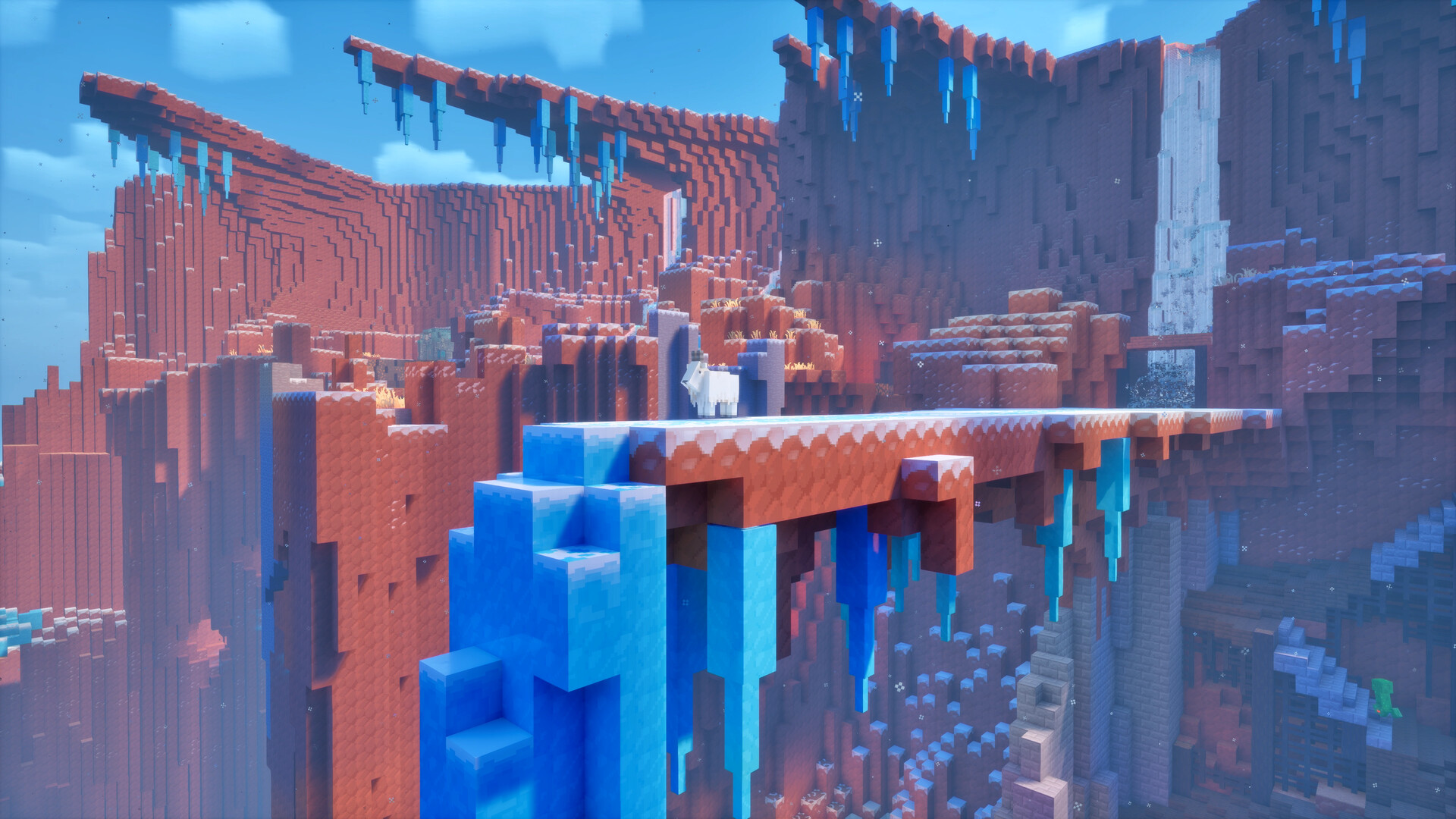
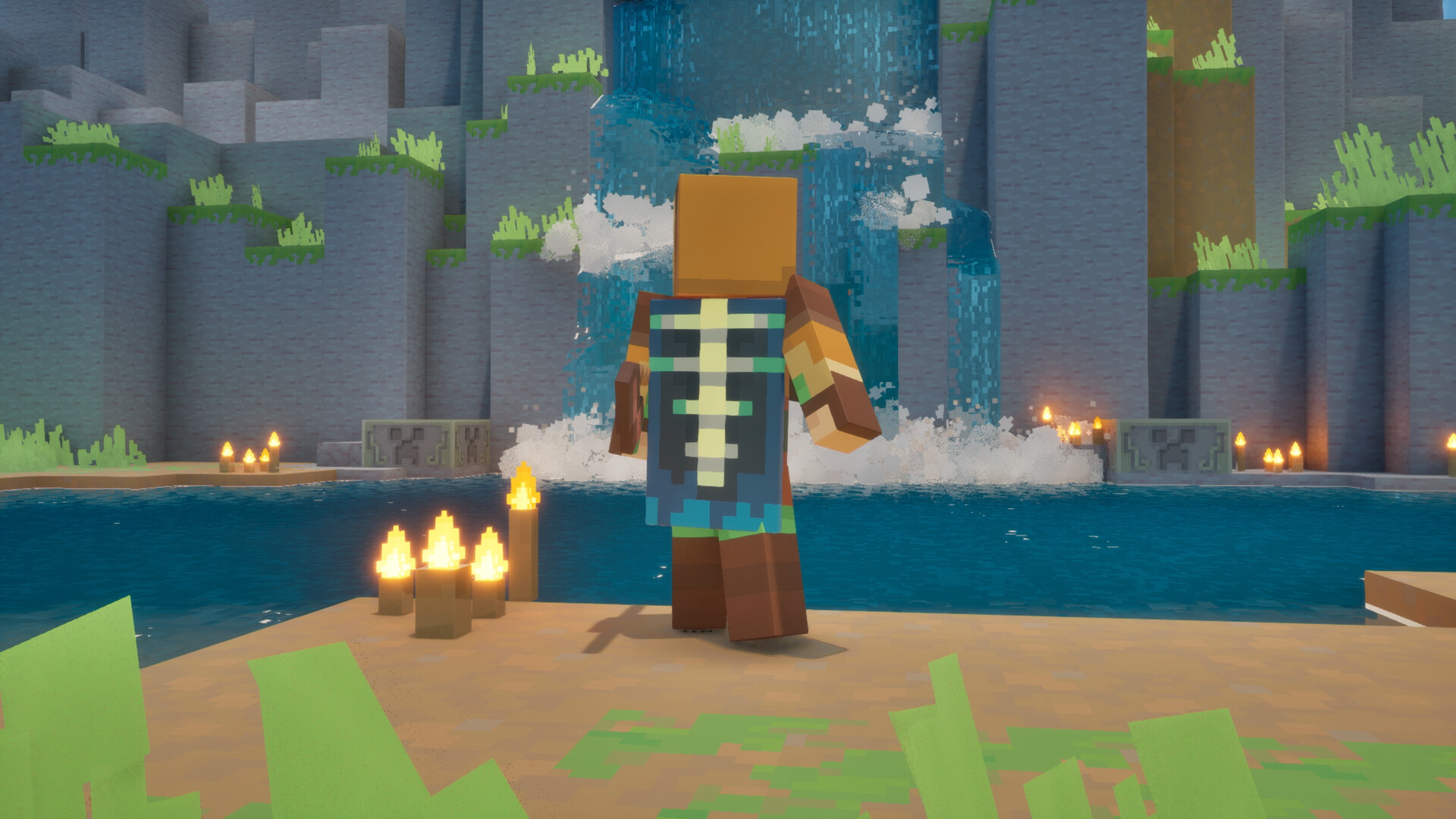
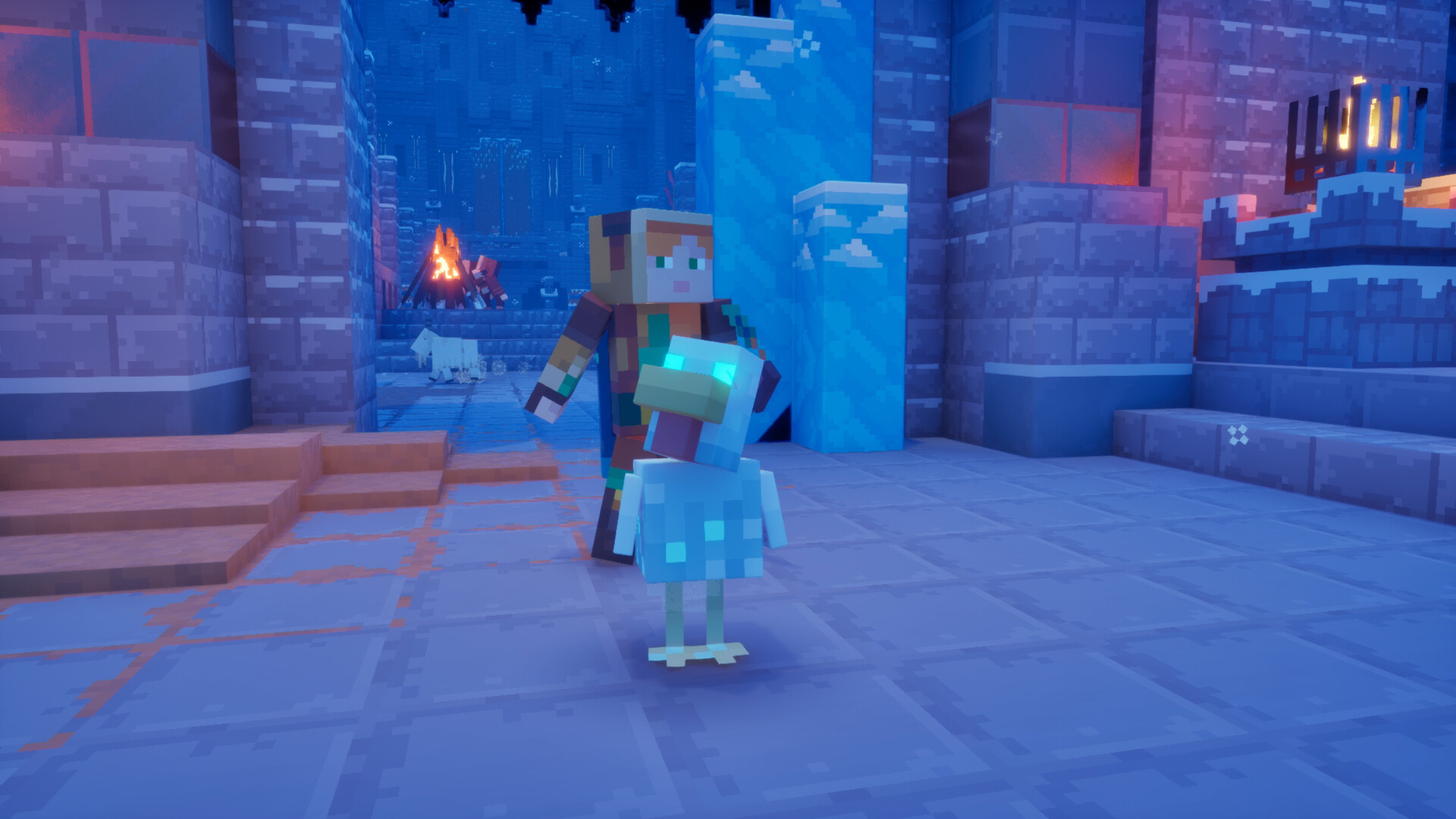
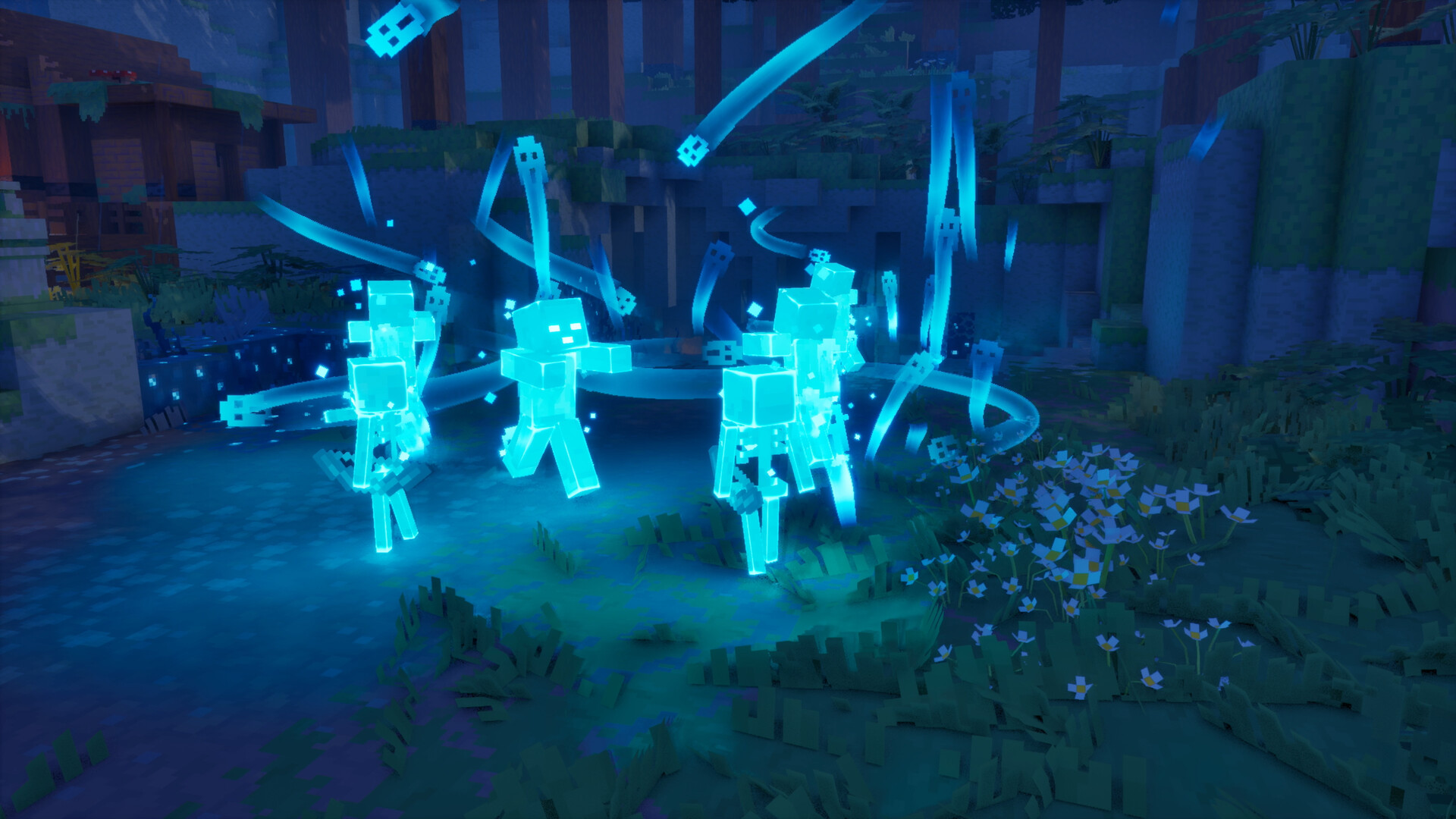
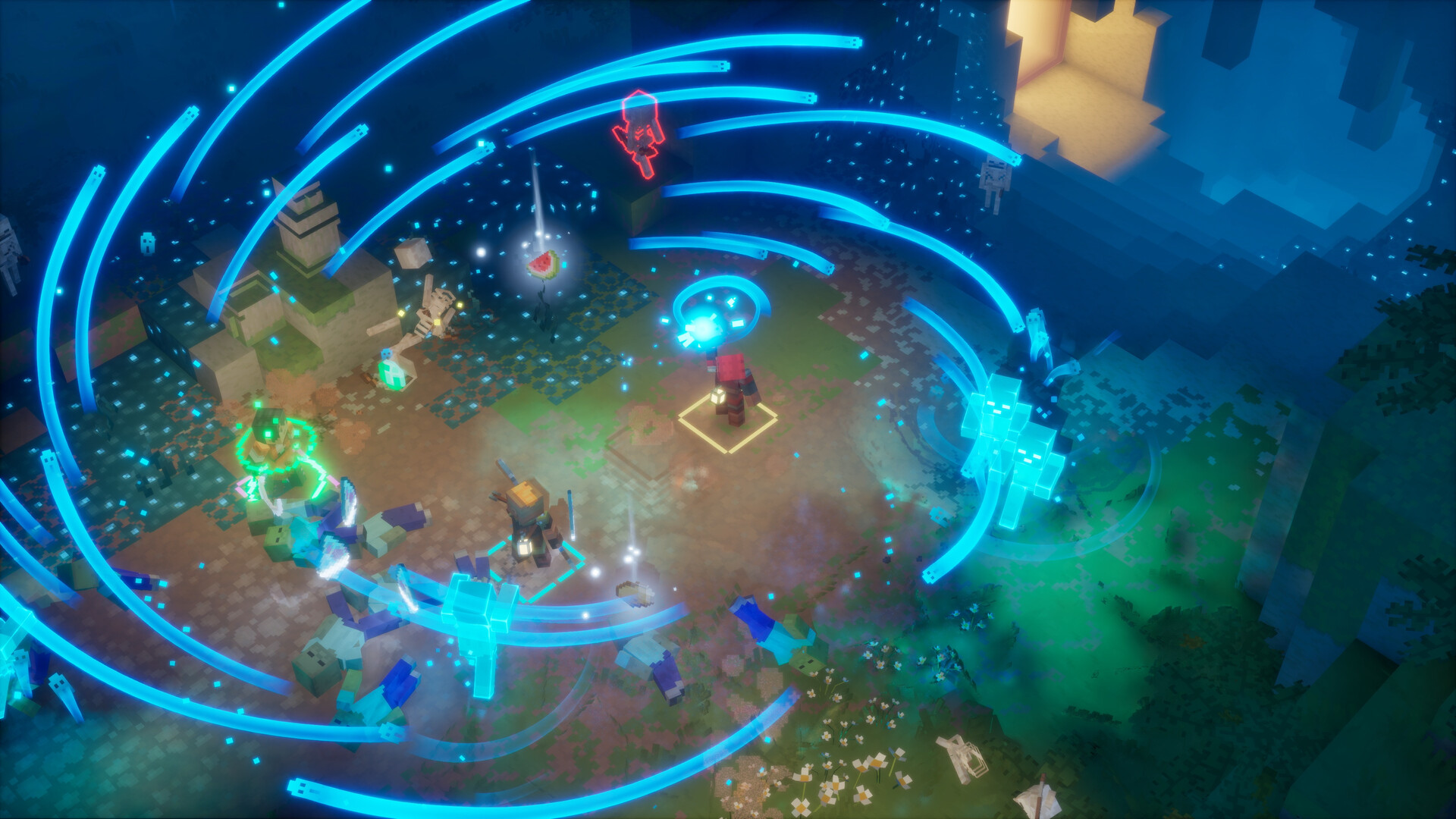
Drop the pickaxe, grab a sword, and charge into a thrilling new adventure in Minecraft Dungeons II. Journey through unexplored lands and mysterious locations, in a quest to stop a new evil from causing chaos in not one, but two worlds! Clash with menacing foes in explosive encounters and fight your way through hordes of mobs that will do everything in their power to stop you! 

Fight against a new, challenging threat that puts your combat skills to the test like never before 

Experience an all-new chapter in the Minecraft Dungeons saga that takes you across the Overworld... and beyond 

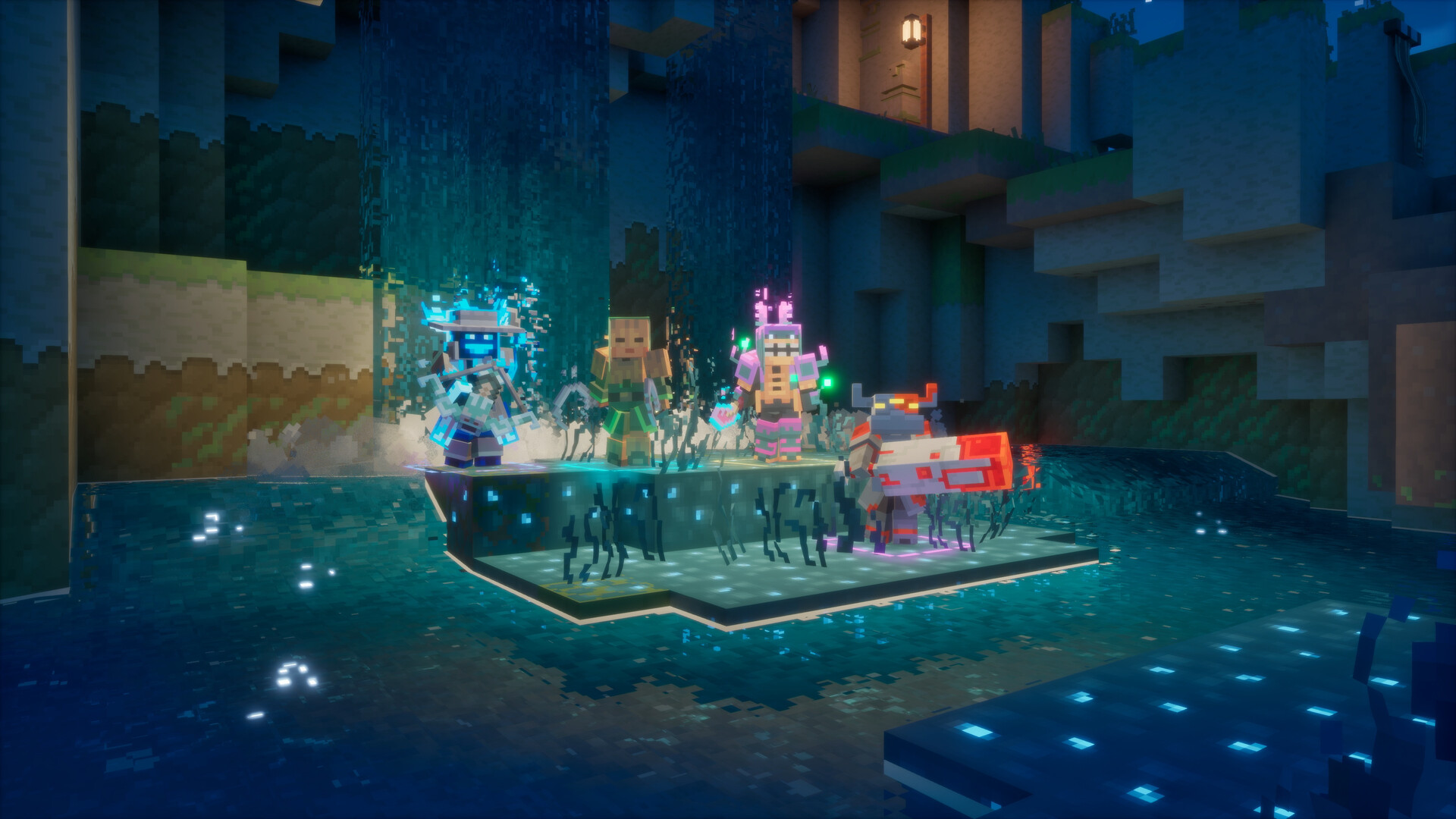
Craft the perfect hero with legendary gear, including a wide range of weapons, armor, and artifacts 

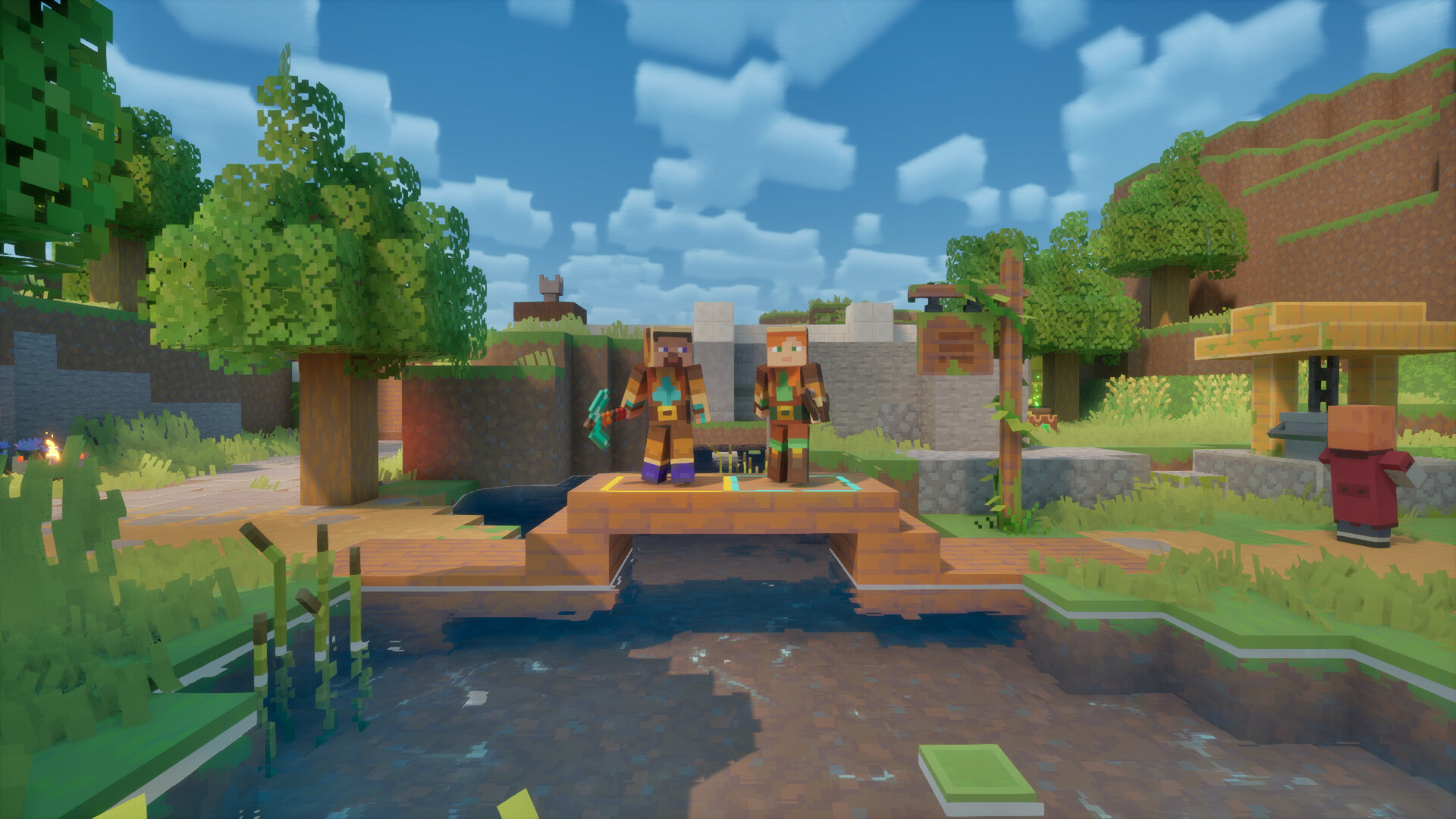
Team up with new and old friends in a party of up to four players and smash your foes with the power of teamwork

Minimum Requirements

  • OS: Microsoft Windows 10, 64-bit (1703 or newer)
  • Processor: Intel Core i3-8100 / AMD Ryzen 3 2200G
  • Memory: 8 GB RAM
  • Graphics: NVIDIA GeForce GTX 1050 / AMD Radeon RX 560 (2 GB VRAM)
  • DirectX: Version 11

Recommended Requirements

  • OS: Microsoft Windows 10, 64-bit (1703 or newer)
  • Processor: Intel Core i5-8400 / AMD Ryzen 5 2600
  • Memory: 16 GB RAM
  • Graphics: NVIDIA GeForce GTX 1060 / AMD Radeon RX 580 (6 GB VRAM)
  • DirectX: Version 11

Release Date

30 SEP 2026

There is no comment for Minecraft Dungeons II

Review Minecraft Dungeons II (0 Reviews)
?
This product hasn't been released yet. Review isn't avaliable.

In order to use the key follow the instruction below:

1. Go to https://www.xbox.com

2. Login to your account

3. Hover over your account link (the top right of the screen) a menu will appear, click on the "Redeem Code" button.

4. On the next page, click "Redeem"

5. Enter your code

6. Click "Confirm"

7. Click "Confirm" again to assign the key to your account.


In order to download and install your game on Windows 10 follow the instructions below:

1. Using your Microsoft account, sign in to the PC where you want to install your games.

2. On the Start screen, select the Store icon.

3. In the Store, select Games from the menu.

4. Browse and select the game you want to install.

ต้องการสอบถามข้อมูลใช่ไหม? ส่งข้อความถึงเราได้เลย!