Sign in
Sign in using


 Steam
Steam  EA app
  Ubisoft
  Microsoft Store
  Software
 V Rising
1 day ago
— บอส
Shin Megami Tensei V: Vengeance
1 day ago
— eeY
DYNASTY WARRIORS: ORIGINS
1 day ago
— Rachta
Marvel’s Spider-Man Remastered
— KORN
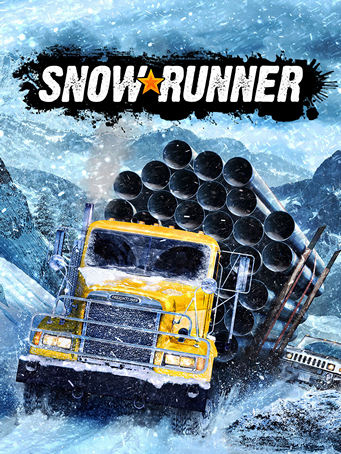
SnowRunner

Steam
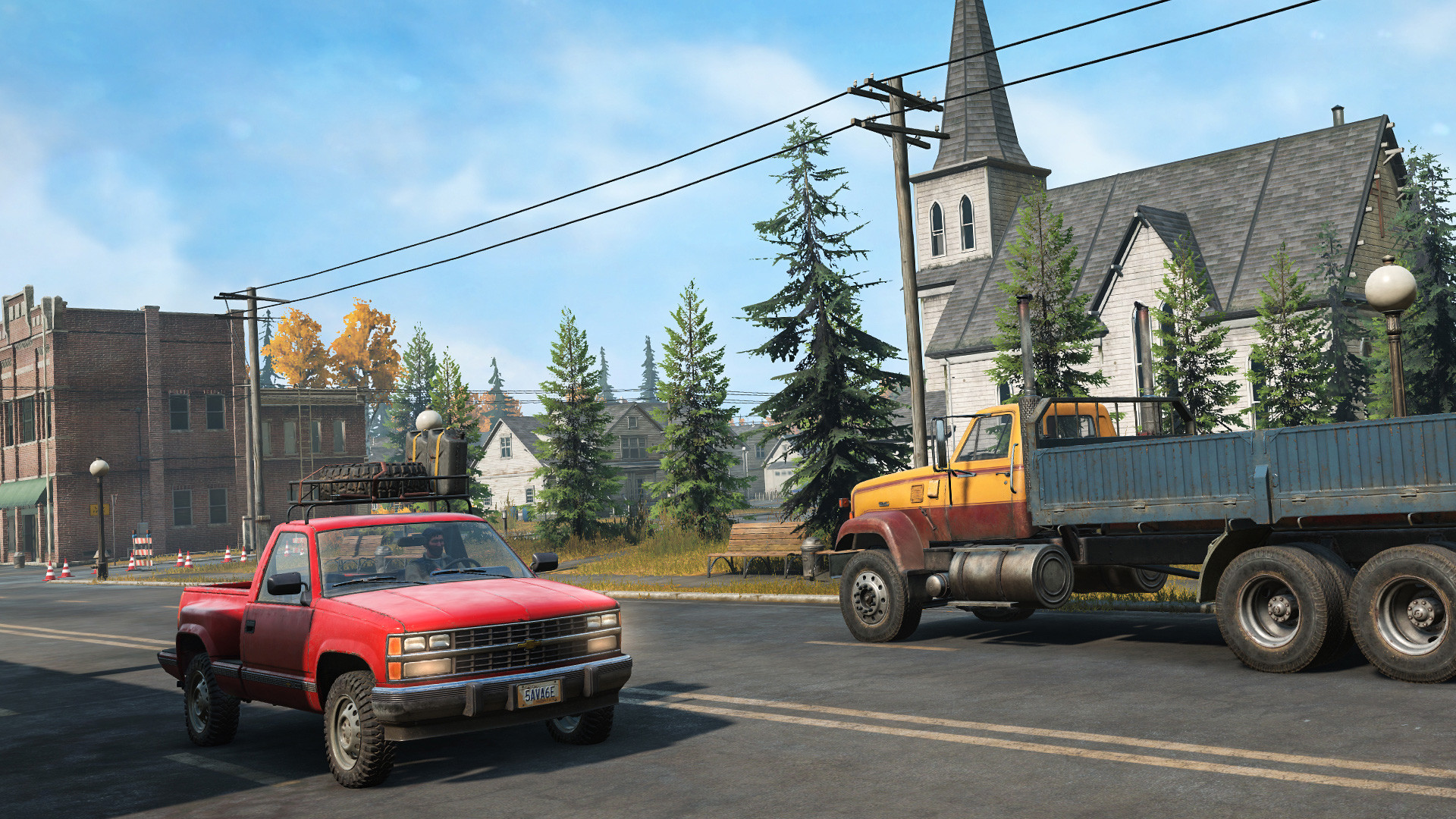
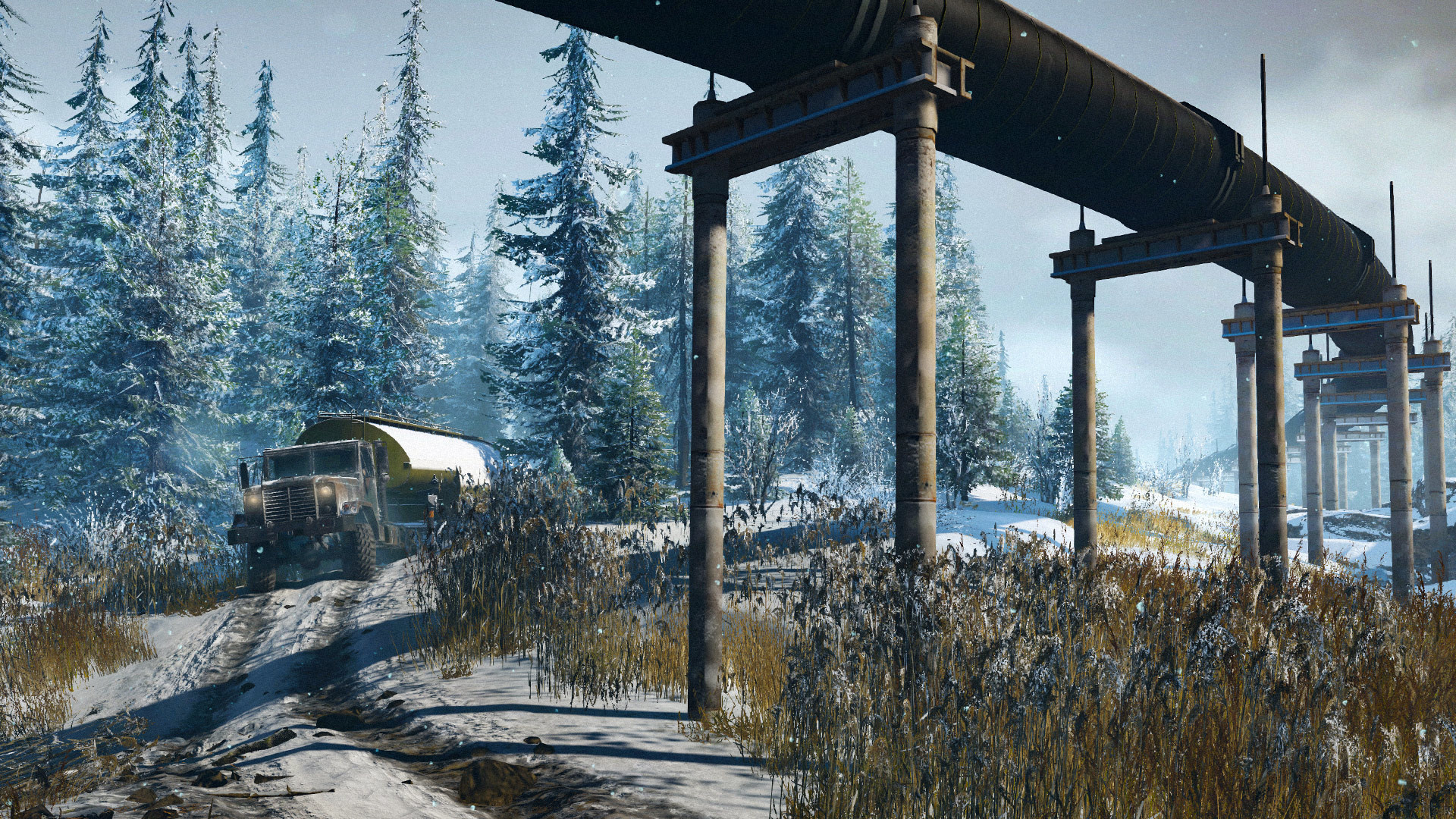
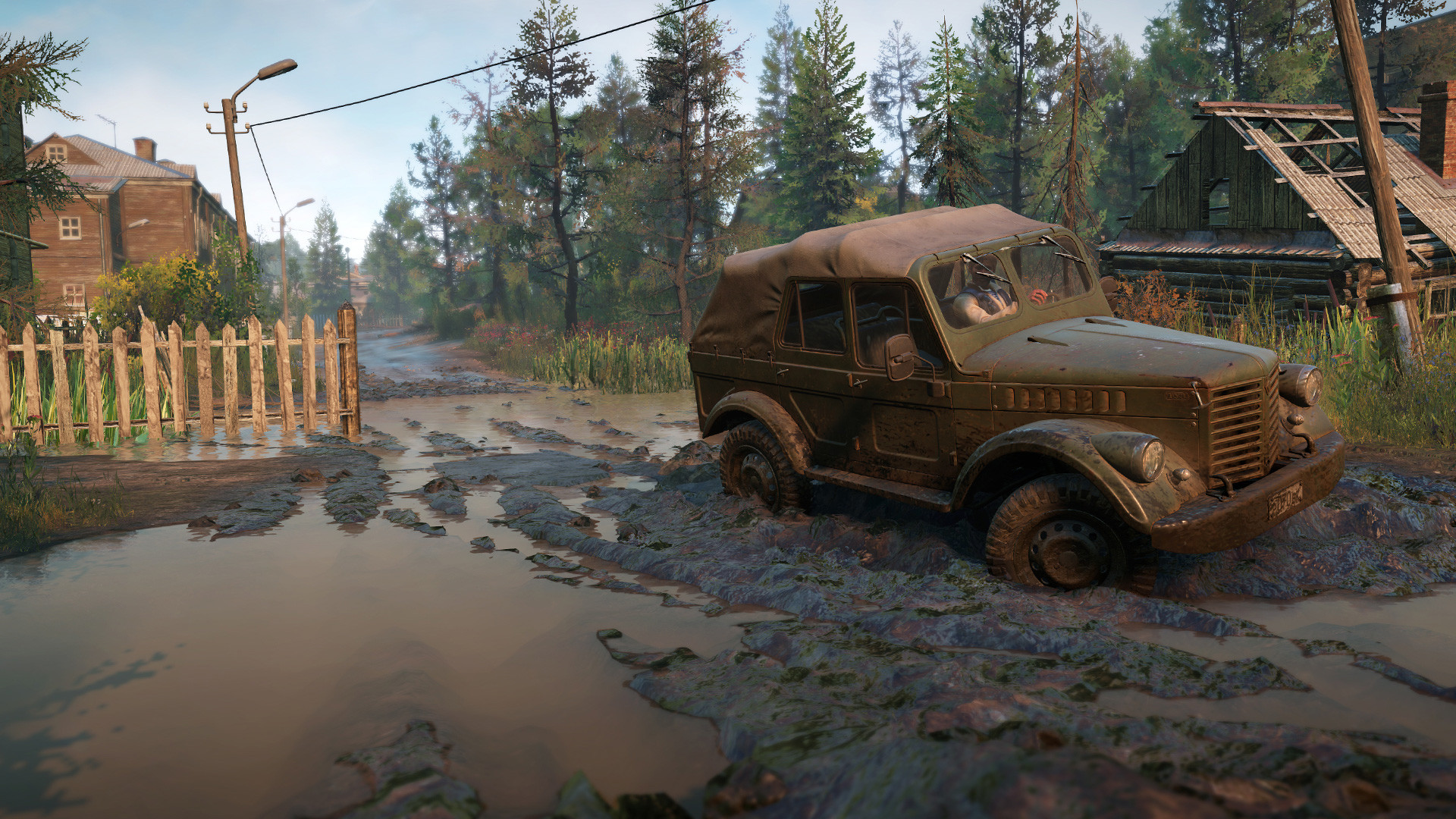
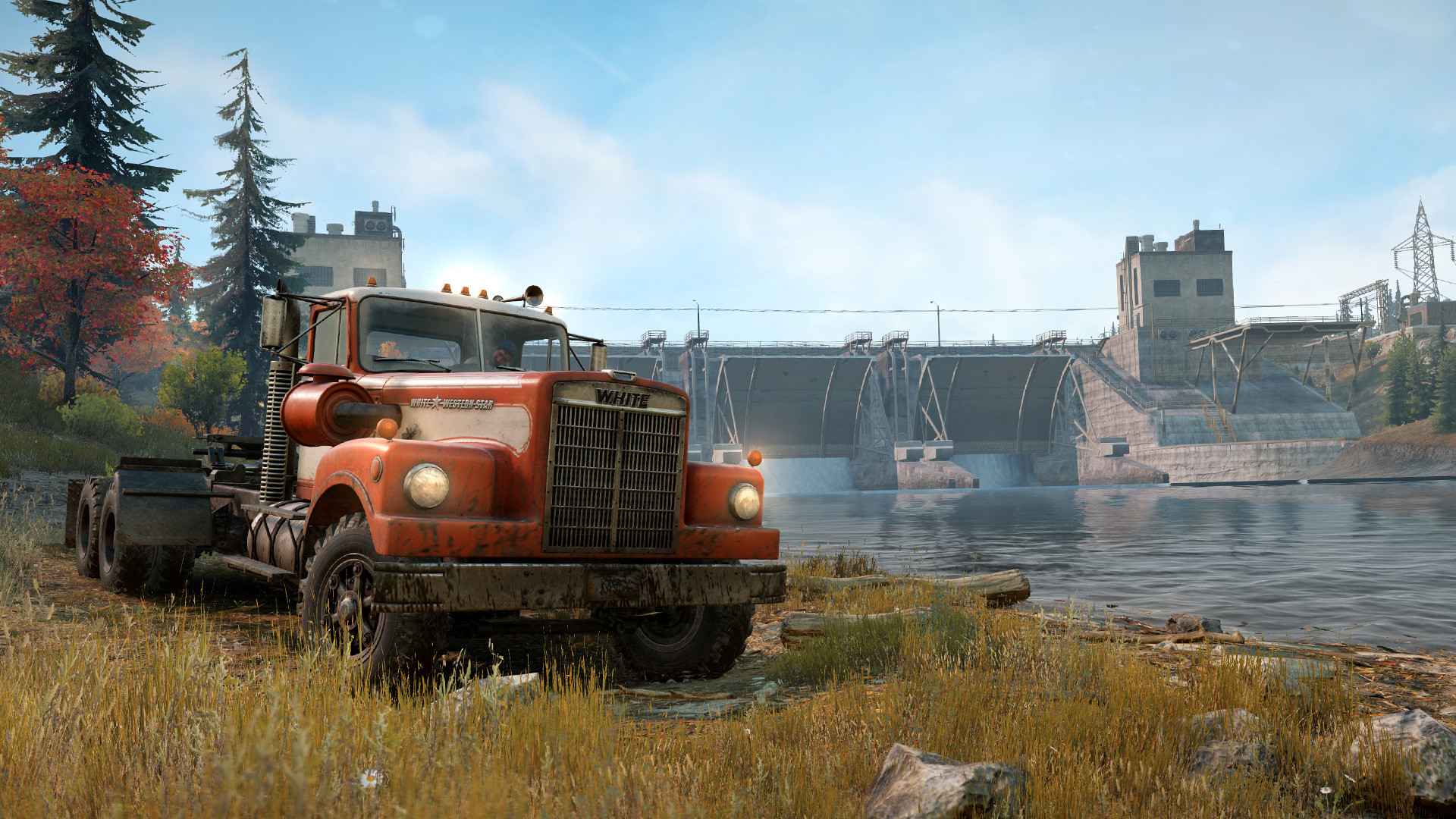
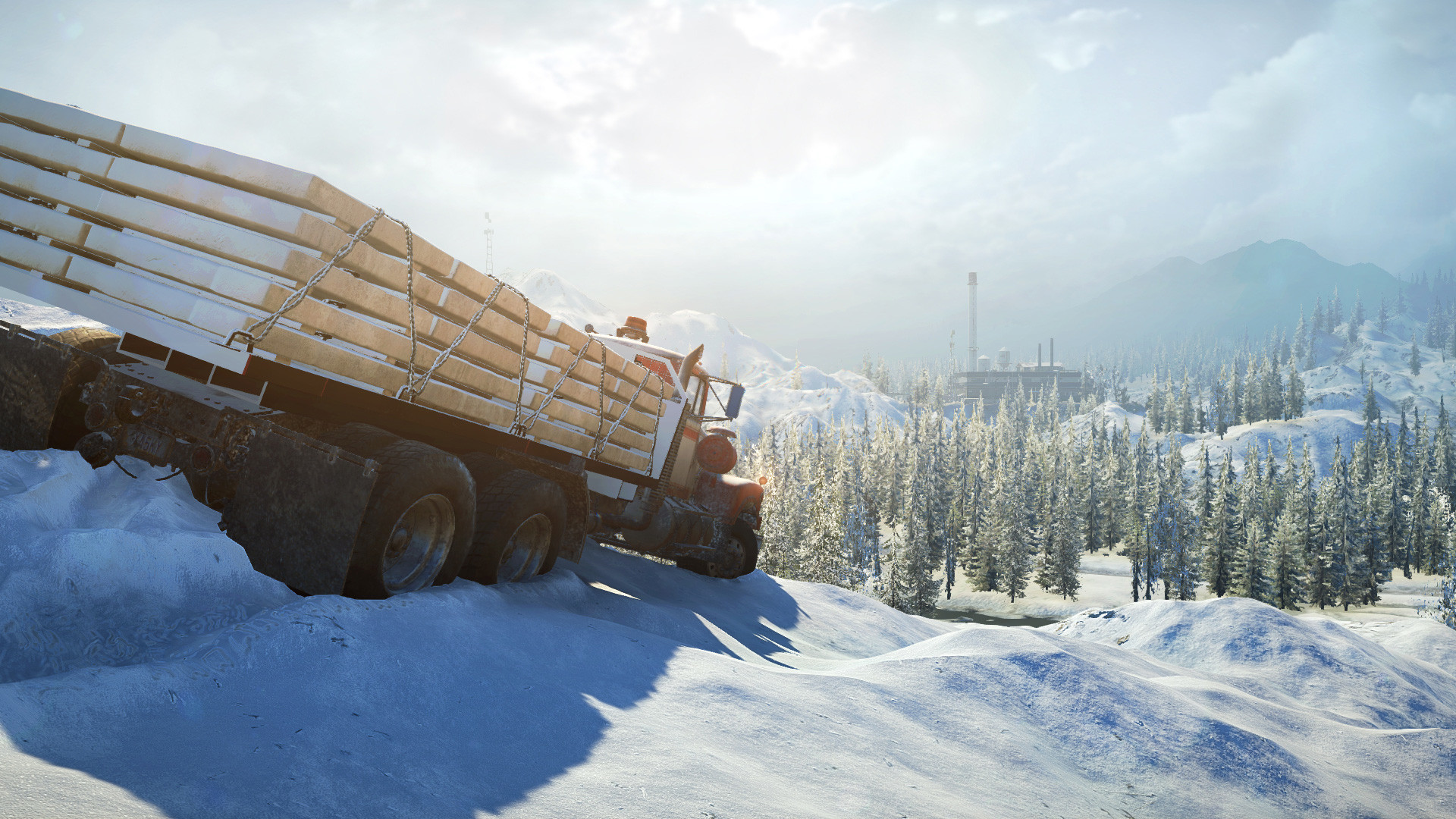
Get ready for the next-generation off-road experience!
SnowRunner puts you in the driver’s seat of powerful vehicles as you conquer extreme open environments with the most advanced terrain simulation ever. Drive 40 vehicles from brands such as Ford, Chevrolet, and Freightliner as you leave your mark on an untamed open world.
Overcome mud, torrential waters, snow, and frozen lakes while taking on perilous contracts and missions. Expand and customize your fleet with many upgrades and accessories including an exhaust snorkel for heavy waters or chain tires to battle the snow.
Ride solo or with other players in 4-player co-operative and expand your SnowRunner experience with community-created mods!
• Face extreme environments in a highly advanced physics engine
• 40 unique vehicles to unlock, upgrade, and customize
• Complete dozens of challenging missions across an interconnected world
• Go solo or play with other players in 4-player co-op
Minimum Requirements
Recommended Requirements
Release Date
18 MAY 20211. Click on this link and continue to finish installing Steam https://cdn.cloudflare.steamstatic.com/client/installer/SteamSetup.exe
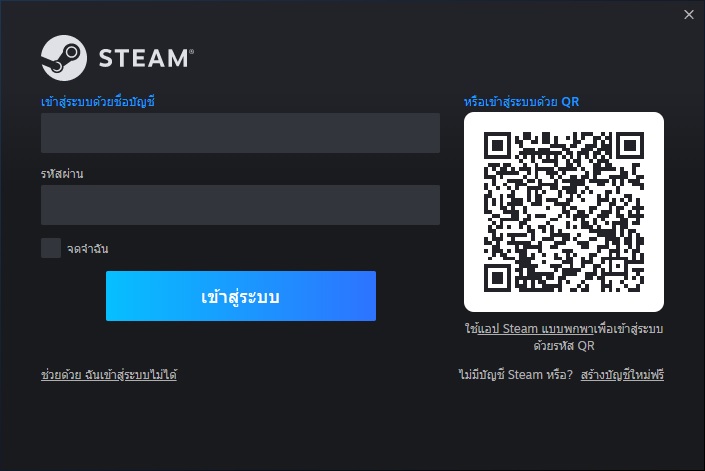
2. Run Steam and login or create an account
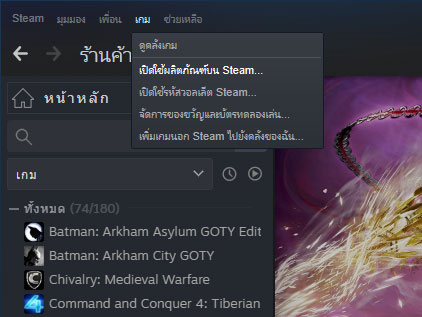
3. On the top left corner of the screen click on "Games" and select "Activate a product on Steam..."
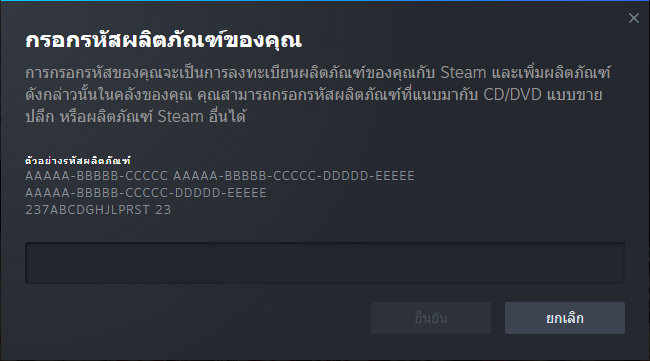
4. Click "Next" until you see the input form. Fill in your code then click "Next"
5. Your game activation is completed. Your game is ready to download. Once it's finished you'll be able to play the game immediately. Have fun!
There is no comment for SnowRunner
1. Click on this link and continue to finish installing Steam https://cdn.cloudflare.steamstatic.com/client/installer/SteamSetup.exe
2. Run Steam and login or create an account
3. On the top left corner of the screen click on "Games" and select "Activate a product on Steam..."
4. Click "Next" until you see the input form. Fill in your code then click "Next"
5. Your game activation is completed. Your game is ready to download. Once it's finished you'll be able to play the game immediately. Have fun!