Sign in
Sign in using


 Steam
Steam  EA app
  Ubisoft
  Microsoft Store
  Software
 Resident Evil 3
5 hours ago
— Sukrit
Crimson Desert
1 day ago
— supalerk
Max Payne 2: The Fall of Max Payne
— Premsinee
Final Fantasy XIV Online Complete Edition NA
รวดเร็วมากครับ
— Boy
Warhammer 40,000: Dawn of War IV

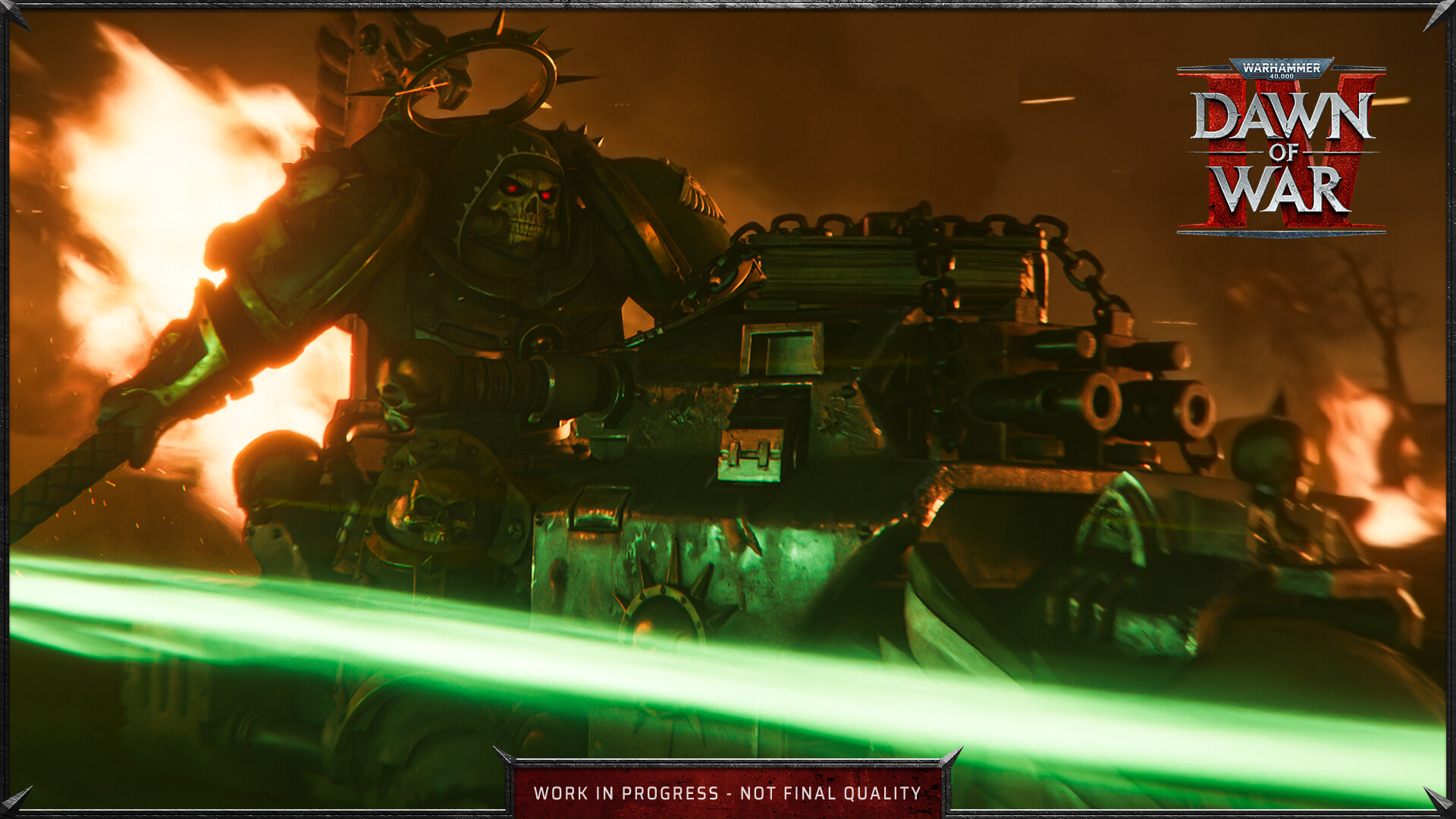
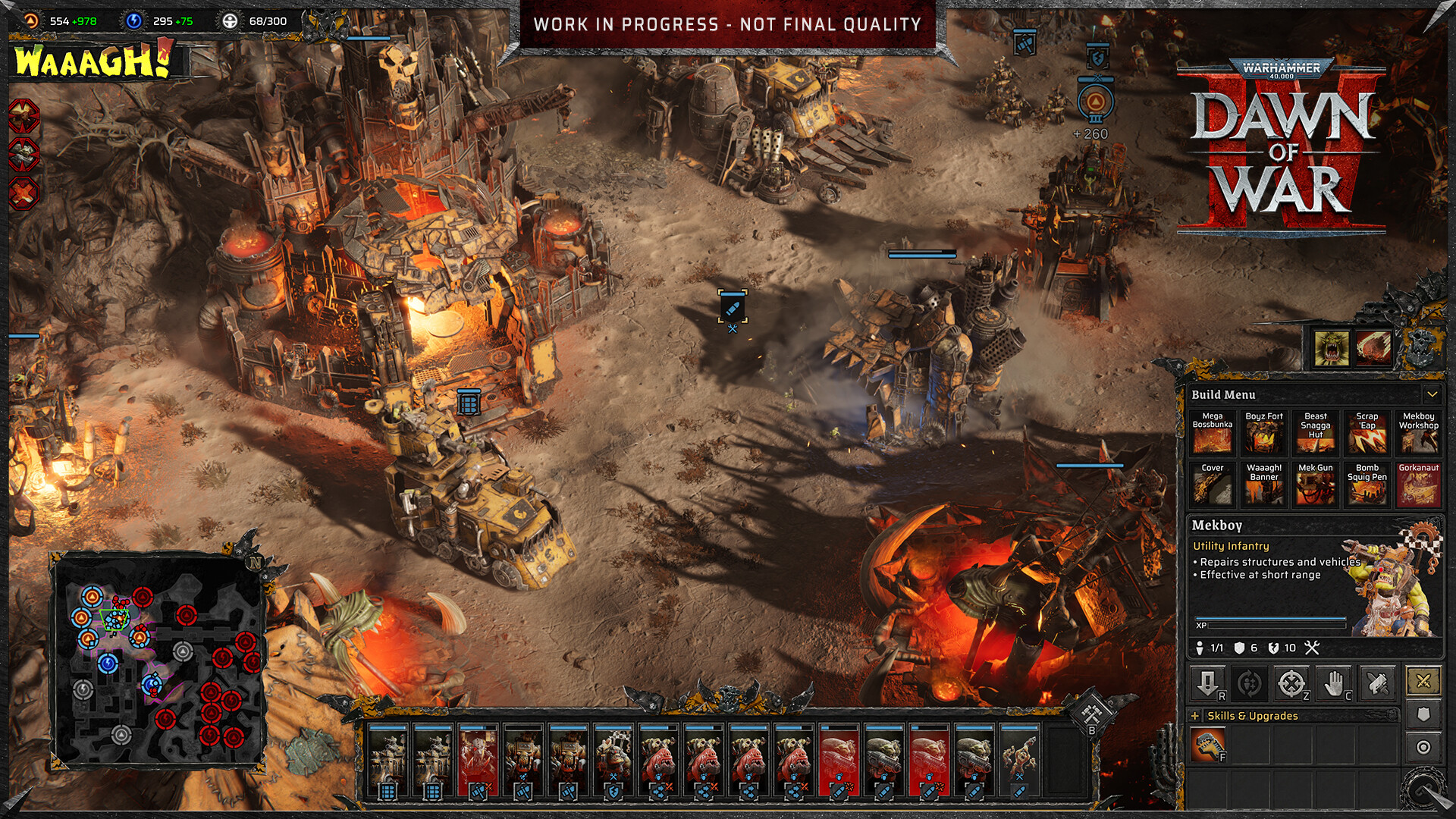
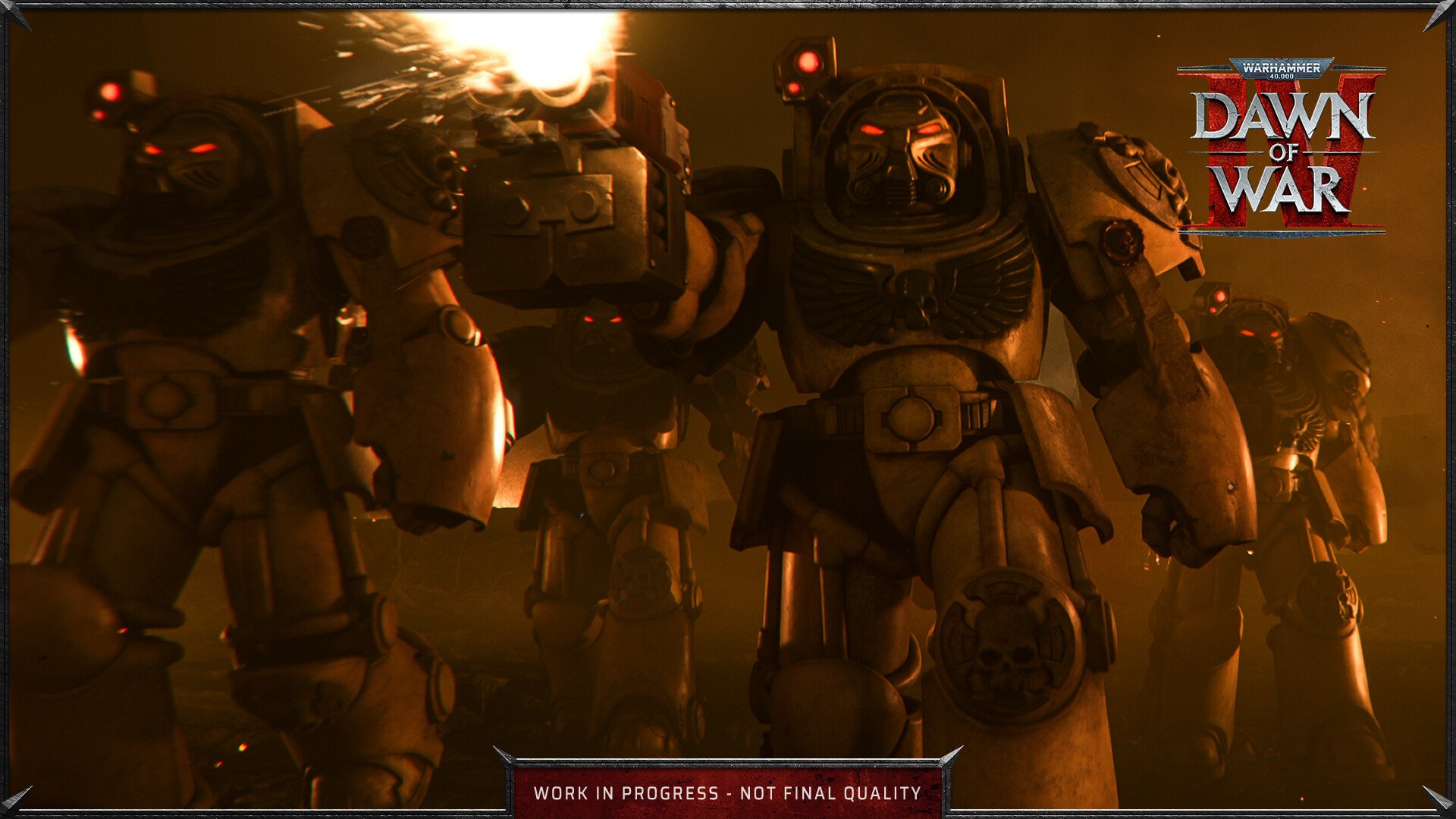
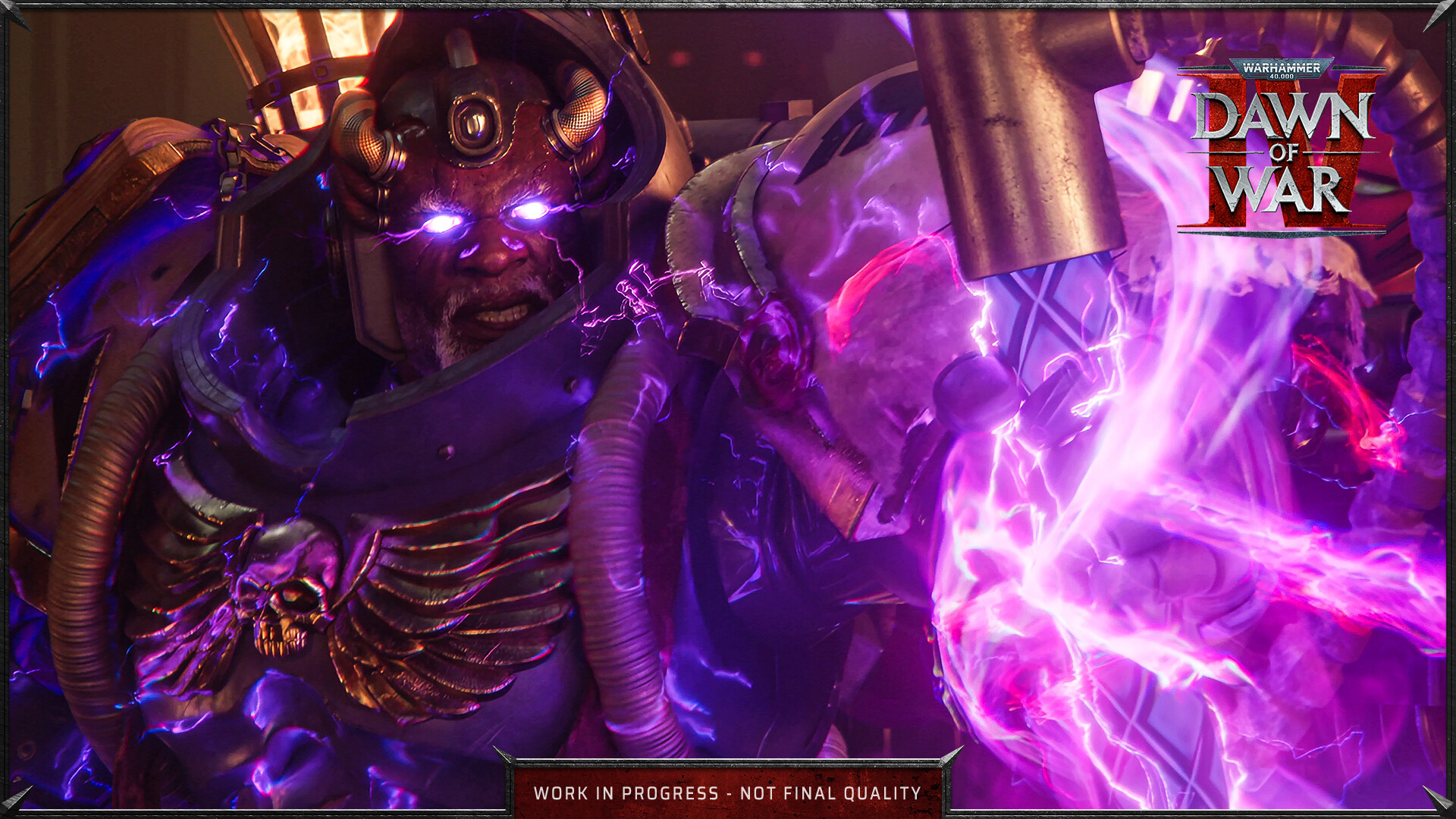
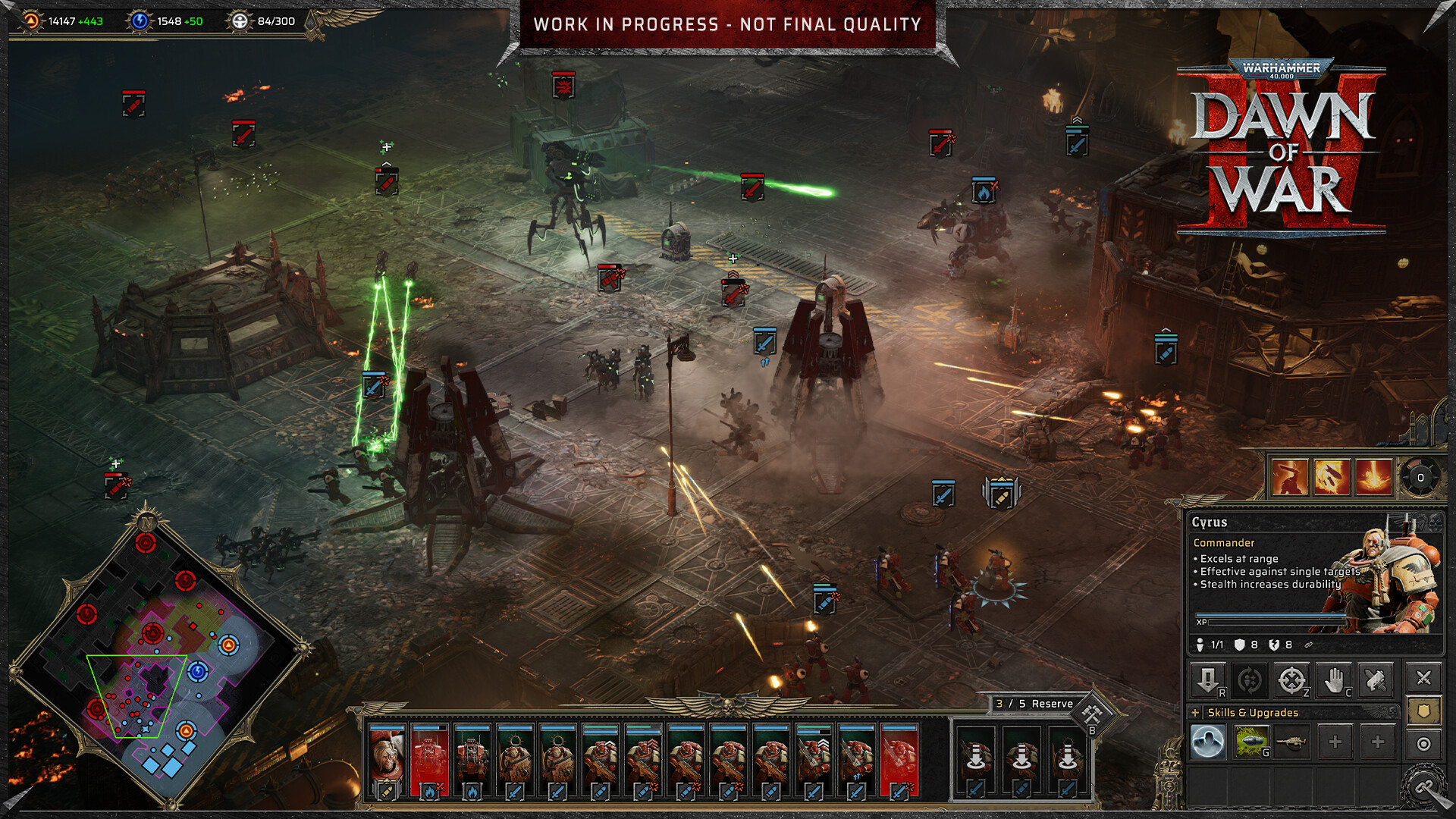
The series returns to its roots with classic Dawn of War gameplay and a combat system designed to bring Warhammer 40,000’s bloodthirsty combat to life like never before. Grow your force, build your base of operations, specialise your squads, and savour an expanded Sync Kill system that delivers an unprecedented degree of melee combat detail.
Each Uniquely Brutal
Take charge of four unique Warhammer 40,000 factions: the Space Marines, Orks, Necrons, and the Adeptus Mechanicus in their Dawn of War debut. Each faction grants you total control of a unique collection of Commanders, units, buildings and gameplay mechanics that dramatically alter the feel and flow of Warhammer 40,000‘s endless, brutal warfare.
Co-written by John French
Co-written by the legendary Black Library author John French, Dawn of War IV‘s epic story represents the biggest Dawn of War saga to date. In solo or co-op play, command each faction through its own dedicated campaign, supported by spectacular CGI intros and fully animated cutscenes.
Endlessly Replayable
Enjoy an endlessly replayable collection of game modes, including the return of fan-favourite Last Stand! Fight highly-configurable AI battles in Skirmish, or take on the world in 1v1, 2v2 and 3v3 multiplayer. Wherever you’re waging war, use the Painter tool to stamp your own unique personality on your fighting forces, as well as the option to use existing factions from the Warhammer 40,000 universe.
Release Date
3 DEC 20261. Click on this link and continue to finish installing Steam https://cdn.cloudflare.steamstatic.com/client/installer/SteamSetup.exe
2. Run Steam and login or create an account
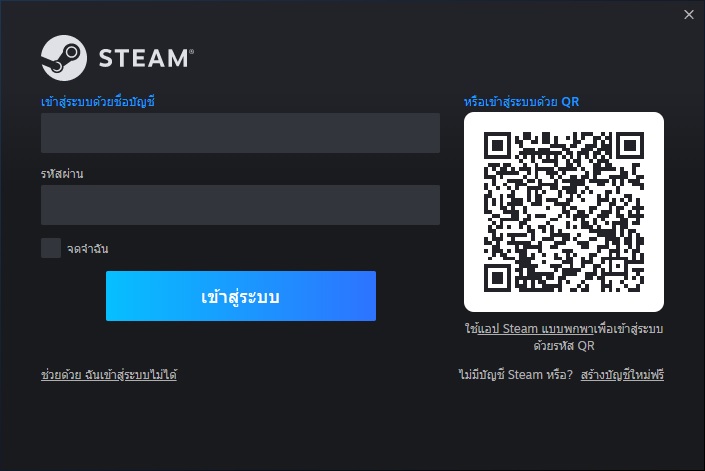
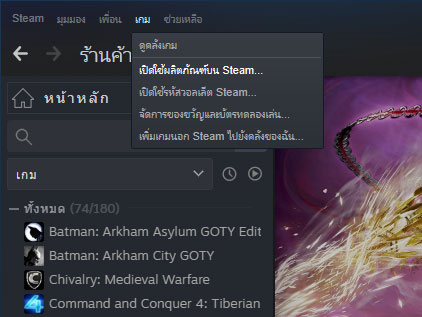
3. On the top left corner of the screen click on "Games" and select "Activate a product on Steam..."
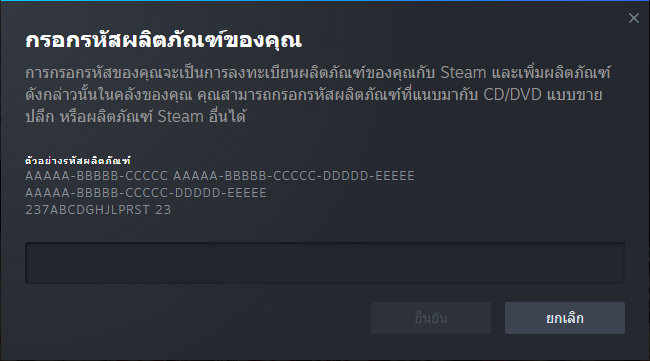
4. Click "Next" until you see the input form. Fill in your code then click "Next"
5. Your game activation is completed. Your game is ready to download. Once it's finished you'll be able to play the game immediately. Have fun!
There is no comment for Warhammer 40,000: Dawn of War IV
1. Click on this link and continue to finish installing Steam https://cdn.cloudflare.steamstatic.com/client/installer/SteamSetup.exe
2. Run Steam and login or create an account
3. On the top left corner of the screen click on "Games" and select "Activate a product on Steam..."
4. Click "Next" until you see the input form. Fill in your code then click "Next"
5. Your game activation is completed. Your game is ready to download. Once it's finished you'll be able to play the game immediately. Have fun!