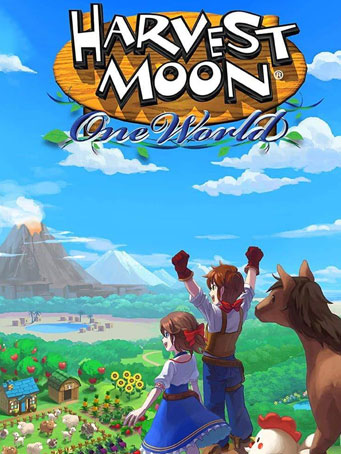
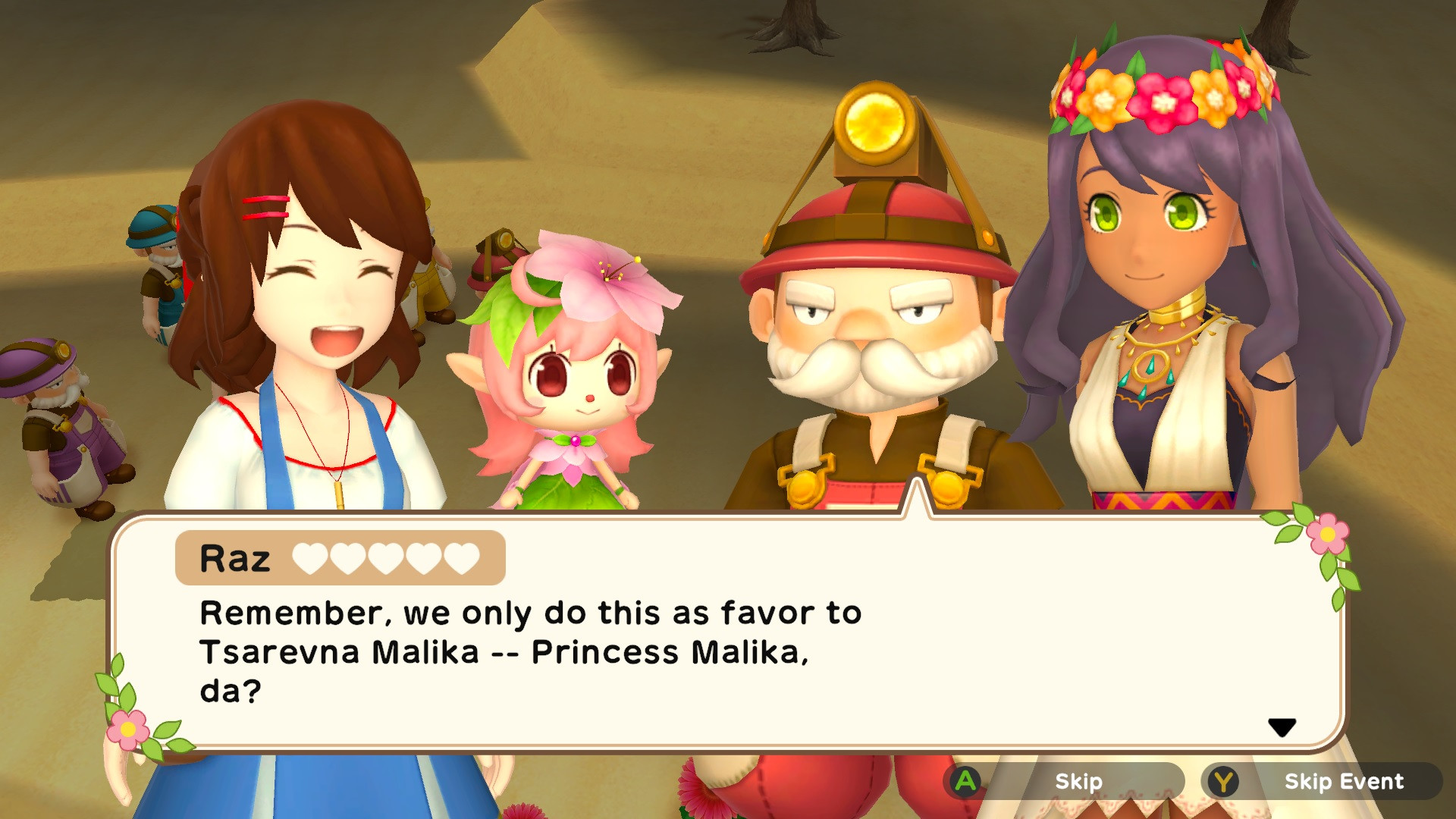
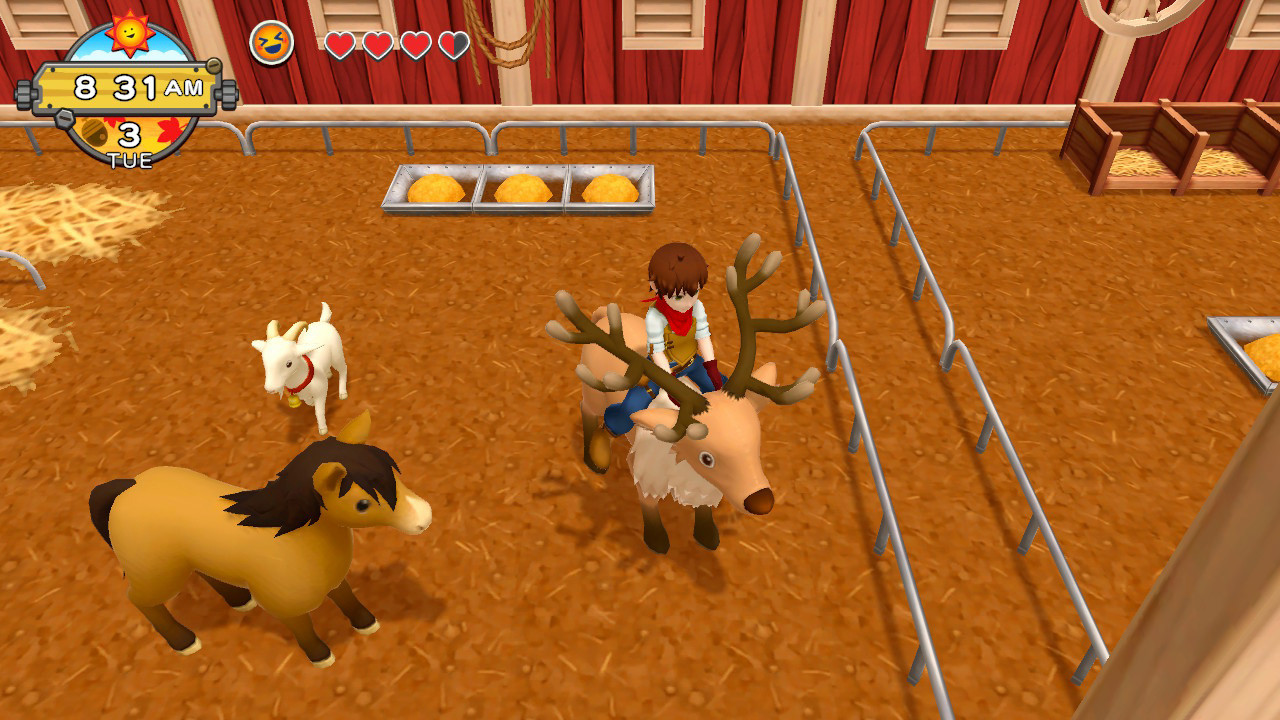
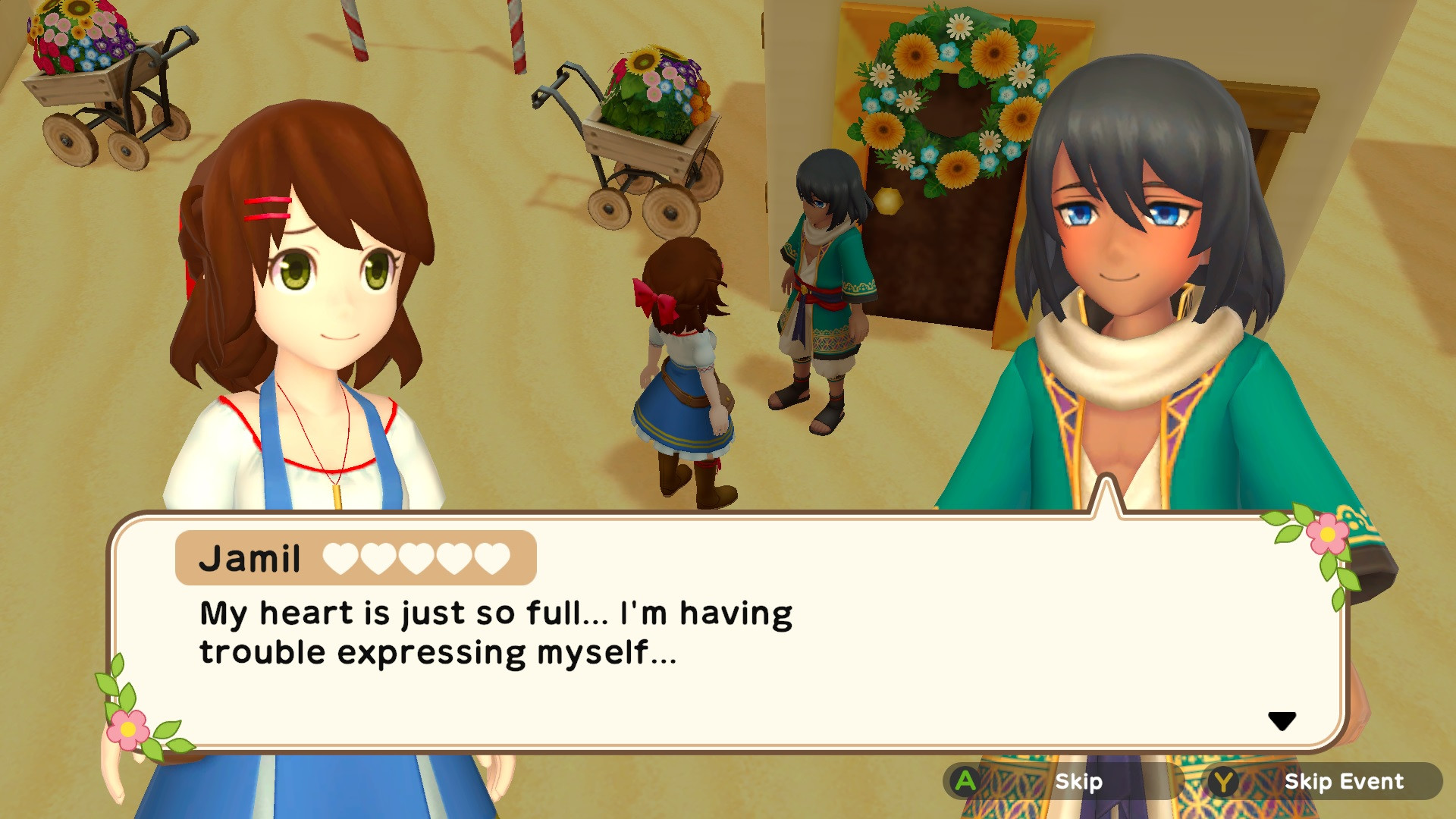
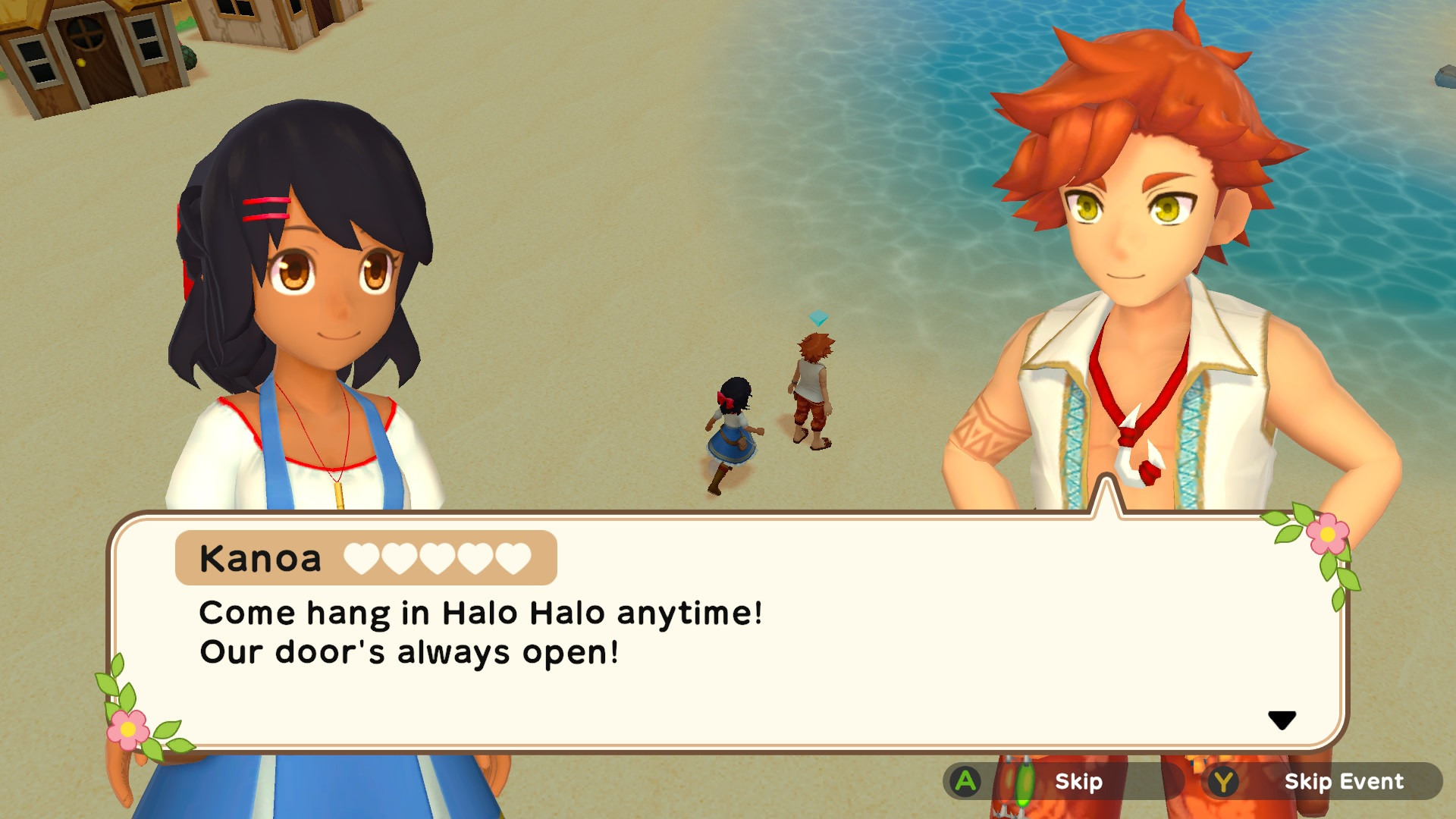
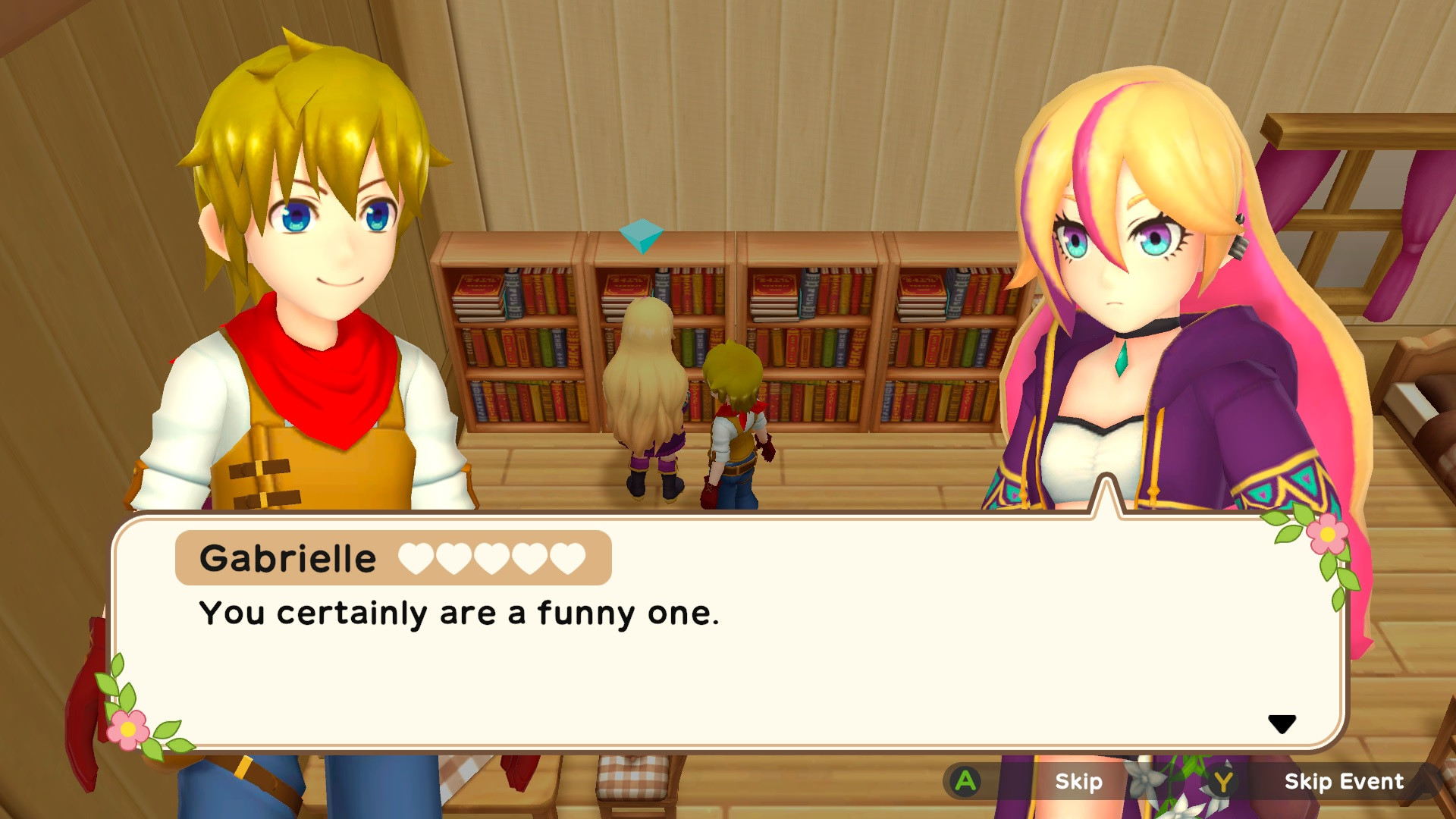
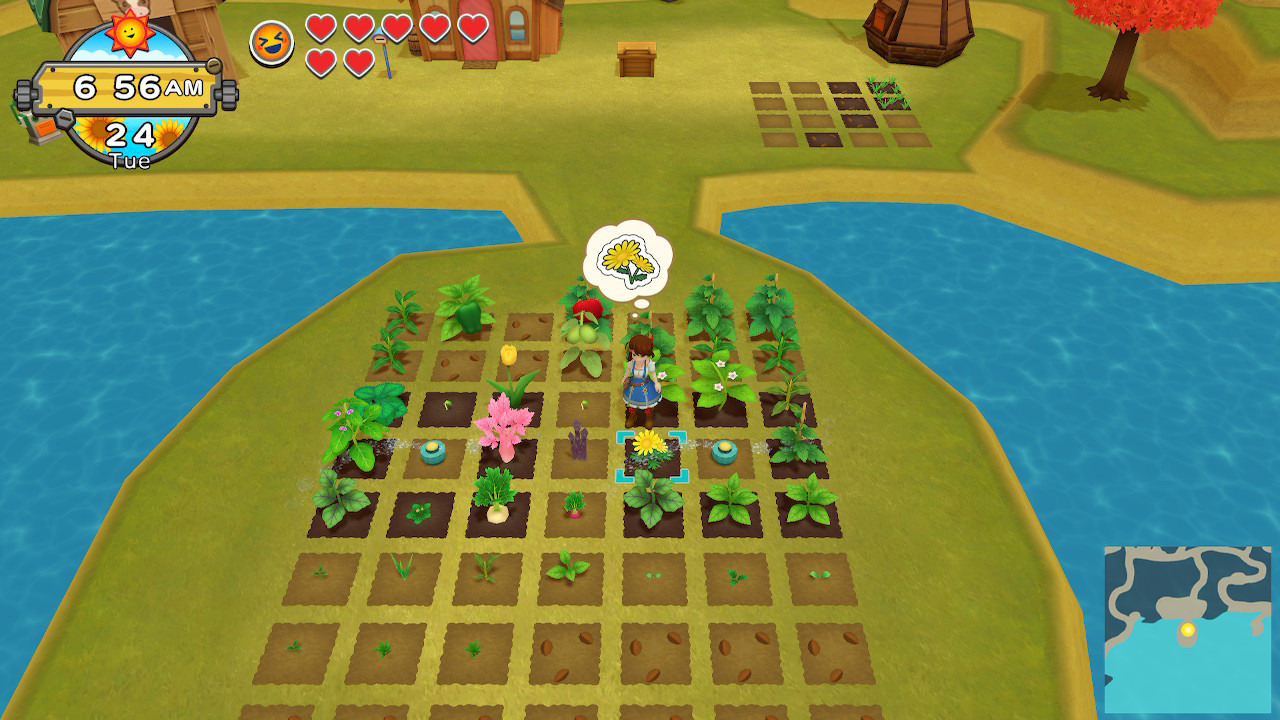
Trek across beaches, the desert, and even a volcano in the latest entry into the long-running Harvest Moon series! The Harvest Goddess has gone missing, and it's up to you to help bring her back! Along the way, you'll come across cows, sheep, camels, and even reindeer! Dig in, because in this game, the world is literally your oyster!
Before the Harvest Goddess disappeared from this world, she imbued the tiny Harvest Wisps with the knowledge of various seeds, thus ensuring the various fruits and vegetables of the world would not be lost. Using the power given to these Harvest Wisps, you'll unlock various seeds as you progress through the game! But the Harvest Wisps can be tricky to find, as they all appear at different times and places. You'll need to use your noggin to make sure to seek as many as you can of them out!
• Set off on an adventure around the world to revive the Harvest Goddess!
• Explore 5 unique and colorful areas: the sprawling grasslands of Calisson, the gorgeous beaches of Halo Halo, the searing desert heat of Pastilla, the cozy hills of Lebkuchen, and the snowy mountains of Salmiakki!
• Play as a boy or a girl and woo one of 5 bachelors and 5 bachelorettes, each with their own unique personality and backstory!
• Raise and keep animals such as cows, sheep, goats, and even reindeer!
• Use your Expando-Farm to easily travel from one area to another!
Minimum Requirements
- OS: Windows
- Processor: Intel Core i5-8265U
- Memory: 8 GB RAM
- Graphics: Intel UHD Graphics 620
Release Date
7 SEP 2021


 Steam
Steam  EA app
  Ubisoft
  Microsoft Store
  Software